hstassen hstassen

hstassen

▼

hstassen

No Widget

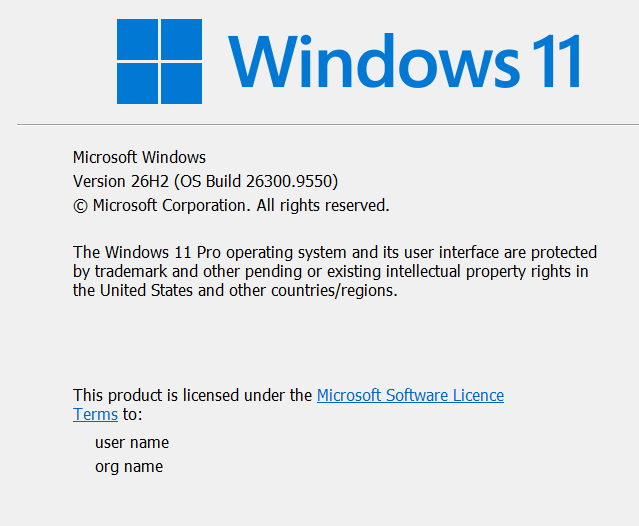
Windows Version Number: Windows 11 version 26H2
App Version: 3.0.0.4

Sire,

I am experiencing an issue with Start11 v3, version 3.0.0.4.

I performed a clean installation after restoring a previous Windows 11 system backup.

Before installing Start11 v3, I completely removed Start11 v2 using Revo Uninstaller, including its settings. I restarted Windows, cleaned the registry, and temporarily disabled Norton antivirus during installation.

The problem:

  1. I am using Windows 11 Style.

  2. I create a new, empty group in the Start Menu.

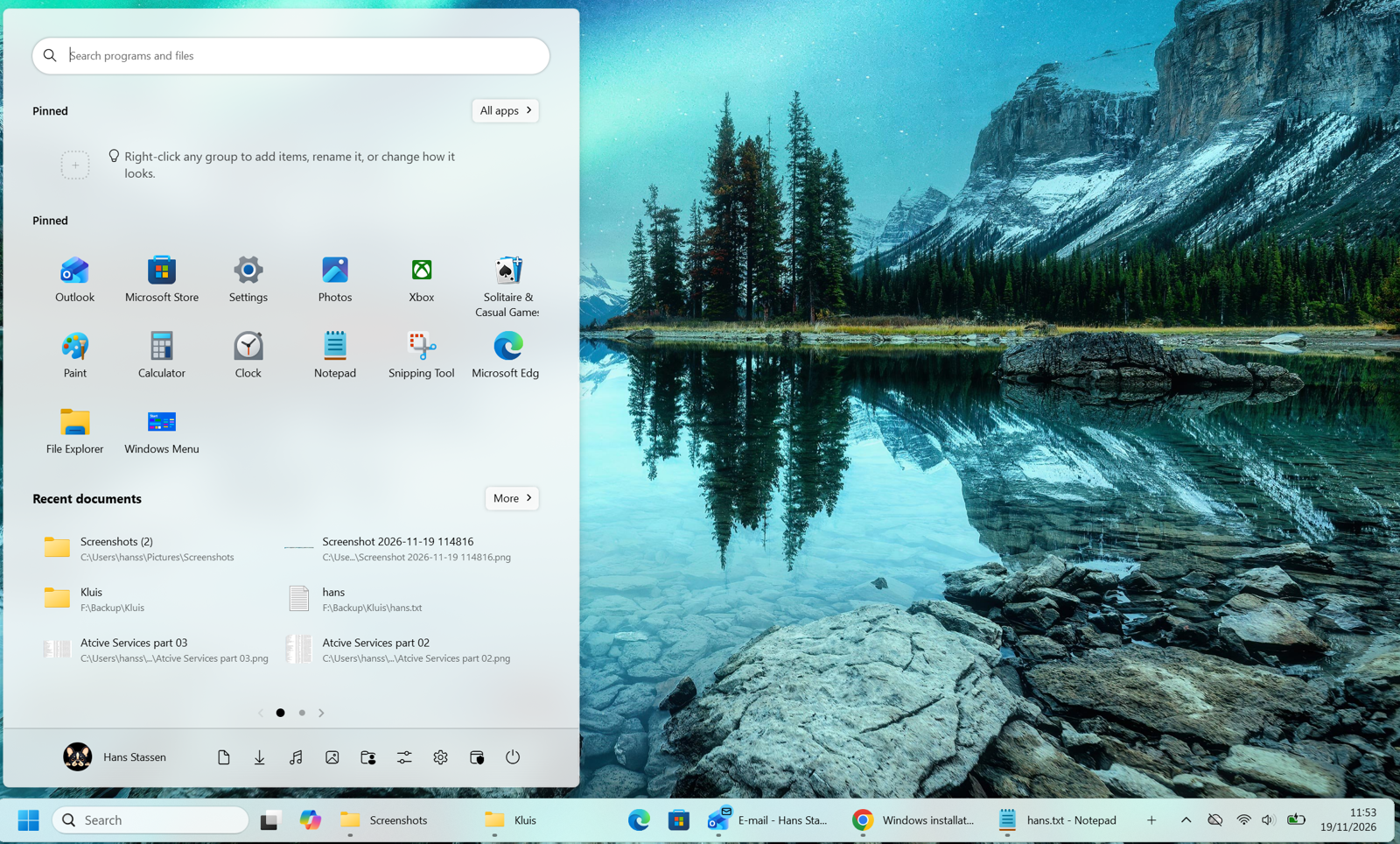
  3. I right-click inside the group and select Add → Widget.

  4. The list of available widgets appears.

  5. I select a widget, but it does not appear in the group.

  6. Adding a regular application, such as Brave, works correctly.

  7. Adding a widget to the group containing Brave also fails.

Enhanced Taskbar is enabled.

Could you please confirm whether this is a known issue in version 3.0.0.4, and whether a fix is planned?

Is an earlier beta build available for testing?

Thank you for your assistance.

===

System Information:

  • Operating System: Windows 11 Pro

  • Windows Version: 26H2

  • OS Build: 26300.9550

  • Start11 Version: 3.0.0.4

  • Start Menu Style: Windows 11 Style

Additional information:

Regular applications can be added to Start Menu groups without any problems. However, widgets cannot be added, even after a clean installation of Start11 v3.

Could this issue be related to Windows 11 version 26H2, or is it a known bug in Start11 v3 Beta?
Thanks, [email protected]

924 views 70 replies +2 Loading…
Reply #51 Top

Thanks. I also reproduced the issue on a clean Windows 11 installation with the Start11 development build. I confirmed that .NET Desktop Runtime 10.0.15 x64 is installed. When I manually launch Stardock’s Widgets.Host.exe, it stays running, but clicking the plus button still doesn’t add a widget. Could we compare the exact Windows and Start11 builds used in the Sandbox test? Is there a diagnostic trace that shows whether Start11 sends the add-widget request and whether the host receives it?

Reply #52 Top

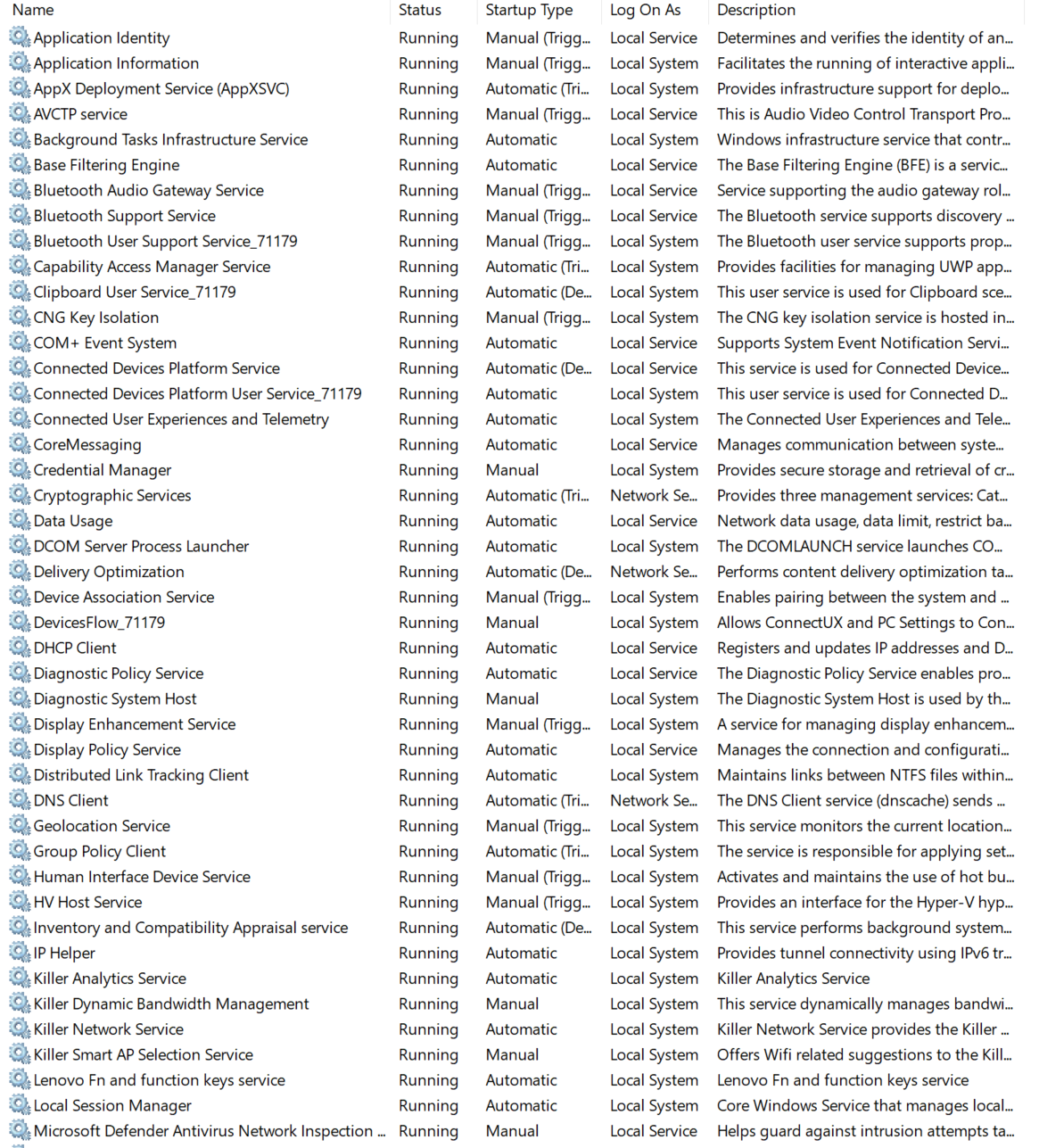
I recommend running clean boot again and check the Services running in the Task Manager for anything suspicious that might be causing the issue. If it runs in the sandbox it should run in clean boot state.

Reply #53 Top

Hi Pelaird, I checked the running services in Task Manager during the clean boot. Norton was the only third-party service I saw running before I manually started the Start11 service. Norton remained active because I couldn’t stop it. After starting the Start11 service, I could open Start11 again, but clicking the plus button still didn’t add a widget. I also reproduced the widget issue on a separate clean Windows 11 installation with the Start11 development build.

Thanks,
Hans

Reply #54 Top

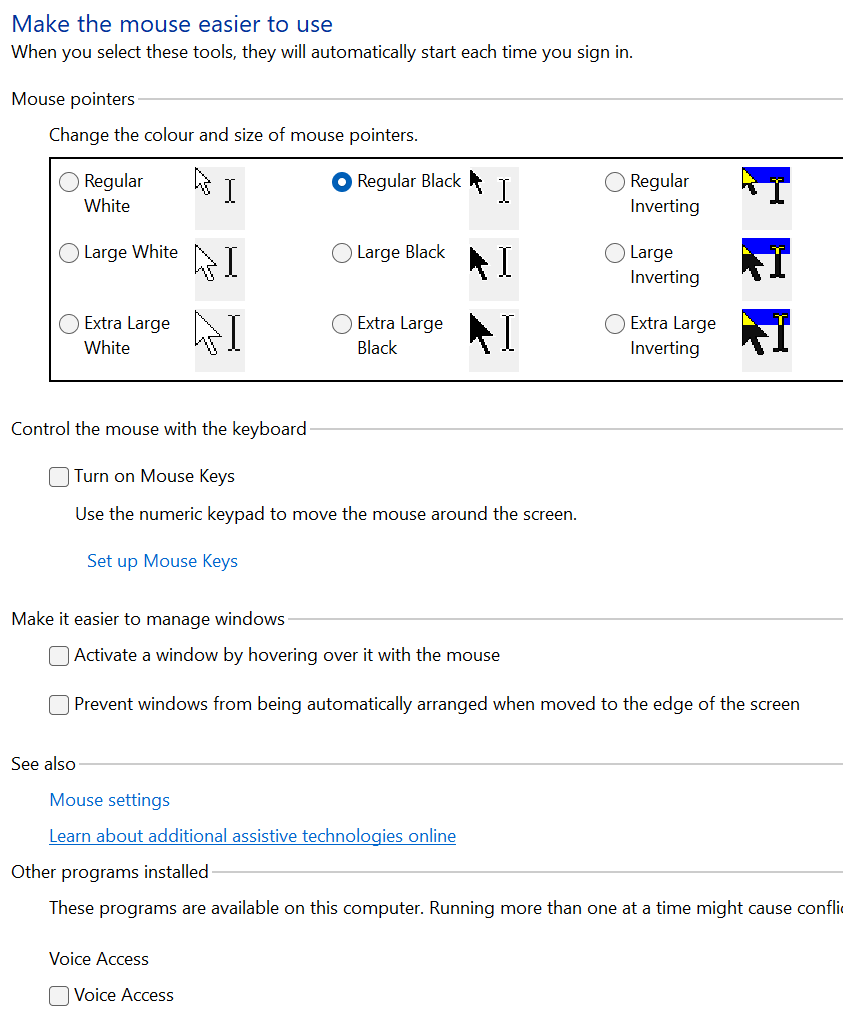
Do you have settings enabled to switch focus based on where the mouse is or anything like that?

Adding widgets themselves is a local process, nothing accesses the internet to do that.  A widget could access the internet like the RSS one but things like the clock never would.

Reply #55 Top

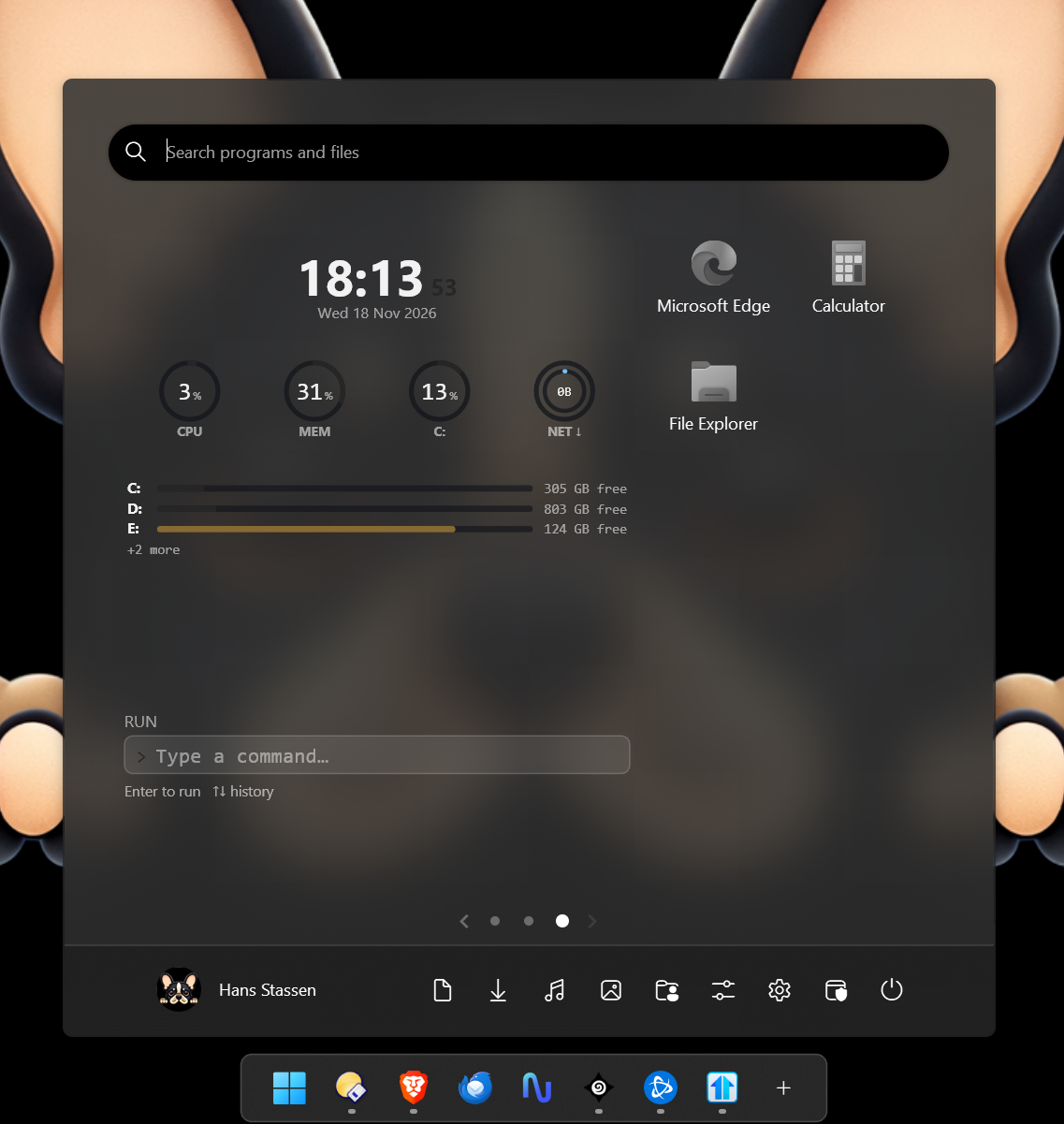
I checked the Windows mouse-focus setting. “Activate a window by hovering over it with the mouse” is unchecked. When I click the plus button in Start11, it briefly changes color, but the widget still doesn’t appear. Is there another focus-related setting you’d like me to check? 
Reply #56 Top

Could you provide instructions for capturing a diagnostic trace when I click the plus button to add a widget? I can reproduce the issue on a clean Windows 11 installation with default settings and the Start11 development build. The button briefly changes color, but the widget never appears. I’d like to capture whether Start11 sends the request, whether Widgets.Host.exe receives it, and whether either component reports an error.

Thanks,
Hans

Reply #57 Top

Have you tried disabling Norton to see if that makes any difference. Also, check the logs in Norton for anything related to the widgets.

Reply #59 Top

I reproduced ppetroff60’s result. Importing the Ghost Widgets page from the Online Library works, and the clock and system meters appear. On the same installation, Add → Widget → Calculator still doesn’t add a widget. Could you compare what Start11 does in these two cases? 
Reply #60 Top

Have you tried disabling Norton to see if that makes any difference. Also, check the logs in Norton for anything related to the widgets or Start11.

The fact that ppetroff60 got an "Access Denied" leads me to believe something is blocking access to the widgets. My suspicion is security software.

Reply #61 Top
Quoting hstassen, reply 4150271

I have made an interesting discovery while investigating the widget issue in Start11 v3 beta 3.0.0.4.

I created additional Start menu pages using the available page templates.

On Page 2, I found an existing Clock widget that works correctly.

End of hstassen's quote

This got me thinking. Is it possible that when you try to add a widget, it is actually added, but it is added to a page that is not showing in your start menu. When you create a new page, there is the widget you just tried to add.

Test this and see if this is what occurs.

Reply #62 Top

So i install a clean new windows 11 with no extra and install start11 + dotnet 10.

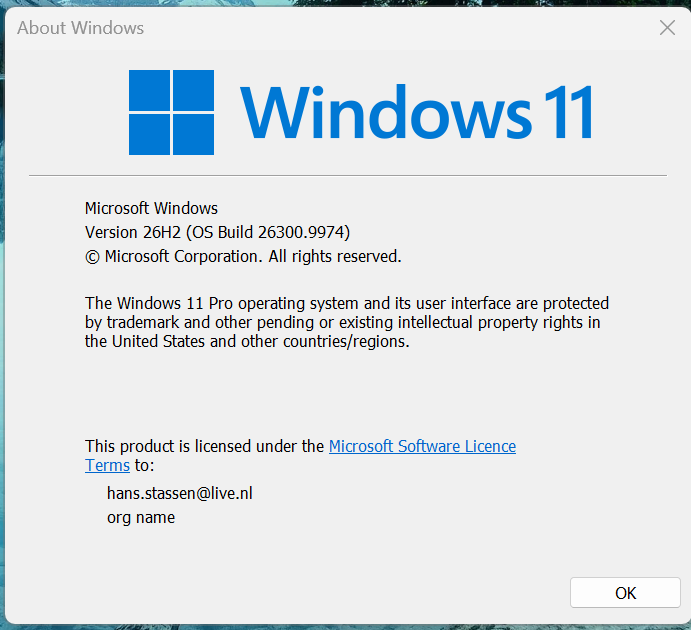
I reproduced the widget issue on a fresh installation of Windows 11 Pro 26H2 (OS build 26300.9974) after installing Start11.

With Windows 11 Style selected and Enhanced enabled, I tried to add a widget to an empty group. The + button briefly changed color, but no widget appeared and no error message was shown.

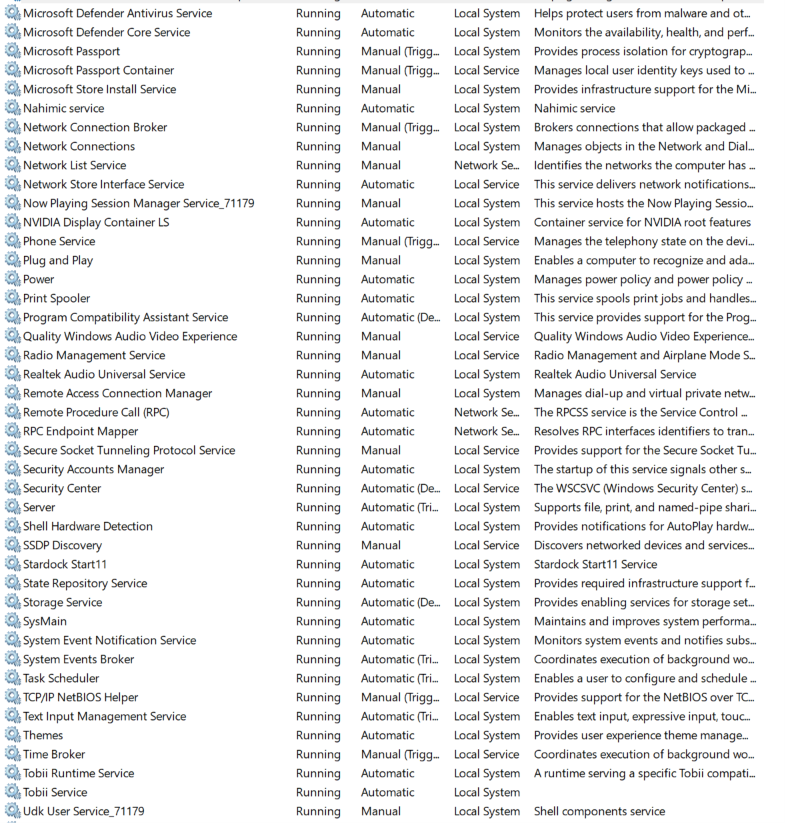
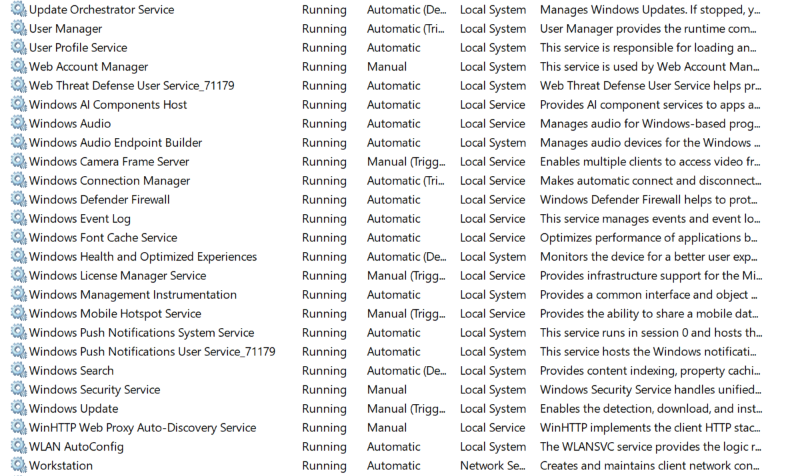
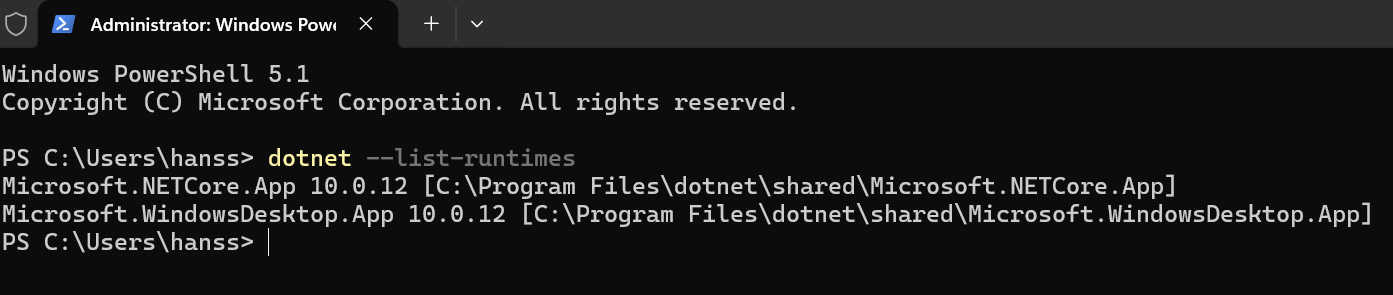
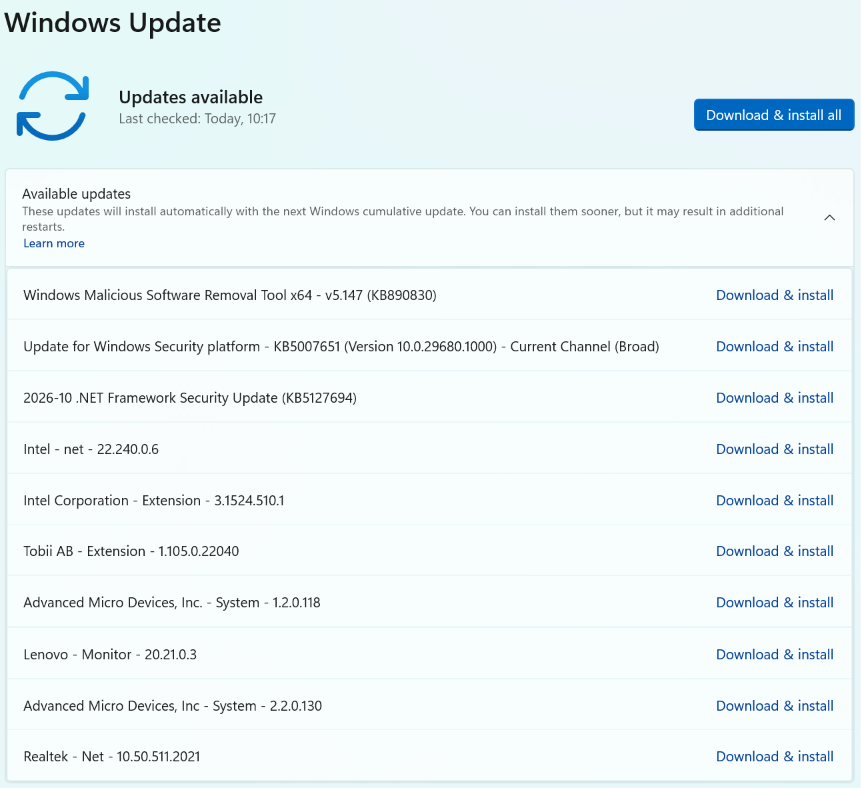
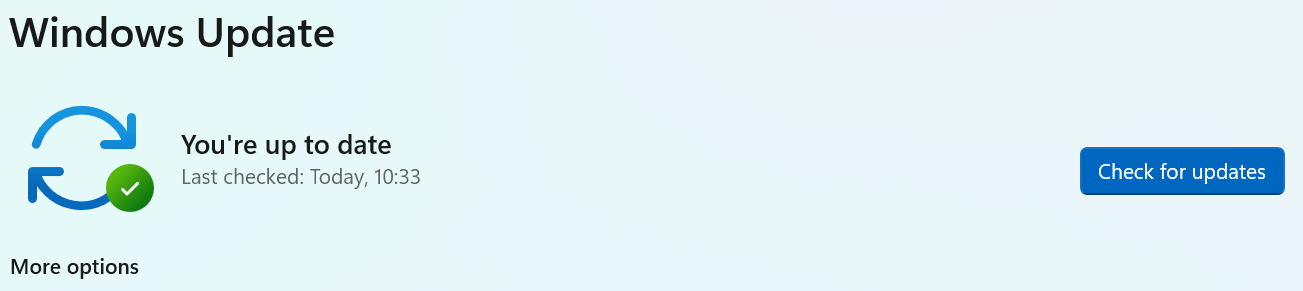
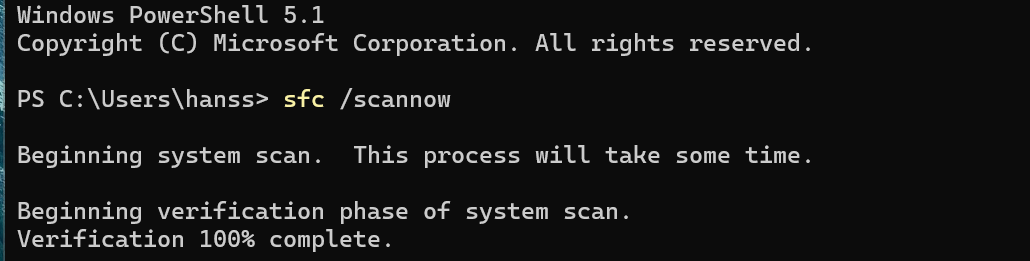
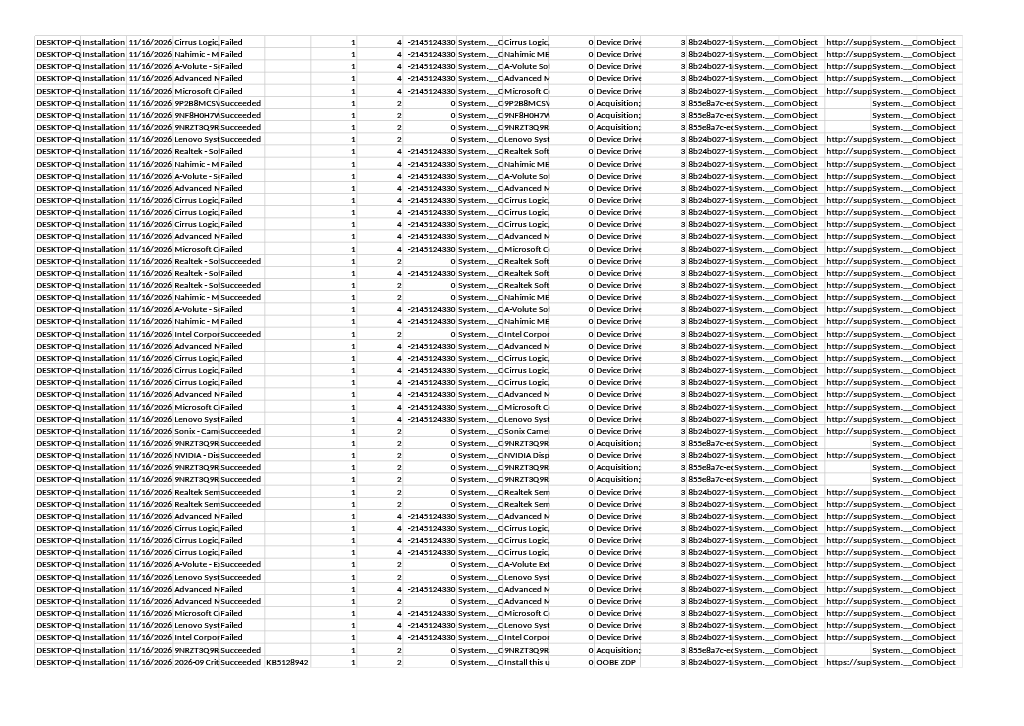
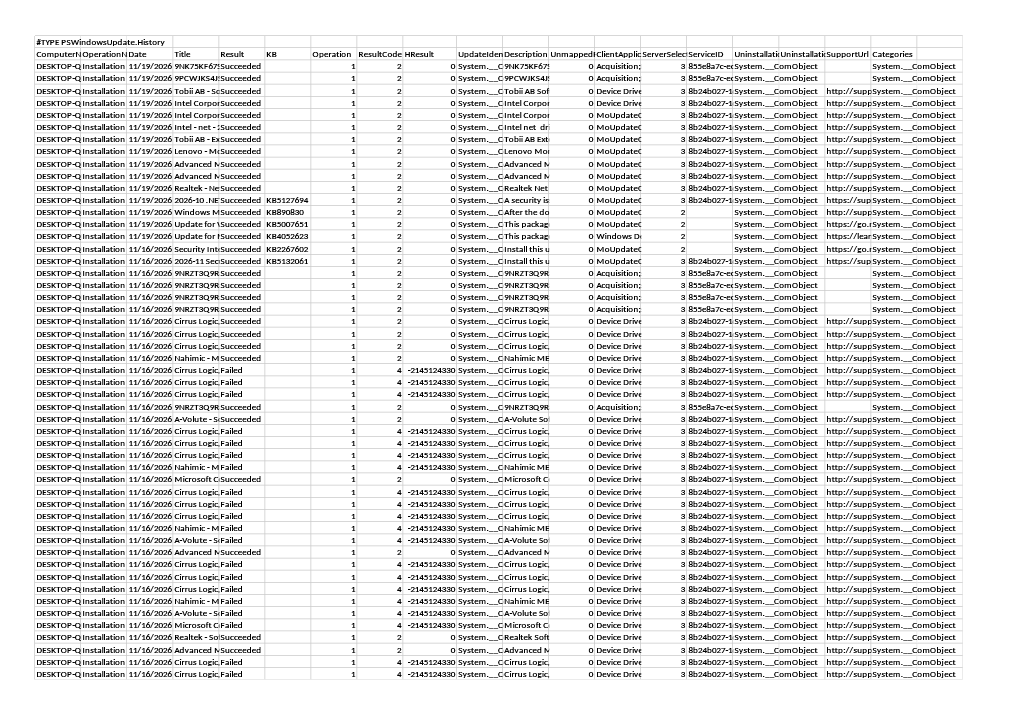
I’ve attached screenshots of the Start menu, the running services, Windows Update, and the system checks. Here’s what I verified:

  • The Stardock Start11 service was running and set to Automatic.
  • Both the .NET Runtime and the .NET Desktop Runtime are installed, version 10.0.12.
  • Windows Update reported “You’re up to date.”
  • DISM /Online /Cleanup-Image /RestoreHealth completed successfully.
  • sfc /scannow reached 100% verification. The screenshot ends before the final result.

Is there a Start11 log or diagnostic trace I can capture when I click +? If you suspect a service conflict, could you point out which service in the screenshots you’d like me to test?

Thanks,
Hans


Drop image here
Reply #66 Top

I'll stick with my bare Windows 11 installation without additional software. If start11 works with widgets then I will make further adjustments. If you have any questions or need information, please let me know.

Reply #67 Top

I hope this gets resolved for you.

I just installed 26300.10075 and adding widgets work as expected.

What I don't understand is why it doesn't work on a clean install of Windows with only Start11 installed on your machine. The only thing I can see that is different is the BIOS by Lenovo, or possible some proprietary Lenovo software. Or maybe it's a Permission setting for the Widget folder or the Widgets.Host app in Windows.

Hopefully Neil can figure out what's going on.


Reply #68 Top

Thank you for your feedback and for taking the time to think about this issue.

One interesting observation is that Start11 widgets work correctly in Windows Sandbox on the very same Lenovo computer.

This makes me think that a BIOS or hardware-related issue may be less likely, although we cannot completely rule it out.

Your suggestion regarding permissions is certainly worth considering.

I have preserved my clean Windows 11 installation as a dedicated test environment. I prefer not to make any further changes until Neil has had an opportunity to investigate the issue.

Hopefully, together we can find the actual cause.

Reply #69 Top

ollowing your suggestion, I have checked my Lenovo BIOS.

  • Manufacturer: Lenovo

  • Model: 82N6

  • Current BIOS version: GKCN65WW

  • BIOS release date: January 16, 2024

According to the official Lenovo support website, GKCN65WW is also the latest available BIOS version I could find.

Therefore, no BIOS update appears to be necessary.

As mentioned earlier, adding Start11 widgets works correctly in Windows Sandbox on the same Lenovo computer.

I have not made any changes to the BIOS or to my clean Windows 11 test installation.

Thank you again for your suggestions and assistance.

Hopefully Neil can determine what is causing this issue.

Reply #70 Top

Today I investigated whether the Lenovo BIOS settings could be responsible for the Start11 widget issue.

I checked the relevant BIOS settings:

  • AMD-V Technology: Enabled

  • AMD Platform Security Processor: Enabled

  • Microsoft Device Guard: Disabled

  • Secure Boot: Disabled

I then performed the following test:

  1. Changed the Graphics Device setting from Discrete Graphics to Dynamic Graphics.

  2. Saved the BIOS settings and rebooted Windows.

  3. Device Manager correctly detected both graphics adapters:

    • AMD Radeon(TM) Graphics

    • NVIDIA GeForce RTX 3080 Laptop GPU

  4. Tested adding widgets in Start11.

Result: Unfortunately, the problem remains unchanged. The plus button briefly changes colour, but no widget appears.

I have restored the original BIOS setting (Discrete Graphics) and verified that Device Manager again displays only the NVIDIA graphics adapter.

Switching between Discrete and Dynamic Graphics made no difference.

So far, Windows Sandbox remains the only tested environment in which adding widgets works correctly. Even a clean Windows 11 installation with Start11 installed exhibits the same problem.

After all the troubleshooting performed over the past few days, I will now wait for further feedback from Neil and the Stardock development team.

Thank you all for your time, help and patience.