hstassen hstassen

hstassen

▼

hstassen

No Widget

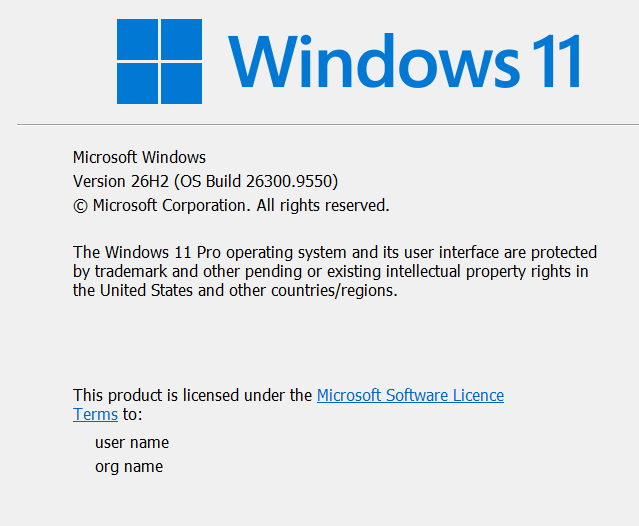
Windows Version Number: Windows 11 version 26H2
App Version: 3.0.0.4

Sire,

I am experiencing an issue with Start11 v3, version 3.0.0.4.

I performed a clean installation after restoring a previous Windows 11 system backup.

Before installing Start11 v3, I completely removed Start11 v2 using Revo Uninstaller, including its settings. I restarted Windows, cleaned the registry, and temporarily disabled Norton antivirus during installation.

The problem:

  1. I am using Windows 11 Style.

  2. I create a new, empty group in the Start Menu.

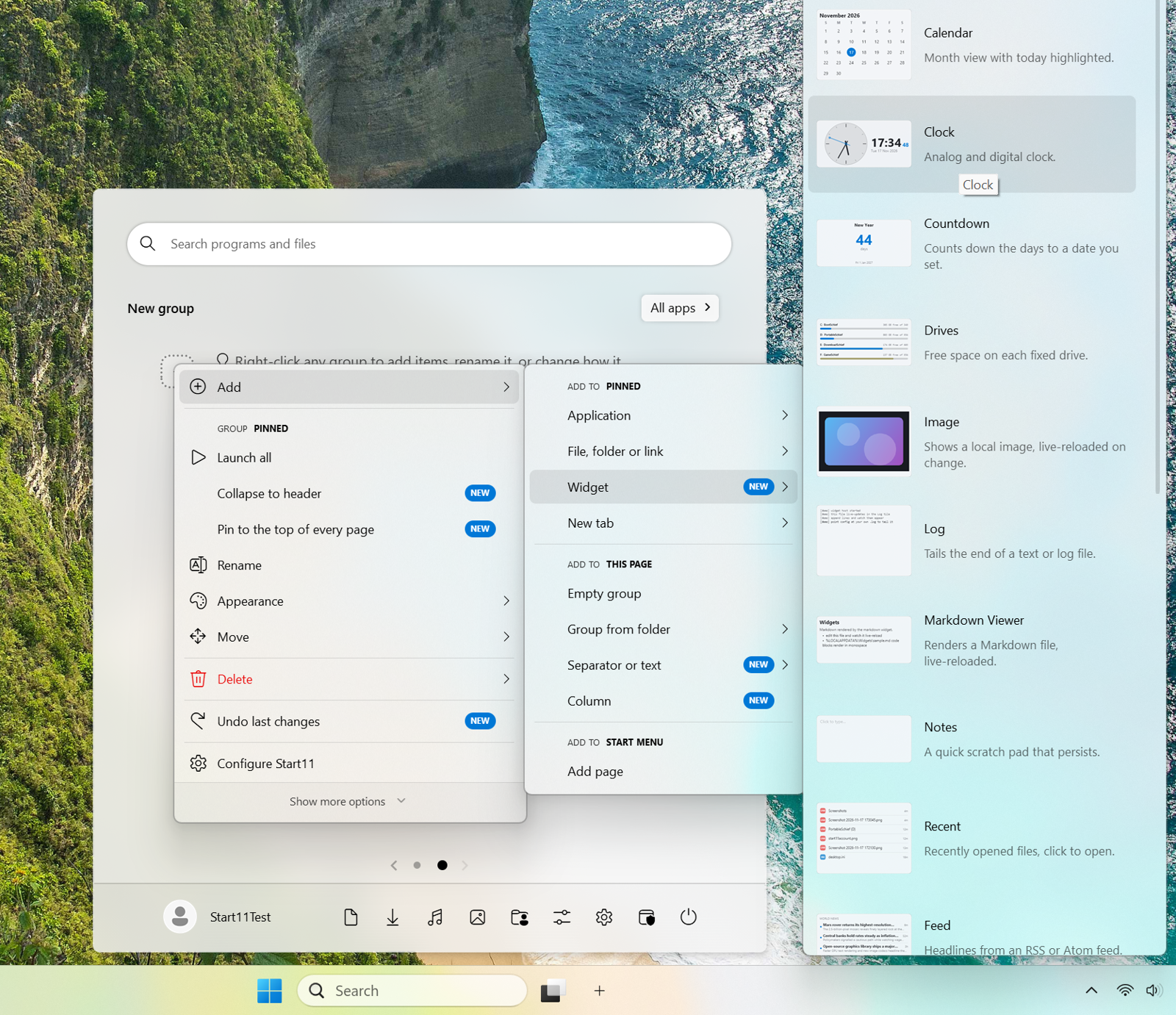
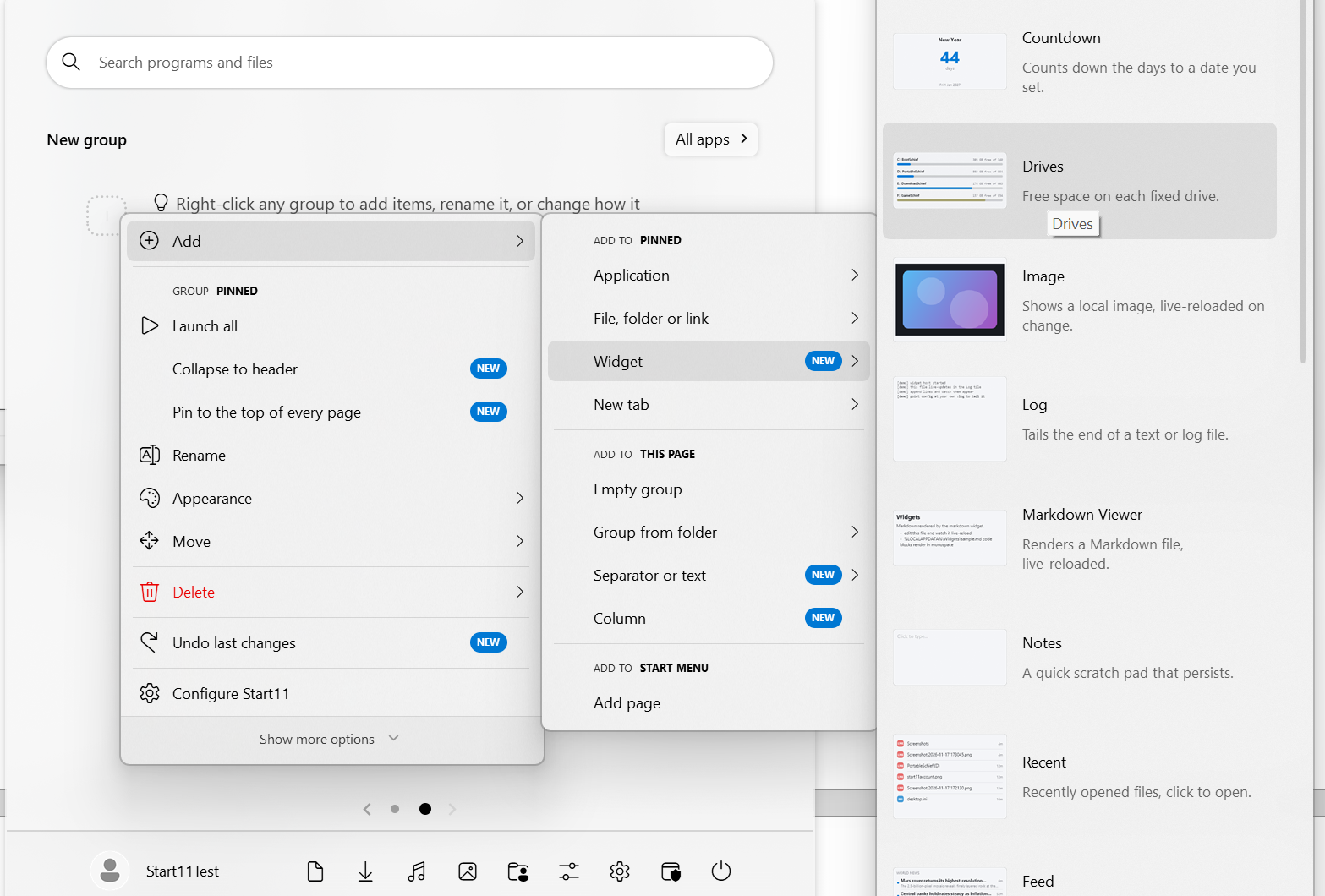
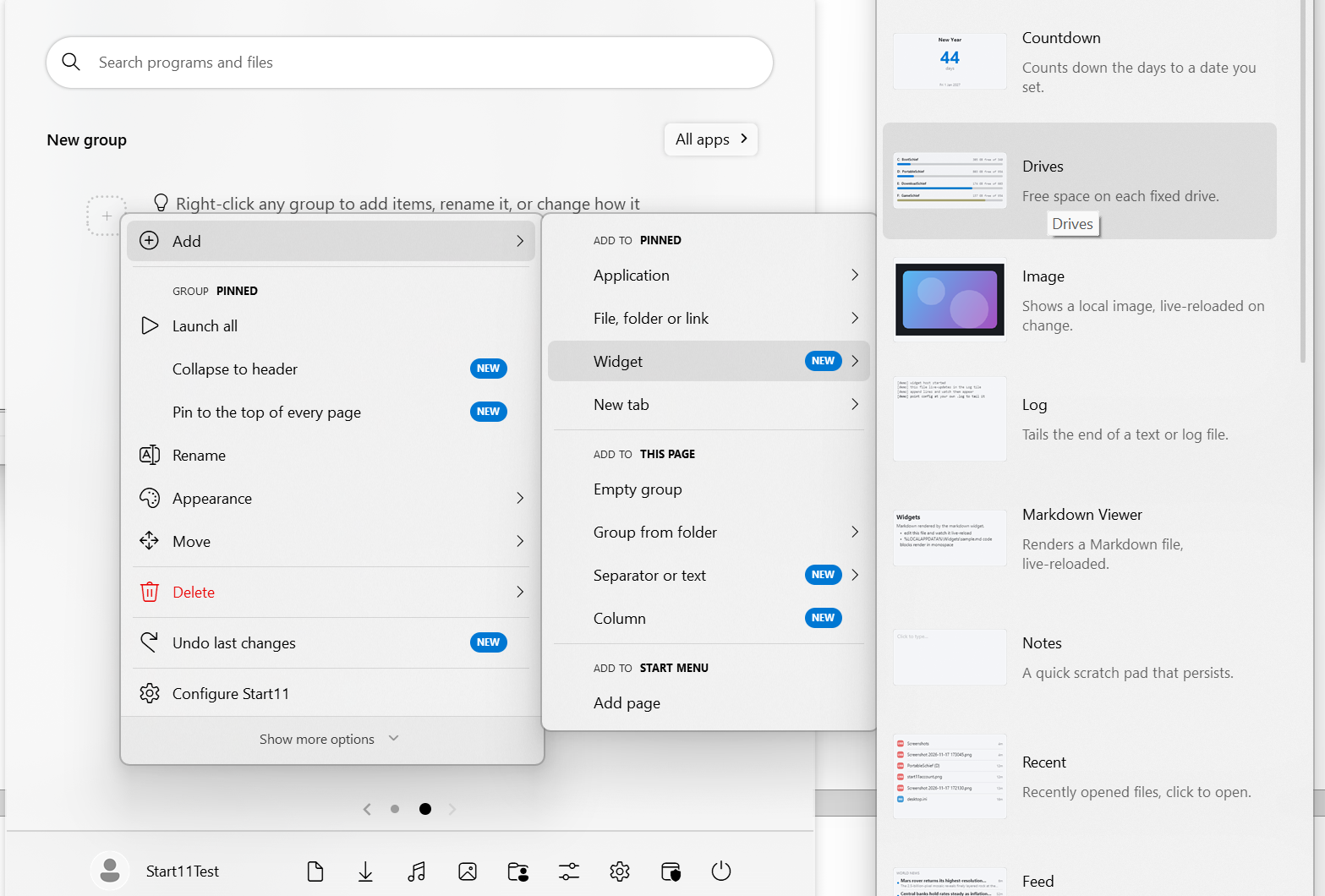
  3. I right-click inside the group and select Add → Widget.

  4. The list of available widgets appears.

  5. I select a widget, but it does not appear in the group.

  6. Adding a regular application, such as Brave, works correctly.

  7. Adding a widget to the group containing Brave also fails.

Enhanced Taskbar is enabled.

Could you please confirm whether this is a known issue in version 3.0.0.4, and whether a fix is planned?

Is an earlier beta build available for testing?

Thank you for your assistance.

===

System Information:

  • Operating System: Windows 11 Pro

  • Windows Version: 26H2

  • OS Build: 26300.9550

  • Start11 Version: 3.0.0.4

  • Start Menu Style: Windows 11 Style

Additional information:

Regular applications can be added to Start Menu groups without any problems. However, widgets cannot be added, even after a clean installation of Start11 v3.

Could this issue be related to Windows 11 version 26H2, or is it a known bug in Start11 v3 Beta?
Thanks, [email protected]

923 views 70 replies +2 Loading…
Reply #27 Top

Thank you for the added information Hans, would also like to suggest trying Clean boot, If you have not try it yet, refer here for steps:  https://support.stardock.com/space/SHC/1334935592/Start11+Clean+Boot. Do note Clean boot need to be done with care. Try it and report back.

Thank you,

Basj,
Stardock Community Assistant

Reply #28 Top

Hello Basj,

Just to clarify one important detail:

The completely fresh Windows installation I mentioned was also Windows 11 26H2.

Even before installing additional software, customization tools, or manually updating graphics drivers, Start11 v3.0.0.4 was unable to add widgets.

Interestingly, the same Start11 version worked correctly in Windows Sandbox running Windows 11 24H2.

This makes me wonder whether there might be a compatibility issue specifically related to Windows 11 26H2.

Of course, this is only an observation, not a confirmed conclusion.

I hope this additional information helps your development team.

Best regards,
Hans

Reply #29 Top

FYI: I'm running 26H2 - 26300.9974 and Start11v3 - 1.0.0.5, and I am not having any issues with adding widgets.

Again, I ask, 

Have you tried this update?

From Neil Banfield: If anyone wants to try, we have a beta 2a build with some more fixes to the icon dragging and taskbar repainting: https://stardock.cachefly.net/software/Start11/v3/Start11_3.0.0.5-j61-Setup.exe

Reply #30 Top

Hello Basj,

I created a new local Windows 11 administrator account named Start11Test and tested Start11 v3.0.0.4.

The results are interesting:

  • Under my original administrator account, the Clock and Calendar widgets are missing from the widget list.

  • Under the new Start11Test account, both widgets are visible in the list.

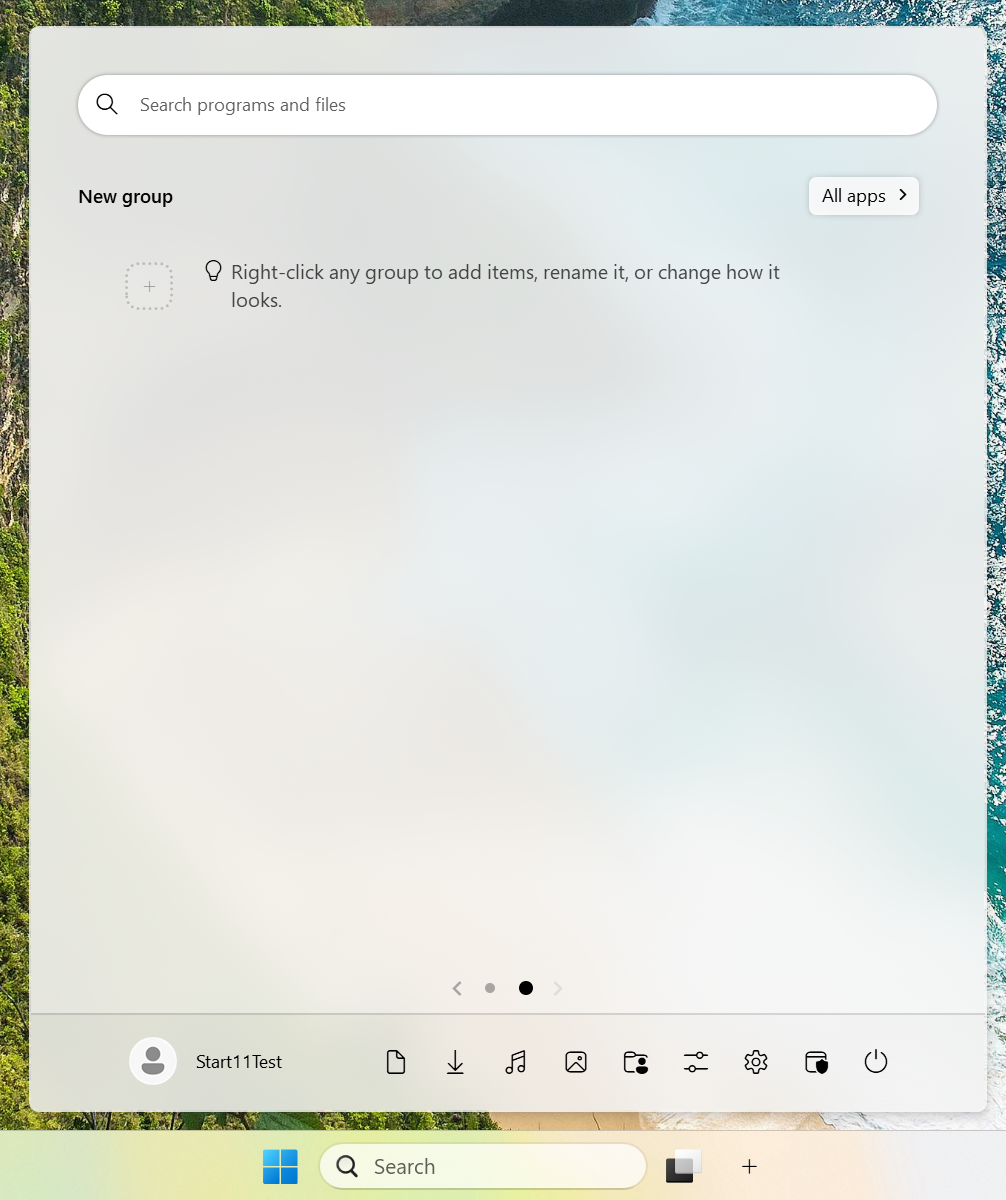
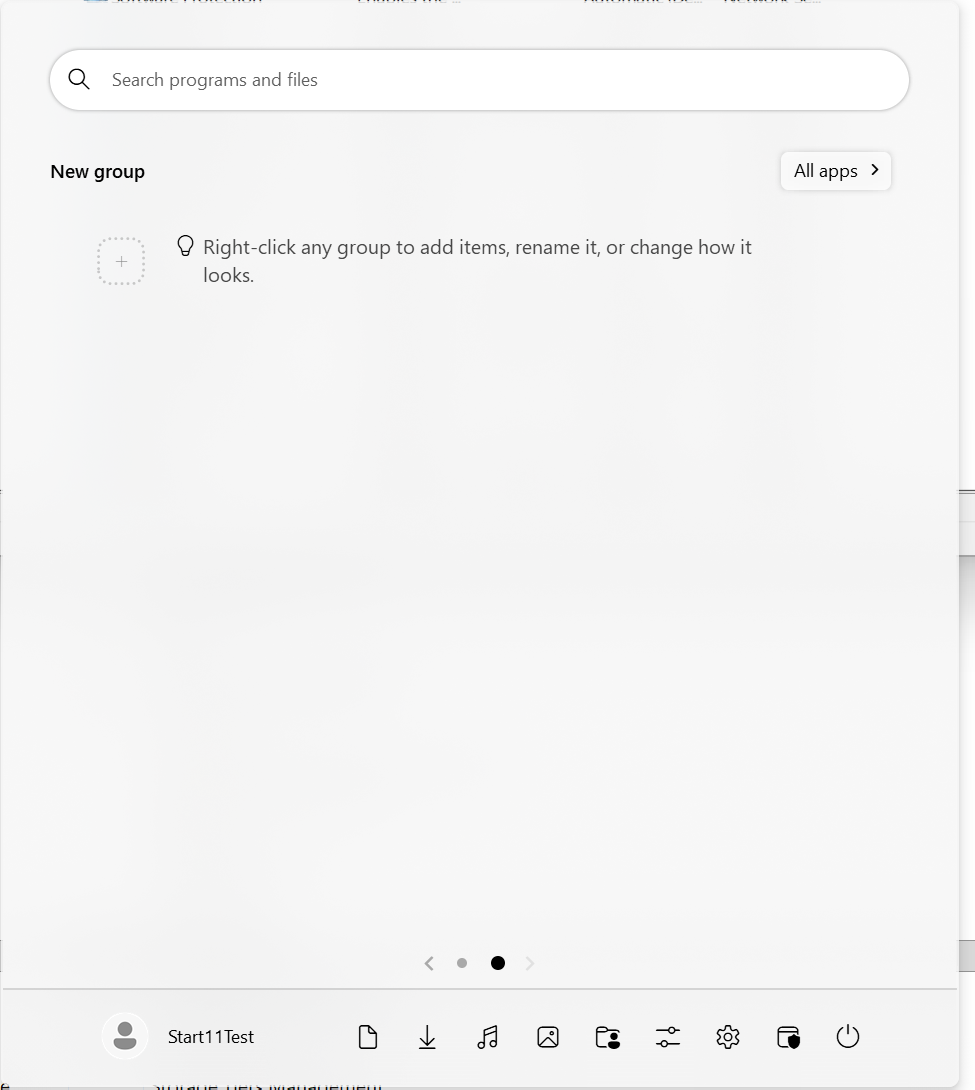
  • However, when I select the Clock widget, nothing is added. The group remains completely empty.

I have attached two screenshots showing the widget selection menu and the empty group.

Therefore, the problem also occurs under a completely new Windows user profile, although the symptoms are slightly different.

I have not performed the Clean Boot test yet.

Best regards

Reply #31 Top

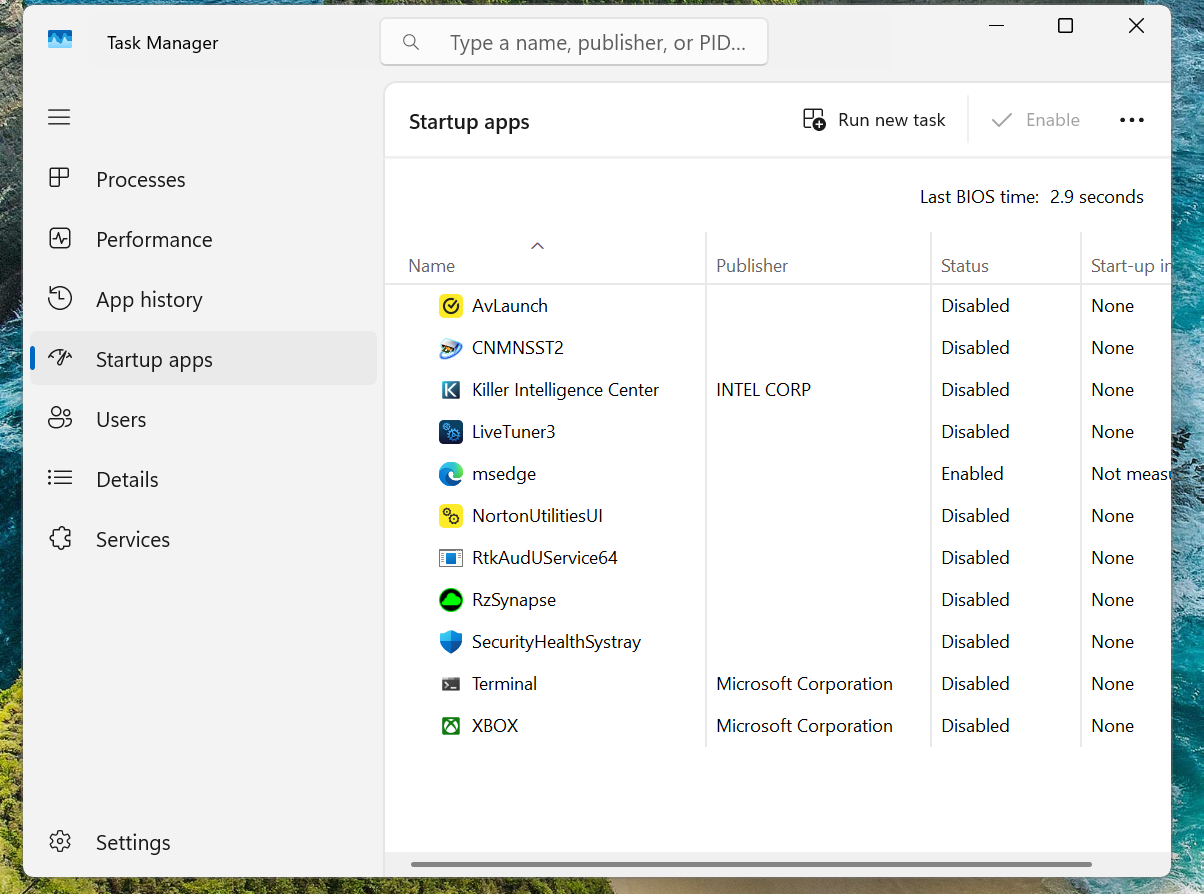
I reproduced the widget issue on a clean boot.

I tested on the Start11Test account after a clean boot. Only Windows services were enabled, and startup apps were disabled in Task Manager. I manually started the Start11 service. The Start11 menu then worked again, but selecting a widget still left the group empty.  Is there a diagnostic log I can collect for you? 


Reply #32 Top

Hello Hans, 

Thank you for trying the clean boot. It lead to tell me there is something in your Windows 11 installation. Have you tried updating your Start11 to the version stated by Dev, Neil, as suggested by pelaird above?

Thank you,

Basj,
Stardock Community Assistant

Reply #33 Top

Hello Basj and Neil,

Thank you for your response and suggestions.

I have now installed Start11 version 3.0.0.5-j61, as recommended, and rebooted Windows 11.

Unfortunately, the widget problem remains exactly the same.

Here is what I observed:

  • Start11 is configured to use Windows 11 Style with Enhanced Taskbar enabled.

  • I created a second page with a new empty group for testing.

  • The widget selection menu opens correctly, and widgets such as Clock, Calendar and Drives are visible.

  • When I select the Clock widget, the plus (+) button briefly changes colour, indicating that the click appears to be registered.

  • However, no widget is added to the group.

  • Closing and reopening the Start menu makes no difference. The group remains empty.

I would also like to comment on the suggestion that something in my Windows 11 installation is causing the problem.

While I understand this possibility, I believe it is premature to conclude that Windows itself is responsible. We have not yet established the actual cause.

I have already tested Start11 using a clean boot and a separate Windows user account, without resolving the issue.

I have another suggestion that might help your investigation.

I would be happy to provide the Windows 11 build number and a list of installed Windows updates, including their KB numbers.

Perhaps a recent Windows update introduced a compatibility issue affecting the Start11 widget functionality.

Would this information be useful to your development team?

I am happy to assist with further targeted testing.

Thank you for your continued support.

Best regards,
Hans

Reply #34 Top

I have forwarded your issue again to Stardock Support Team for their assistance. We appreciate your feedback and patience. Thank you.

Basj,
Stardock Community Assistant

Reply #35 Top

ran two more tests on the clean Windows 11 installation.  I have installed Start11 version 3.0.0.5-j61  I updated the NVIDIA driver from 30.0.15.1236 to 32.0.16.2124 (621.24 WHQL), then tested at 1920 × 1080 with 100% display scaling. The widget still didn’t appear in either test. The plus button briefly changes color when clicked. Were you able to reproduce this using the Windows and Start11 builds I shared earlier? Is there a diagnostic log I can capture when I click the button?

Reply #36 Top

Do Start11 v3 widgets require a specific .NET Desktop Runtime or .NET Framework version? If so, which version and architecture (x86 or x64) do they need, and does the Start11 installer include it? The widget picker opens on my clean Windows 11 installation, but clicking the plus button still doesn’t add a widget.

Reply #37 Top

Do Start11 v3 widgets require a Microsoft Visual C++ Redistributable? If so, which version and architecture (x86 or x64) do they need, and does the Start11 installer install it automatically on a clean Windows 11 system?

Reply #38 Top

I checked both Administrative Events and Windows Logs → Application after clicking the plus button. No new events appeared, and the widget still wasn’t added. Can I enable diagnostic logging in the Start11 development build to capture what happens when I click the button?

Reply #39 Top

Unfortunately, I can't help you more, moving forward, please wait for Support to come in. Appreciate your patience.

Thank you,

Basj,
Stardock Community Assistant

Reply #41 Top

Hi Basj,

I tested on both my regular Windows 11 26H2 installation and a clean installation, using the same home network. In both cases, the plus button briefly changes color, but the widget isn’t added.

Does Start11 make an outbound network request when I click the plus button, even for a widget like Calculator? If so, which hostname and port does it use? That would help me check whether the connection is being blocked.

Thanks,
Hans

Reply #42 Top

The only other person who has reported this issue is ppetroff60 and he is running 28000.3501. Perhaps you could PM him and compare notes.

Reply #43 Top

Hi Basj, I installed .NET Desktop Runtime 10.0.15 (x64), restarted Windows, and tried adding the same widget again. It still doesn’t appear. Could you confirm which .NET runtime and architecture are installed on the test machine where adding widgets works?

Reply #44 Top

You can check to see if .NET v10 Framework is installed by going to  HKEY_LOCAL_MACHINE\SOFTWARE\Microsoft\NET Framework Setup\NDP in the registry. The latest version on my machine is 4.8.10008.

Reply #45 Top

Hi Pelaird, the widget list opens, but when I click the plus button the widget never appears. ppetroff60 reported an “Access denied” message. Could Stardock check what Start11 tries to access at that moment? Is it loading a local widget file or making a request to a server? Is there a diagnostic log that would show which step fails?

Reply #47 Top

Microsoft.NETCore.App 9.0.10 [C:\Program Files\dotnet\shared\Microsoft.NETCore.App]
Microsoft.NETCore.App 9.0.11 [C:\Program Files\dotnet\shared\Microsoft.NETCore.App]
Microsoft.NETCore.App 10.0.15 [C:\Program Files\dotnet\shared\Microsoft.NETCore.App]
Microsoft.WindowsDesktop.App 9.0.10 [C:\Program Files\dotnet\shared\Microsoft.WindowsDesktop.App]
Microsoft.WindowsDesktop.App 9.0.11 [C:\Program Files\dotnet\shared\Microsoft.WindowsDesktop.App]
Microsoft.WindowsDesktop.App 10.0.15 [C:\Program Files\dotnet\shared\Microsoft.WindowsDesktop.App]

Reply #48 Top

The fact that Widgets work in a Sandbox, tells you that something installed on your Windows system is causing this issue. Since it works as expected on my system running 26300.9974, it's not the OS. It could be related to a Registry setting you have added or tweaked, or possibly a Group Policy setting. I'm not sure why it didn't work with a Clean Boot with only Microsoft services running. Perhaps something is started by the Task Schedular. When running the clean boot, did you check the Services running in the Task Manager for anything suspicious?

Reply #49 Top

Hi Pelaird, I manually launched Widgets.Host.exe from the Stardock Start11 Widgets folder. It stayed running in Task Manager while I clicked the plus button, but the widget still didn’t appear. Is there a diagnostic log that shows whether Start11 connects to the widget host and whether the host receives the request to add the widget?

Reply #50 Top

Hi Pelaird, Widgets.Host.deps.json lists Widgets.BuiltIn.dll as a dependency, and the DLL is present in the Start11 Widgets folder. The widget still doesn’t appear when I click the plus button, even with Widgets.Host.exe running. Is there a diagnostic log that shows whether the host receives the add-widget request and what happens next?