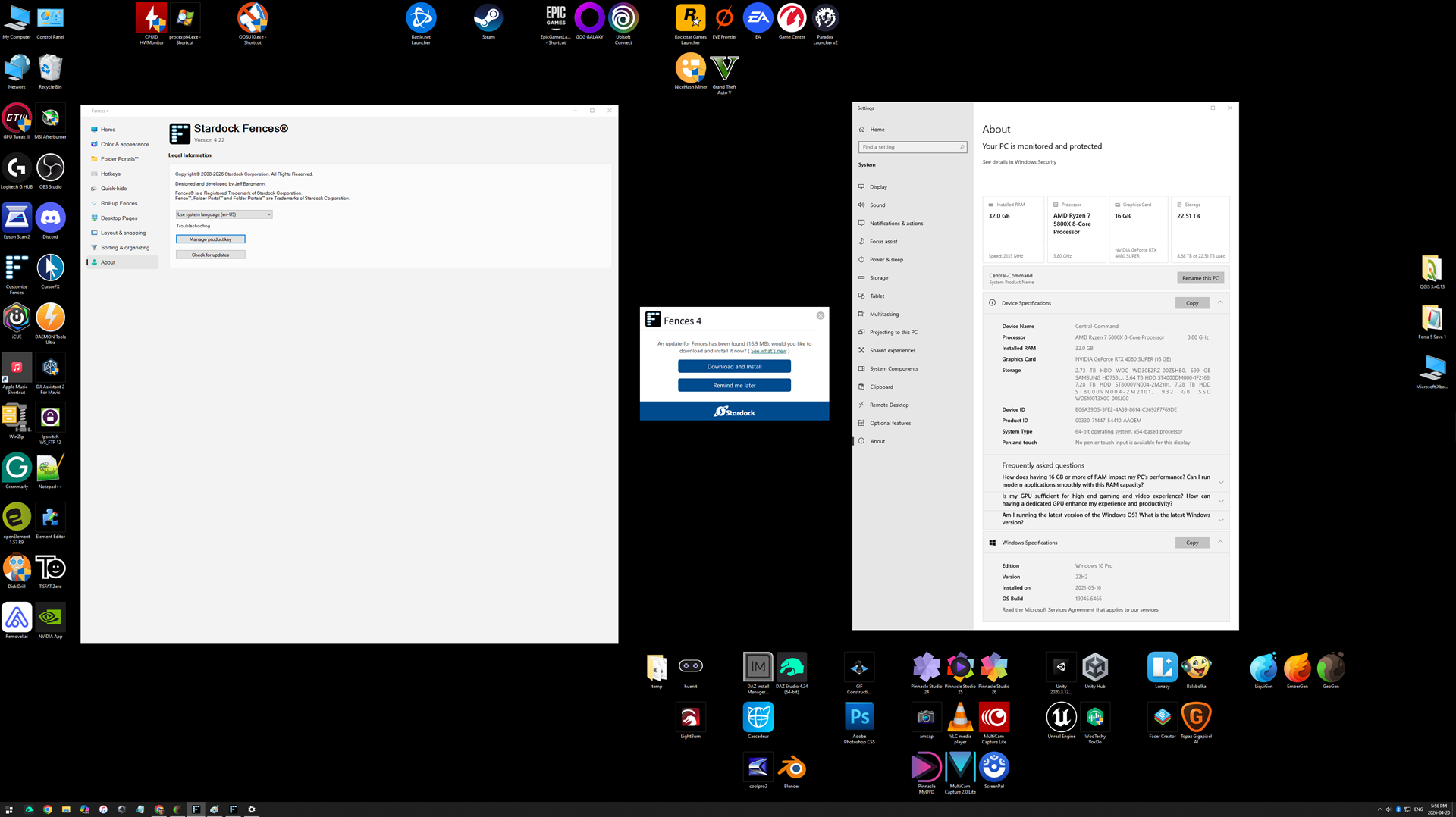
Incessant pop-ups
How To Stop
 Stardock Forums
I have been a Stardock customer for many years. I have yet to receive adequate support for an ongoing issue over the years.
Problem: Having Stardock software installed for START 11 (or similar), and FENCES (pick your ver.), or even maybe the DAD (as I remember it), Leads to an unbelievable amount of pop-ups every 12-24 hours from their software.
When I don't have a current active subscription to update said apps, I receive a popup every 12 hours or so for one or the other, that there is a new version available that I should download (which I can't in this scenario).
Likewise when I have an active subscription or valid update period, I still get the popups, they succeed when I update, but they keep popping up later, again on the frequency of at least one every 12-24hrs.
Previous support advise was useless. I have in the past successfully removed the DAD portion of stardock from the startup processes and system in general killed all processes related to dad, turned off flags within the apps related to 'Check for updates' etc. BUT none the less, every 12-24 hours I get a new pop-up advising there is an update.
How to stop this other than trashing and shelving anything to do with stardock and refusing to buy anything related to their company ever again?
I don't want to even get into the impact it has on a person I care for that has dementia/Alzheimer's and this little white/blue box staring at them in the middle of the screen and sends them into a loop which can mean incessant restarting of a computer, to hiding in a corner because they are afraid, or worse, they wander (decide it's safer outside the house than in) all because of these stupid pop-ups, but this is the impacts their pop-ups have.
Like how hard can it be for your developers to provide a CONCRETE method to PREVENT these things from appearing?
I'm at my wits end, and thus, unless I receive a meaningful and measurable solution, I will stop using your software, stop purchasing your software, and advise through all the dementia/Alzheimer's related forums and sites I deal with, that your software is NOT conducive nor promote a safe and healthy environment for persons with the afore mentioned disabilities, and that spending money on your software will cause more problems than any benefit one might receive from purchasing and using it.