Version 6.4.6 isn't working at all

Some additional information: I'm on Start 11 version 2.72, Object Desktop version 4.07, Windows 11 Pro version 24H2 (OS Build 26100.8655).

I don't have any of my previous set Fences settings working at all, and I'm frustrated.

303 views 13 replies
Reply #1 Top

Hello,

Sorry to hear you are having issues. First, just to make sure Fences get properly install, Please try, uninstall Fences, reboot immediately (important), download latest version available in your account product download page: https://store.stardock.com/myaccount/products. Install it, reboot immediately again. Retest it and report back.

If the issue is the same, we need to know what actually don't work? Please elaborate. Does Fences even loaded at all? If Fences don't start up at all, please use this guide: https://support.stardock.com/space/SHC/1331232868/Fences+is+not+starting+after+boot

Thank you,

Basj,

Stardock Community  Assistant.

Reply #3 Top

I uninstalled, rebooted, re-installed, but my settings are still scrambled and messed up.

I uploaded the settings to the person mentioned above earlier.  


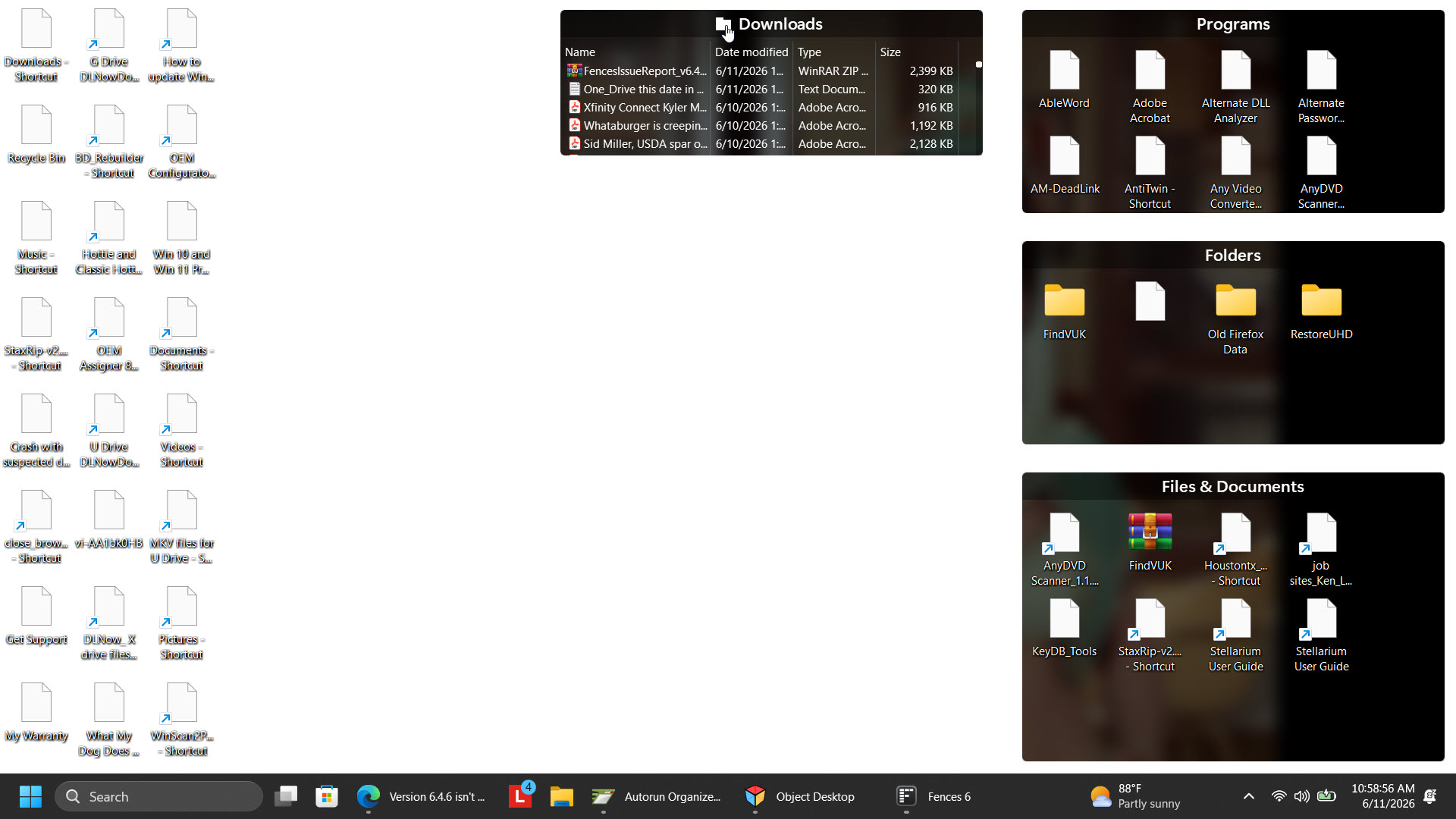
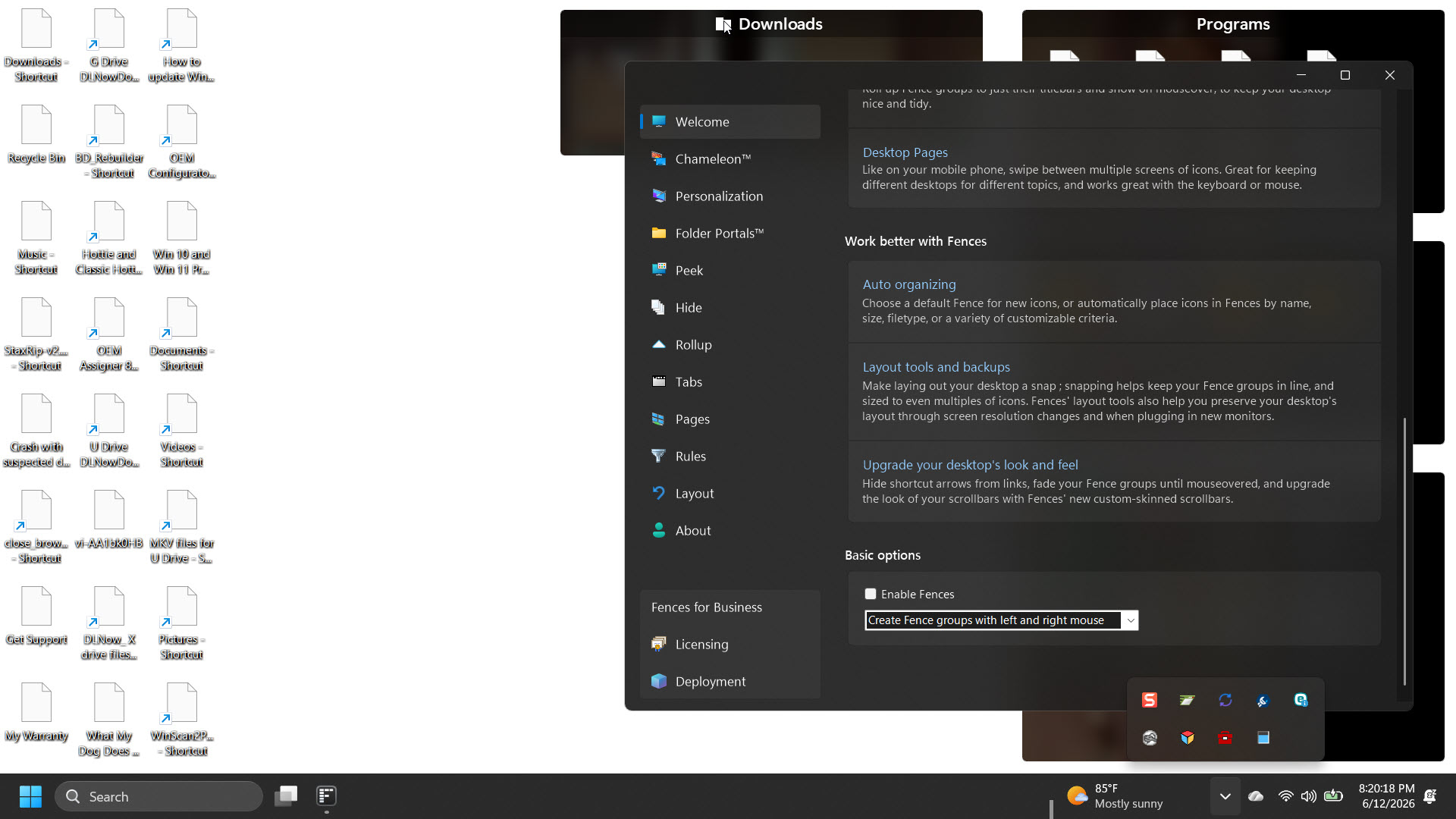
This is what my desktop looks like now.

Reply #4 Top

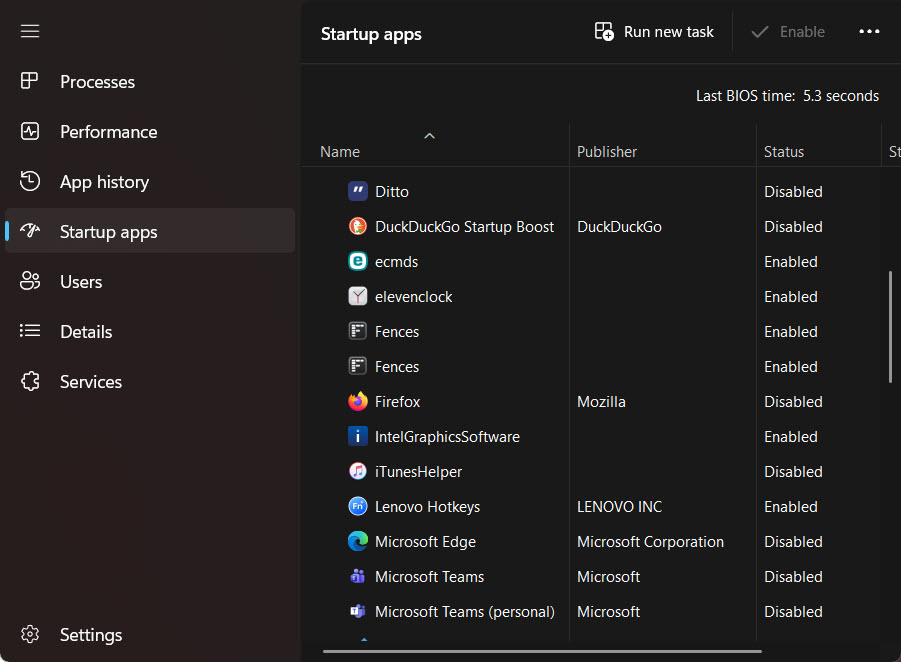
Fences is enabled in Startup settings.


Reply #5 Top
Quoting klane11, reply 3994324

I uninstalled, rebooted, re-installed, but my settings are still scrambled and messed up.

End of klane11's quote

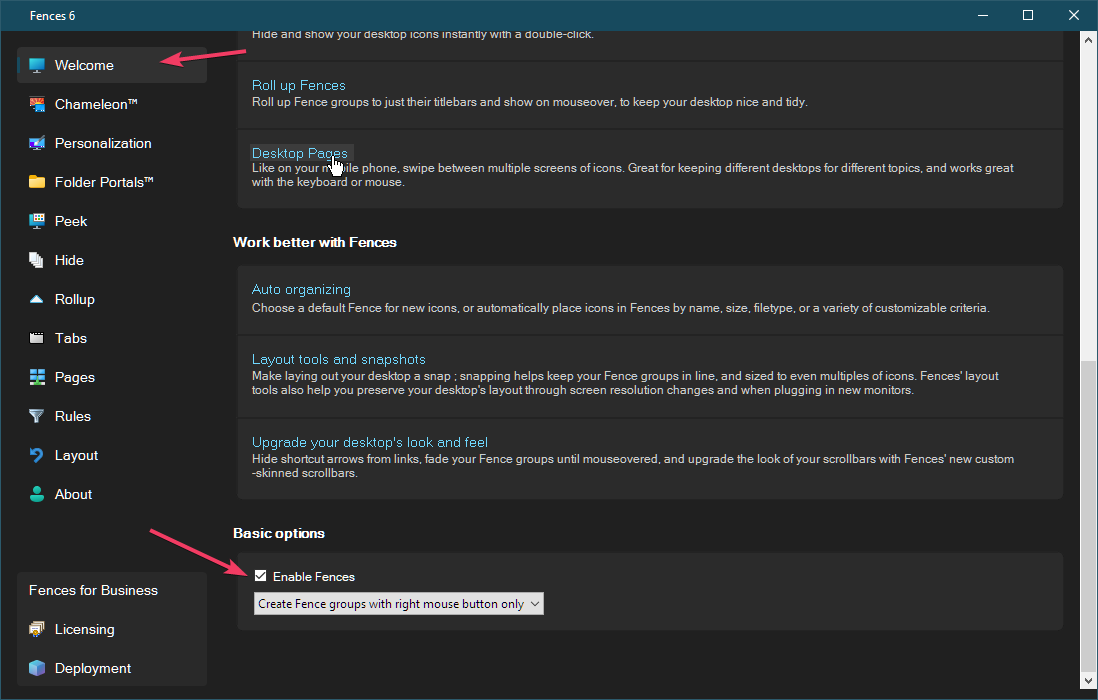
From your screenshot, I don't see what you mean by scrambled and messed up. Perhaps, due to all those generic white icons, yes? If so, please try, disable Fences and see if the correct icons appear on your desktop. Refer screenshot below to disable Fences.

Quoting klane11, reply 3994324

I uploaded the settings to the person mentioned above earlier.

End of klane11's quote

Not really sure what you mean by this. Please elaborate.

Thank you,

Basj,

Stardock Community  Assistant


Reply #6 Top

I disabled Fences, but the weird stuff is still going on.


As far as the other thing, I uploaded my issues to Stardock per the instructions from the sofftware.

Reply #7 Top

If the icons issue still appear with Fences disabled, that show that your issue has nothing to do with Fences.

Thank you,

Basj,

Stardock Community  Assistant

Reply #8 Top

The issues happened right when I upgraded Fences.

I haven't installed anything else outside of the Microsoft Patch Tuesday stuff.

I have Fences on both my other Windows 11 Pro laptop and a Win 10 Pro laptop still supported by MS.


No issues, except for my one with the problems right now.

Reply #9 Top

Perhaps, if you can post screenshot of what you see on your desktop when Fences is disabled.

Thank you,

Basj,

Stardock Community  Assistant

Reply #10 Top

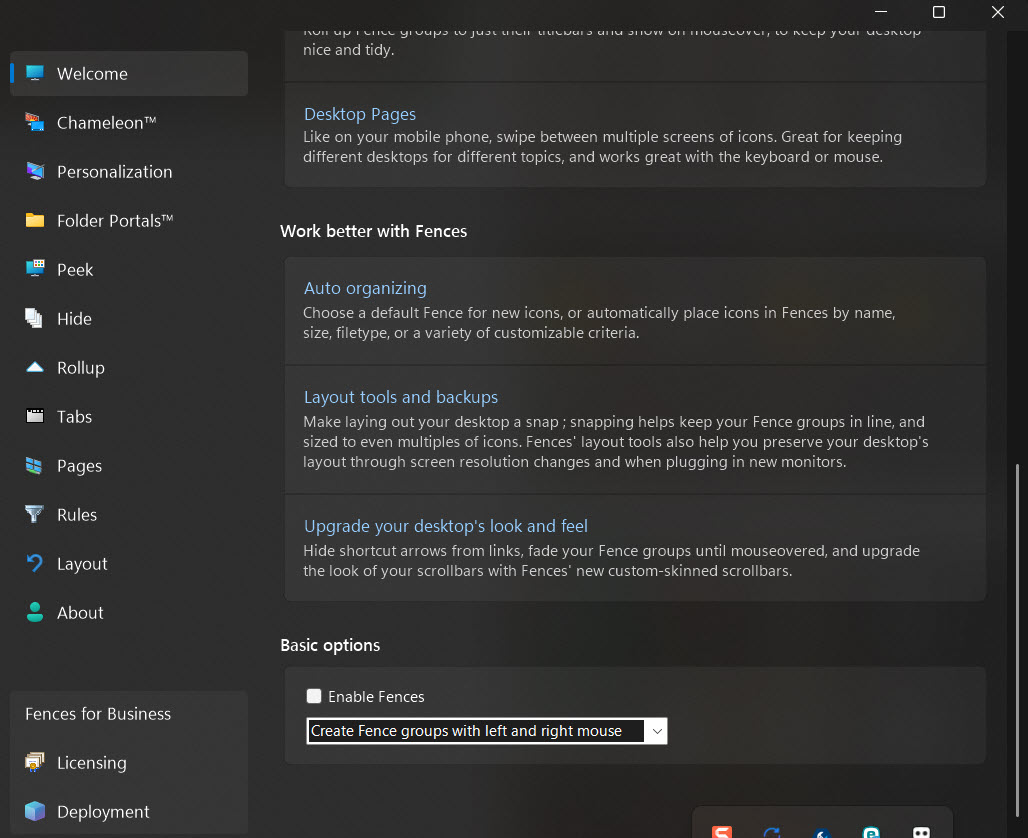
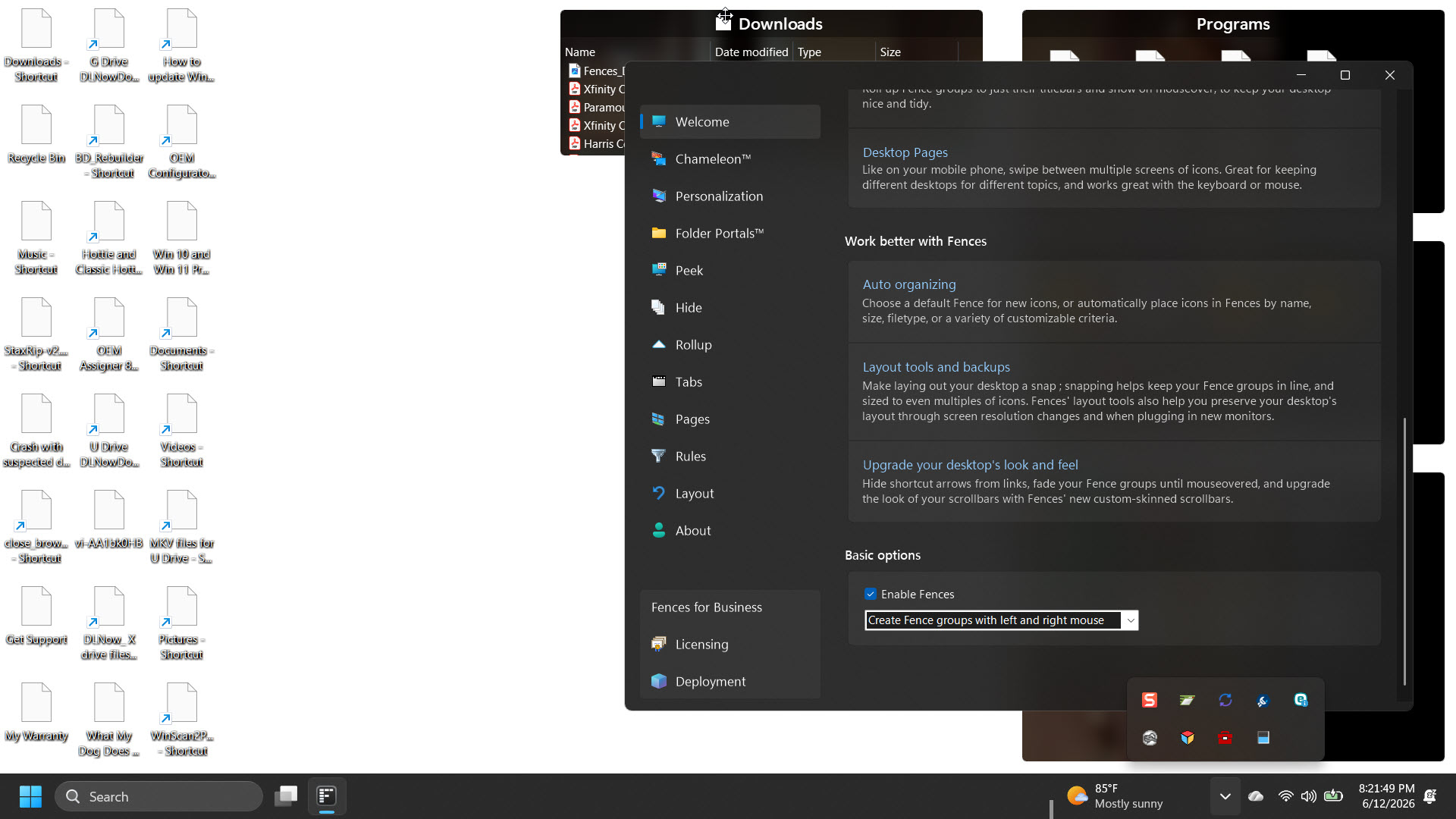
Here's the view when it comes to Fences disabled:


And here's the view enabled:


Reply #11 Top

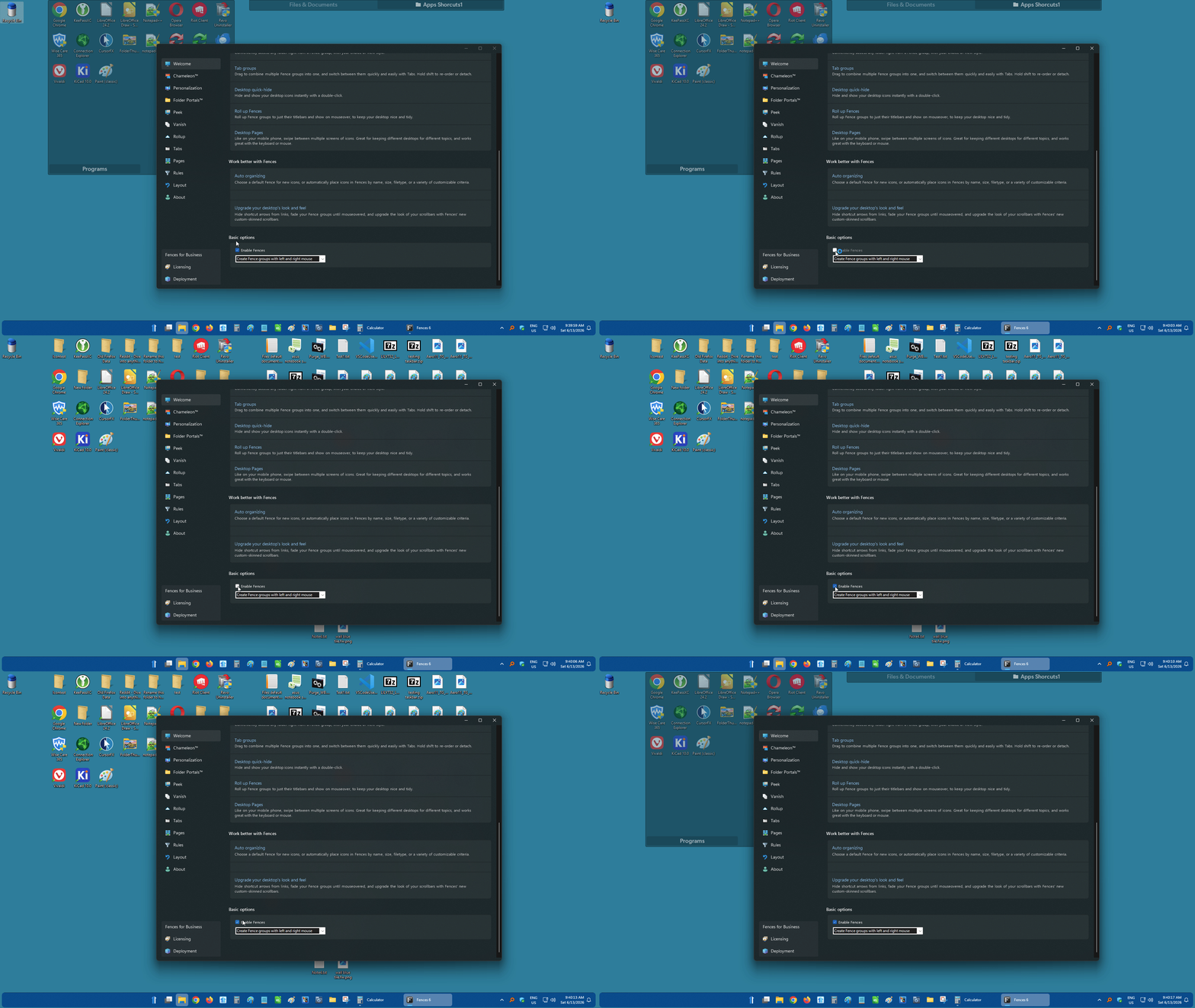
You still have Fences while Fences are disabled? That is totally not suppose to be. Here is what it should be.

Would like to suggest to try purge and reinstall steps as mention here : [Fences Purge and Install Steps]. Just make sure to redownload the latest version from your account page. Reboot after the purge. Reinstall and reboot again after the installation. Retest and report back here.

Thank you,

Basj,

Stardock Community  Assistant

Reply #12 Top

I installed Purge, rebooted, and then installed Fences from the Stardock page -- trial version.

I then installed it, and then signed in with my user name and password.

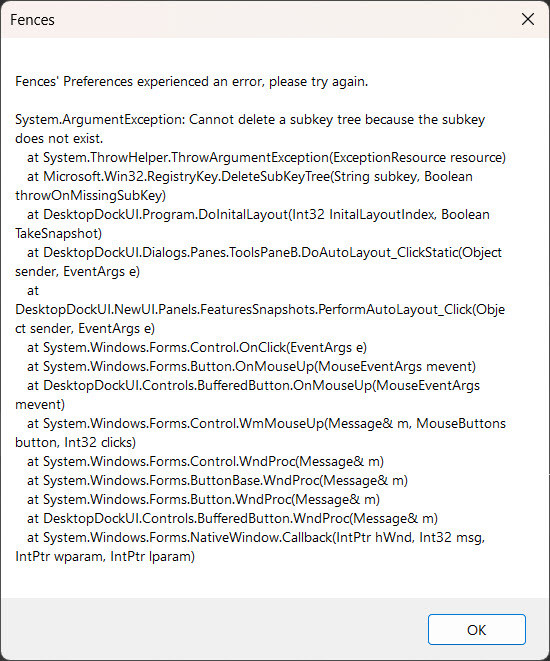
I then got this error message:


I'm stumped, and I'm going to call it a night. I'll try again in the morning, before I have to get ready for work.

Reply #13 Top

I am not sure what those are. However, I have forwarded your problem/question to Stardock Support Team for their assistance. Please keep an eye on this thread for any updates. We appreciate your feedback and patience. Thank you.

Added question: What antivirus/security software you have running in your system?

Thank you,

Basj,

Stardock Community  Assistant