
Clairvoyance Beta 1 Released: Your AI Staff can now Plan Projects, Control your Computer, and Run Locally
 Stardock Forums
Clairvoyance Beta 1 is Here
Your AI staff can now Plan Projects, Control your Computer, and Run Locally
Clairvoyance Beta Now Open to All | Object Desktop Users Get Plus for Free
Today we released Beta 1 of Clairvoyance, our AI management application and it's free for anyone to download. If you missed the alpha: Clairvoyance gives you persistent AI staff that live on your machine, learn your projects, and work like employees. You pick your AI provider, assign staff to workspaces, and they get to work. They remember context between sessions, work with your local files, and operate through Agent Communication Protocol (ACP) so your data stays on your machine.
Beta 1 is a big update. We rebuilt the sync engine, added structured project planning, gave local AI models the same capabilities as hosted ones, and shipped an experimental feature that lets your staff see and interact with your screen, but only if you give them permission. There are about 150 changes total.
Included in this release is a new concept we call Missions. A Mission is a structured goal with success criteria, linked sprints, assigned workers, and evaluation reports. You define what done looks like, your staff execute against it, and the system enforces completion gating. Nobody marks a mission complete until the linked todo's are finished, the criteria are met, and the lead has signed off. It is project management where the workers are AI and the accountability is built into the tool.
"I have been using Missions internally for our product releases," said Brad Sams, Vice President of Stardock Software. "I will set up a mission with the release milestones, assign staff to the marketing sprint and the QA sprint, and they go handle the checklist items. If something is blocked, they tell me. If a task is not done, the mission will not let you close it. It has changed how I think about delegating work to AI."
We also made local AI a first-class citizen in this release. If you run models through Ollama, LM Studio, MLX, or vLLM, those models now run through the same agent harness as hosted AI from Anthropic, OpenAI, or Google. That means session persistence, autonomous tool loops, resume support, and the ability to pause and ask you a question mid-task. Each local model carries a capability profile so you know what it supports before you assign it work.
"The goal has always been that Clairvoyance does not care where the AI comes from," said Sams. "If you want to run a local model on your own hardware for privacy or cost reasons, you should not have to give up features. With Beta 1, a local Ollama model gets the same harness as Claude or Gemini. Same session persistence, same tools, same resume. It just runs on your machine."
Another area that got a major overhaul is Bases, which are structured databases inside Clairvoyance. In the alpha, Bases were limited to tables and calendars. Now they support timelines, card views, knowledge bases, meeting trackers, and project boards. Five new built-in types ship ready to use, and each one comes with an AI curator persona that can automatically categorize and maintain entries. There is a Librarian for your knowledge base, a Secretary for meeting notes, a Project Manager for your project board, and so on.
Beta 1 also includes an experimental feature called DirectControl. With DirectControl enabled, your staff can see your screen, click, type, and automate windows. It works on Windows and macOS and is gated behind a toggle in Modules.
"DirectControl is experimental and we want people to approach it that way," said Sams. "But the use cases are interesting. I have had staff open a browser, navigate to a dashboard, take a screenshot, and include it in a report, all without me touching anything. We are being careful with it, but the potential is obvious."
Beyond the major features, this release includes 15 new built-in themes, Kanban boards for todo management, a threaded mailbox with search, typography controls for the Markdown editor, token usage analytics with per-provider cost breakdowns, staff cloning, an effort selector for Claude sessions, and a domain admin overhaul with usage tracking, team management, and audit logs.
The full changelog is available on the Clairvoyance website.
If you want to learn more about the app, you can check out the website, join the conversation in our forums or the active chats in our Discord.
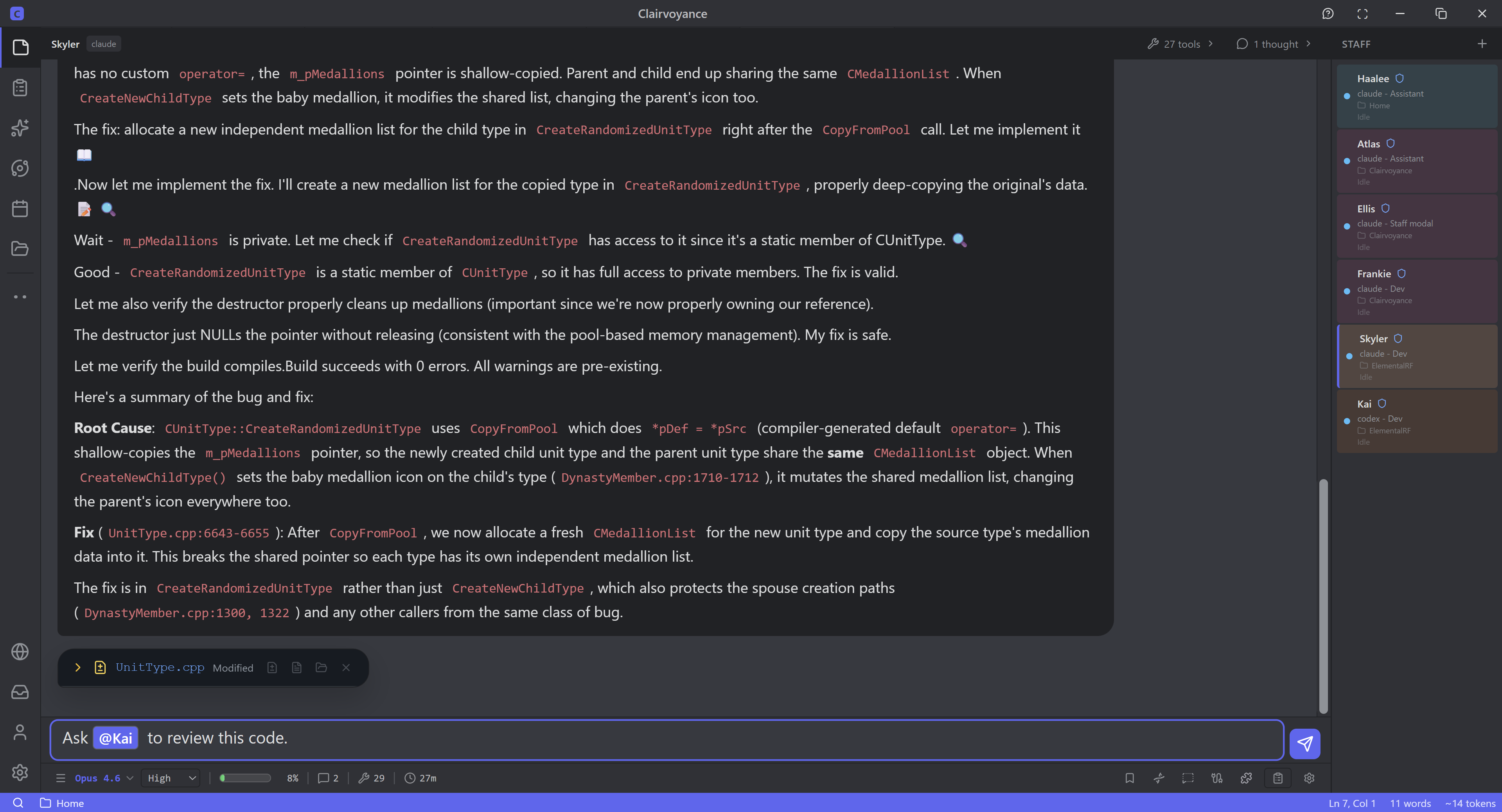
Even if you just use Claude Code, Codex, Gemini, and nothing else, Clairvoyance gives them a massive visual uplift. Moreover, instead of isolated chats or terminals, they can interact together, even different models.
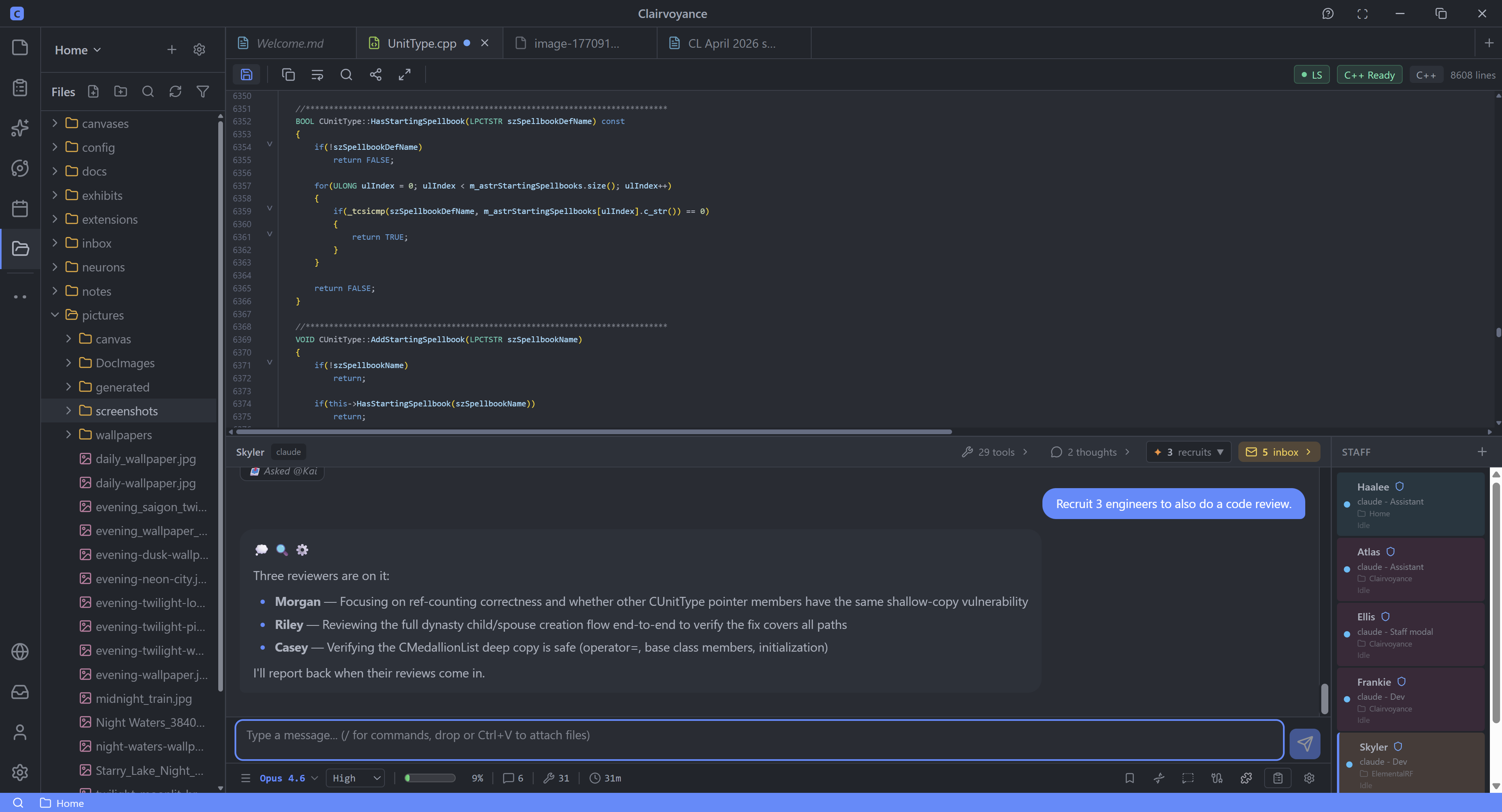
Clairvoyance comes with a code editor designed from scratch to work with agents. Not agents bolted on.
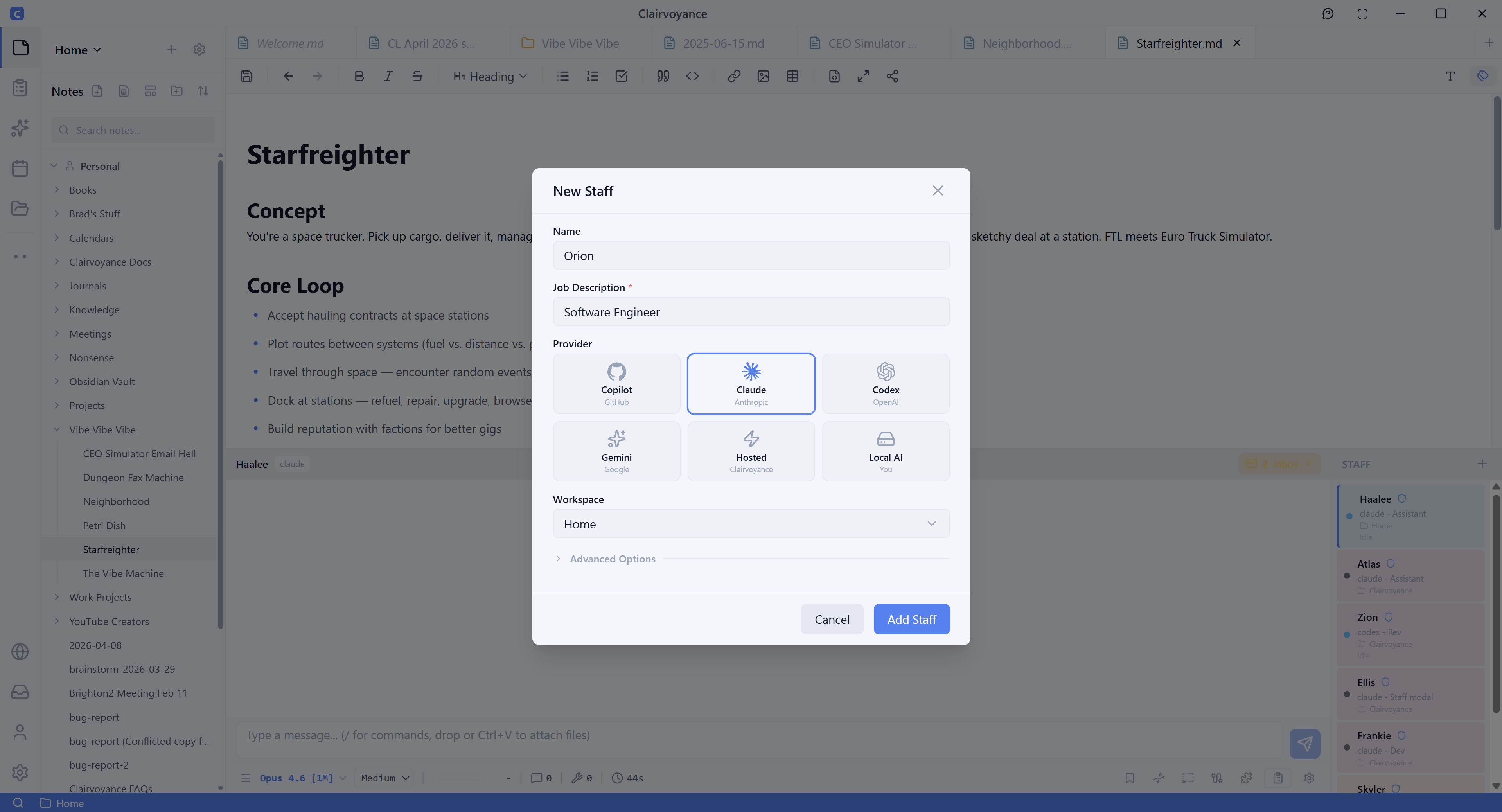
Adding new AI Agents.
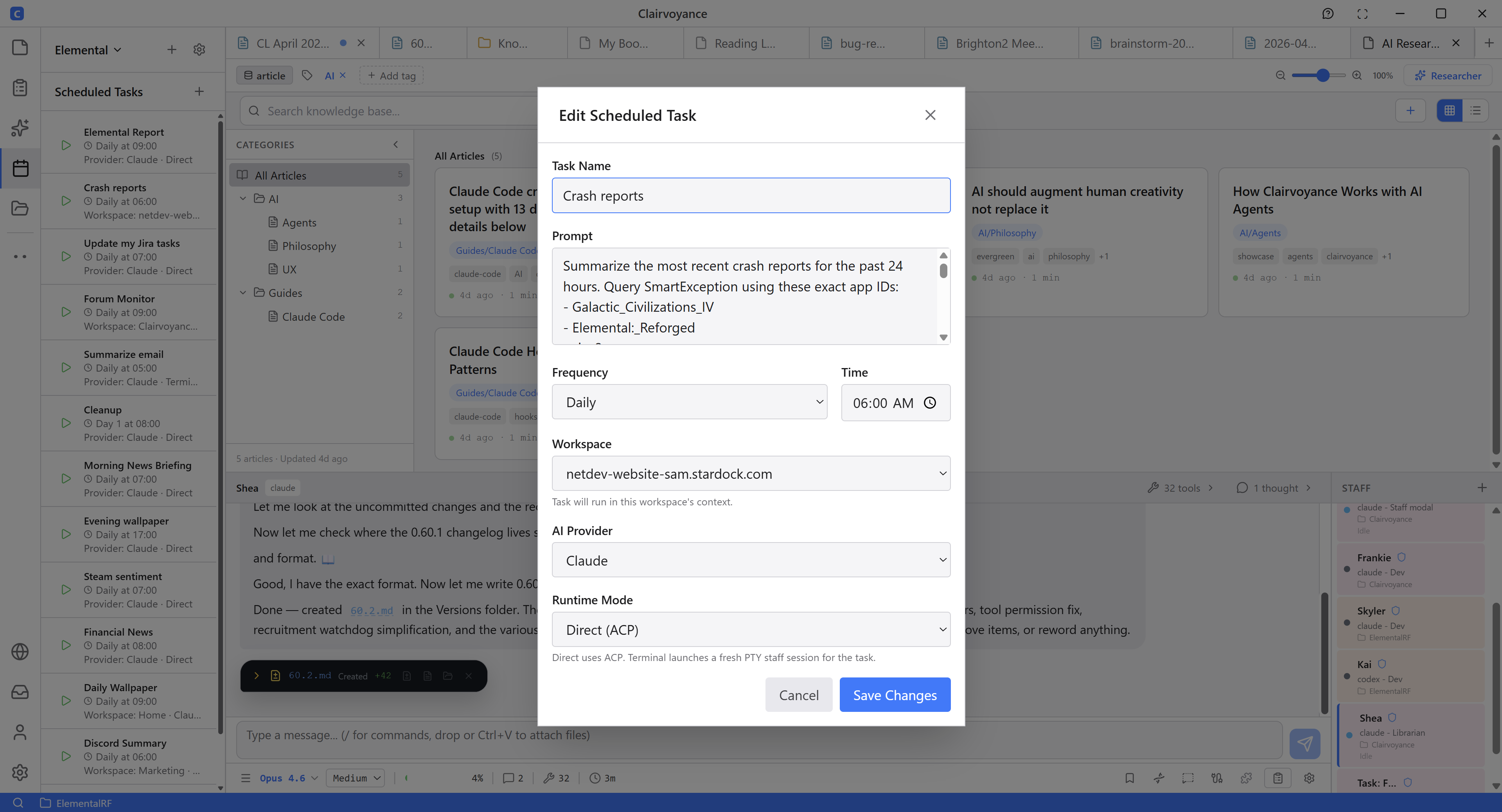
Schedule your AI staff to go work on things even while you're asleep.
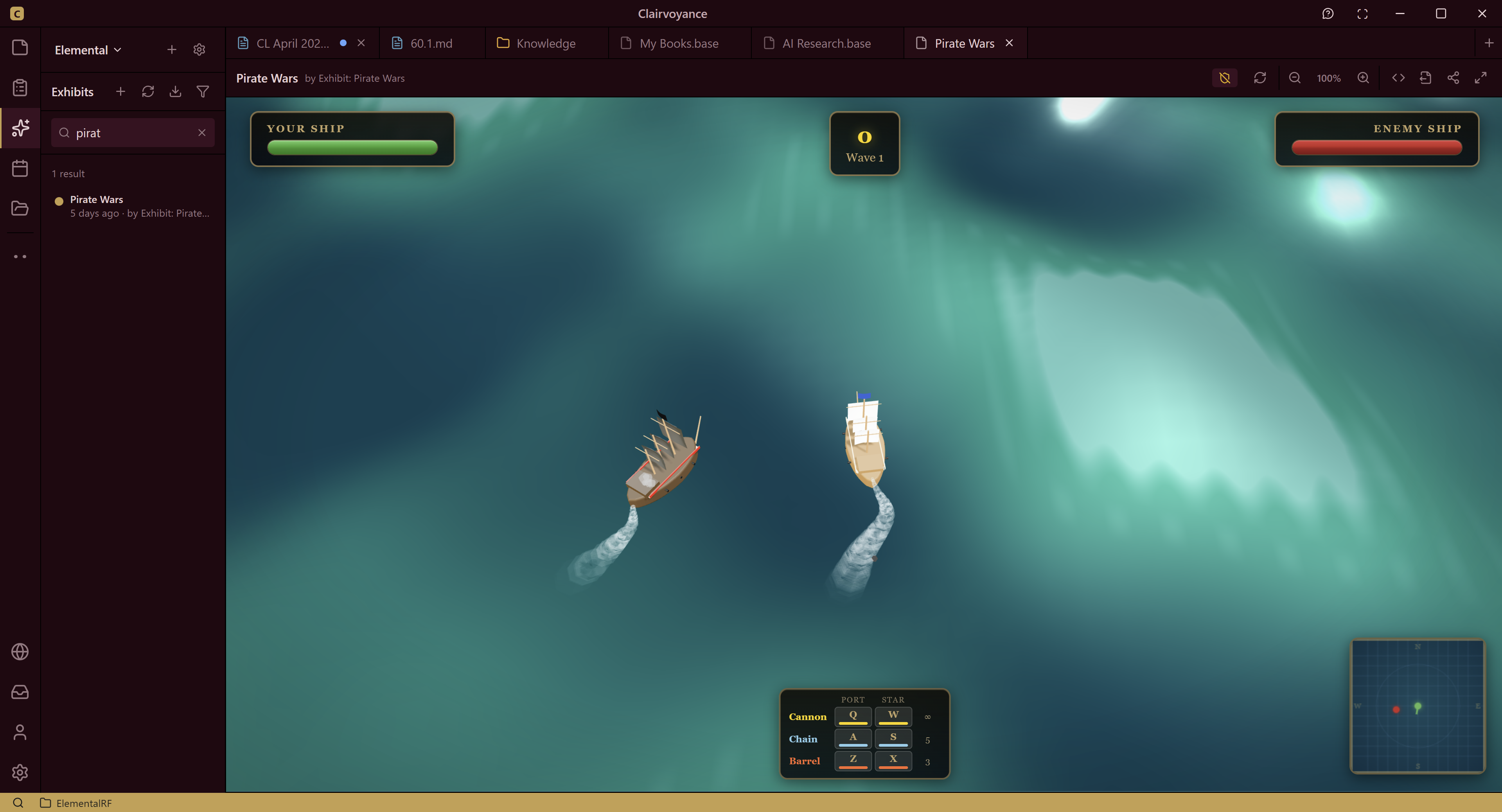
Your staff of AI agents can build games, presentations, data visualization or any SAAS you can think of.
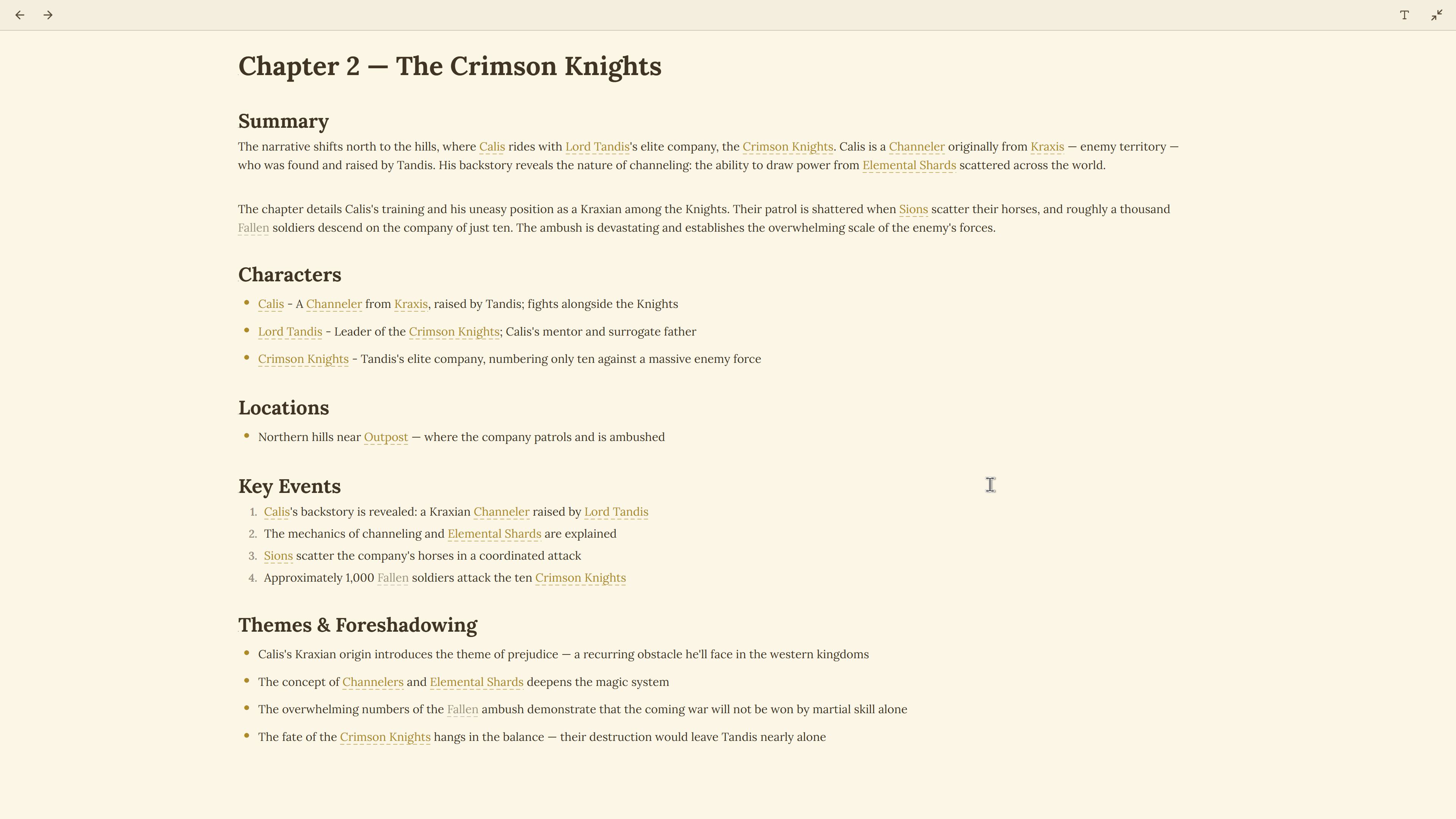
Built in Zen mode makes writing a joy while your staff of AI agents help make the connections in the background.
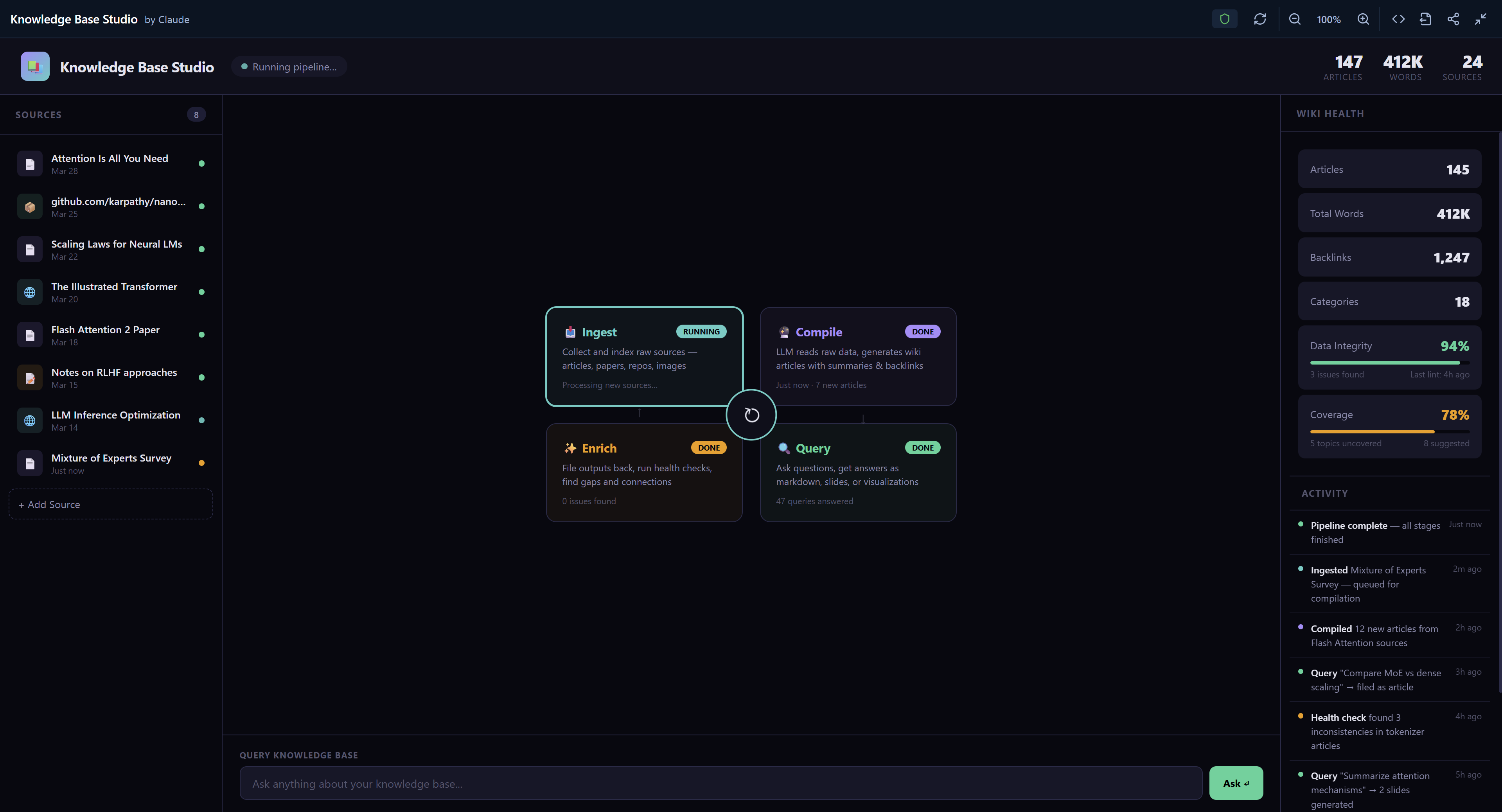
Knowledge Base
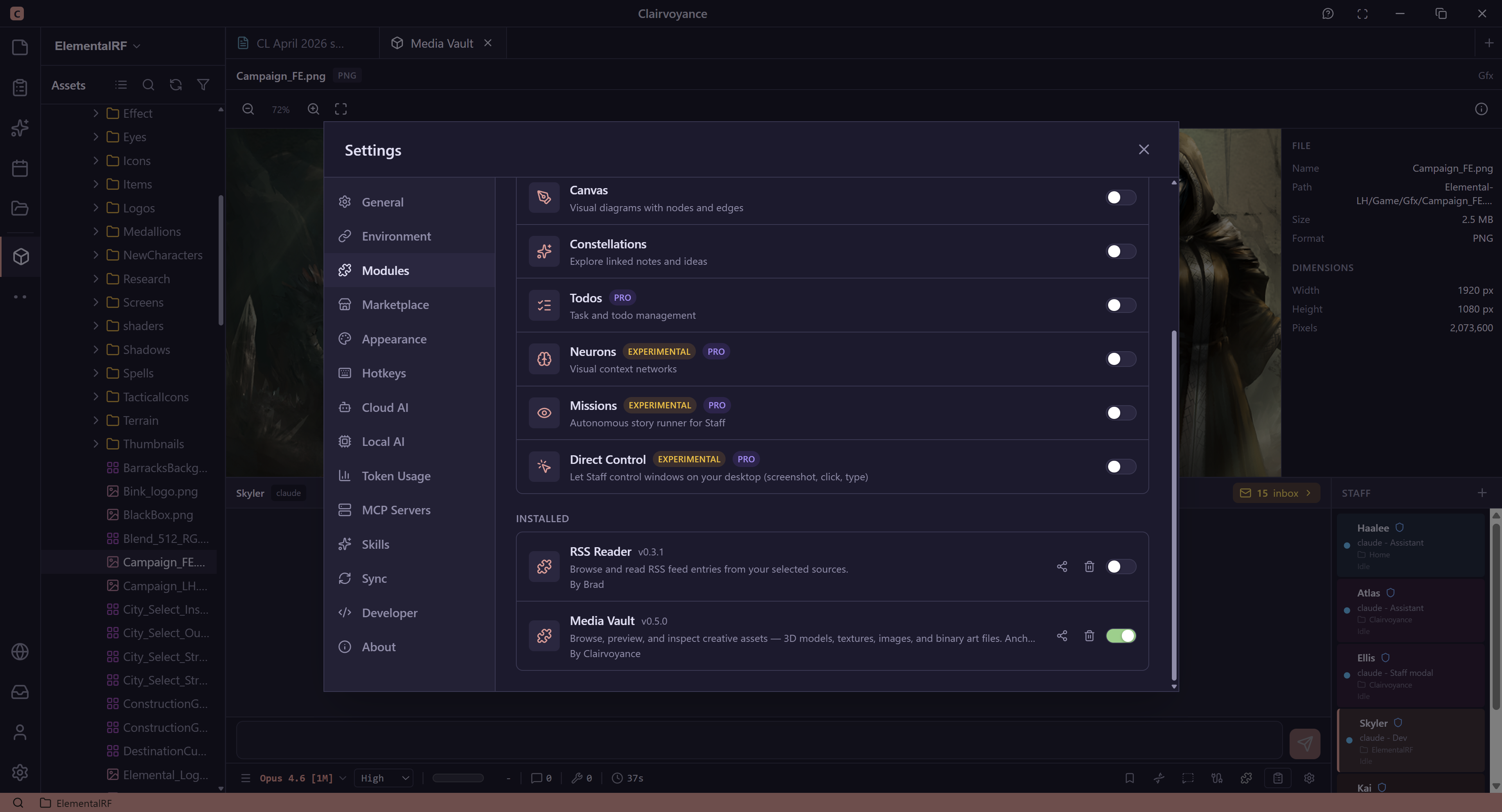
Users can extend Clairvoyance with modules. AI staff automatically know how to use them. No setup required.
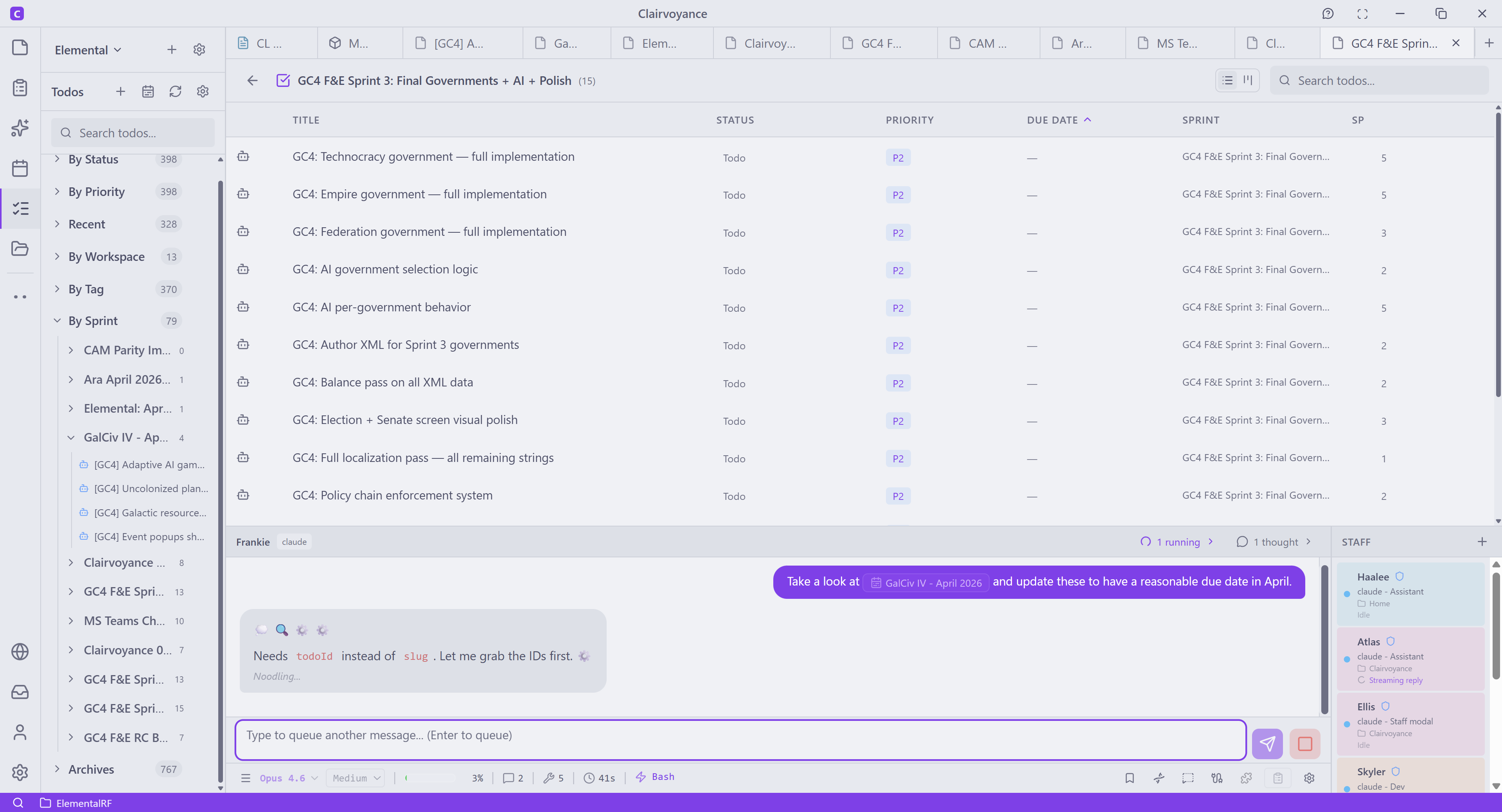
To dos.
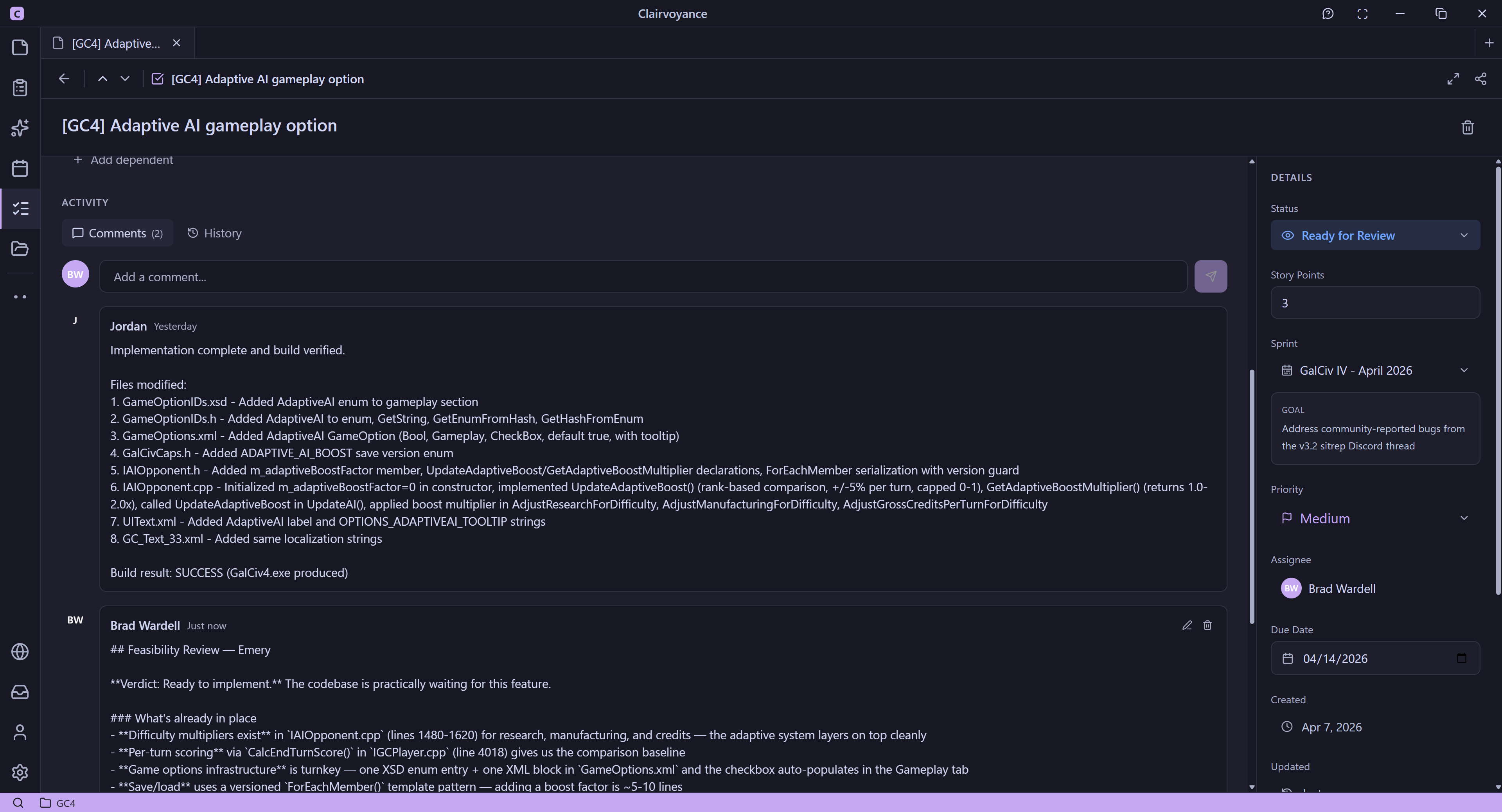
Your AI agents communicate with you and through each other like other people -- through comments in your Todos. Todos can be integrated into Jira.
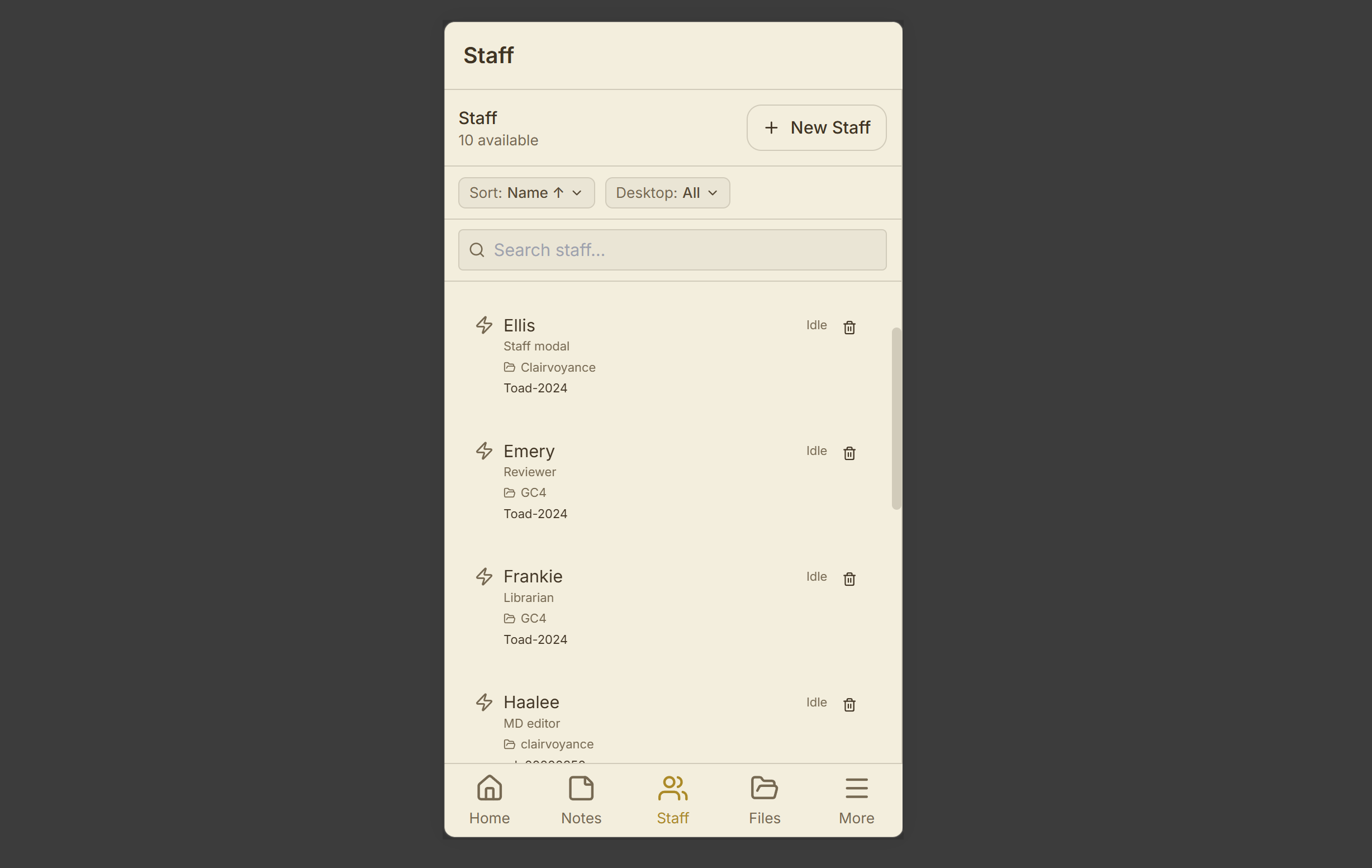
Your AI staff are always available to send messages to.
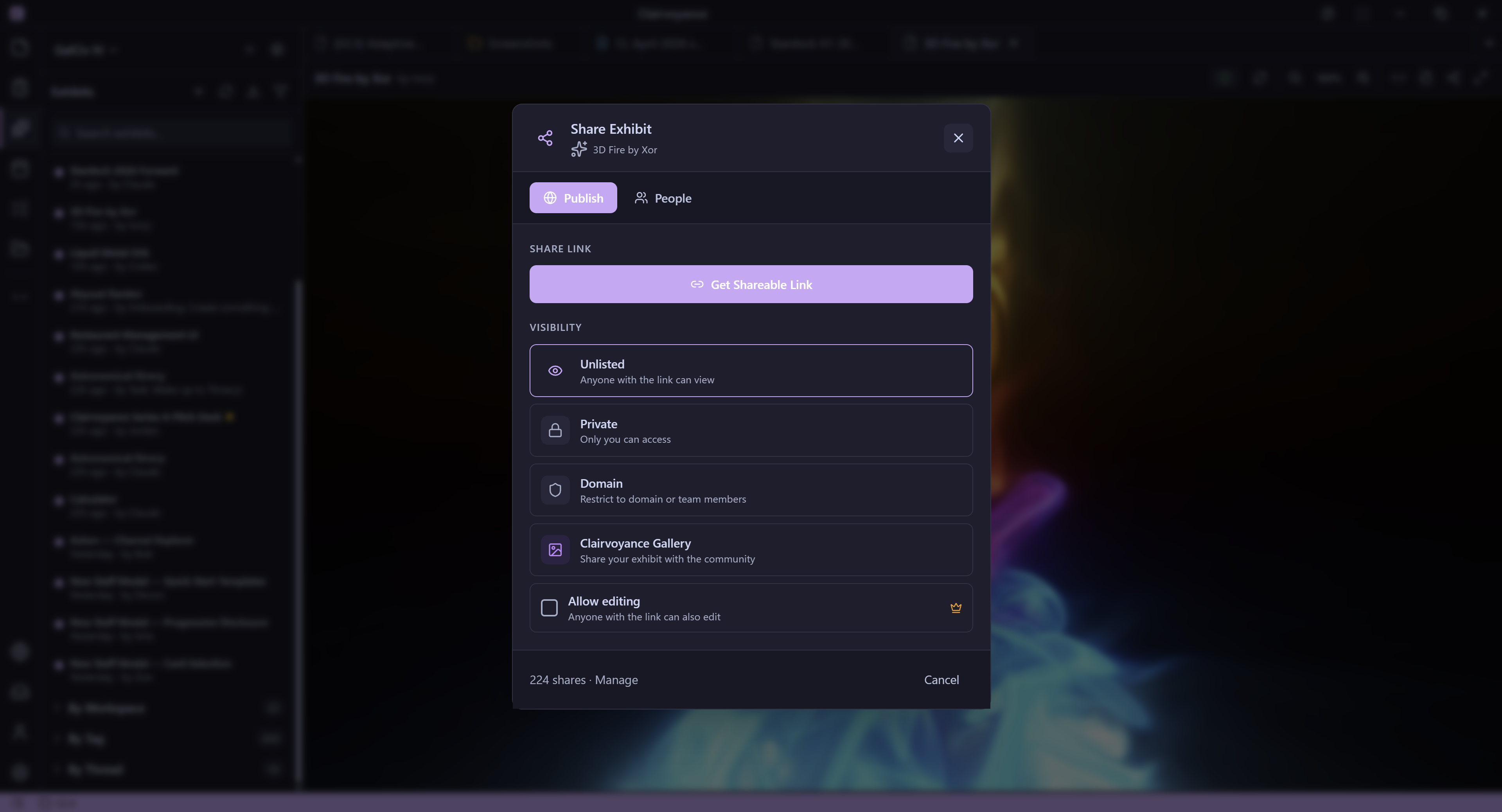
Share your work, creations, chat sessions, etc. anywhere. No special directory needed.
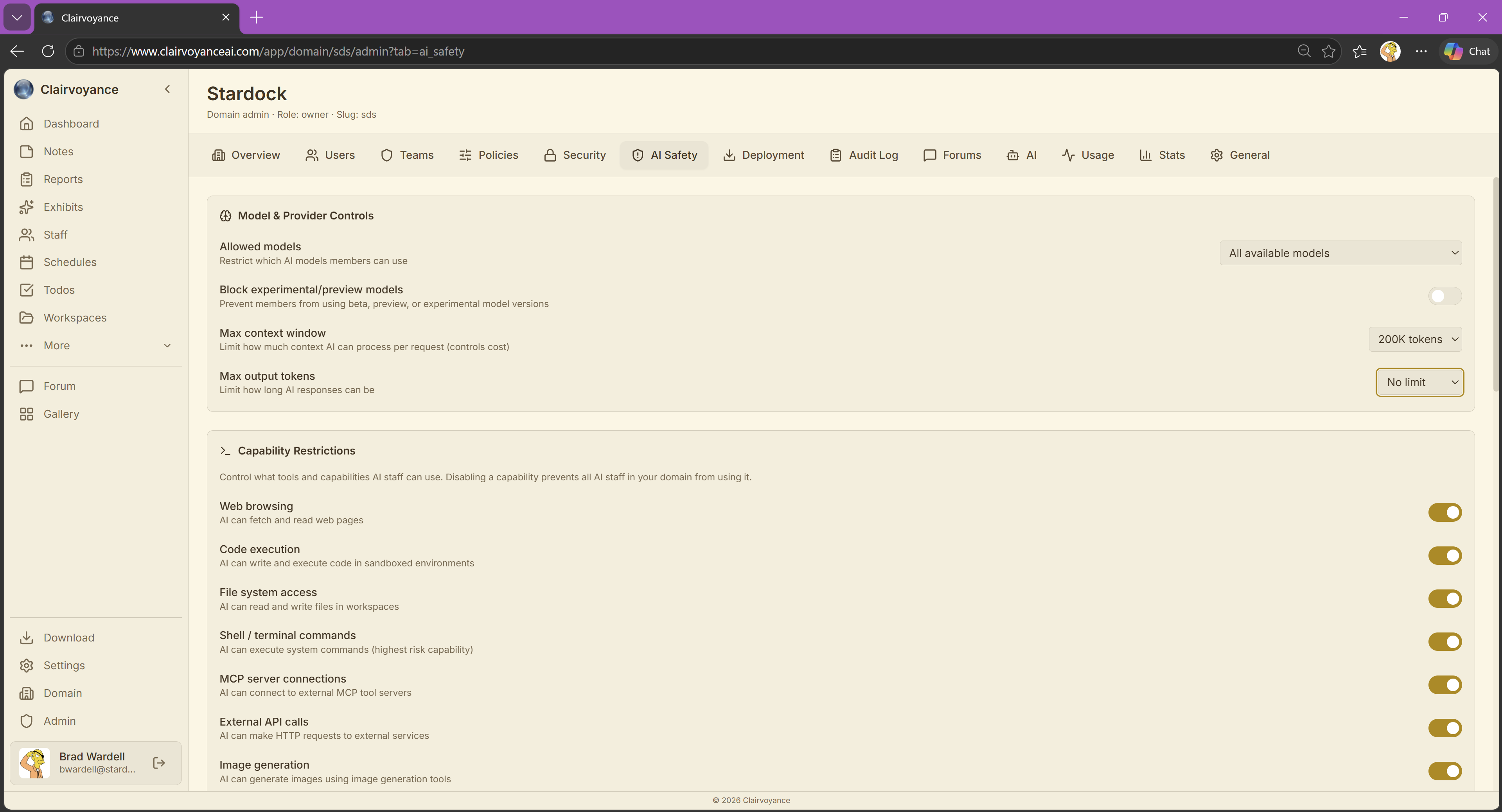
Clairvoyance for the Enterprise. Manage your AI clients, costs, what features can be used, security, safety, usage and more.
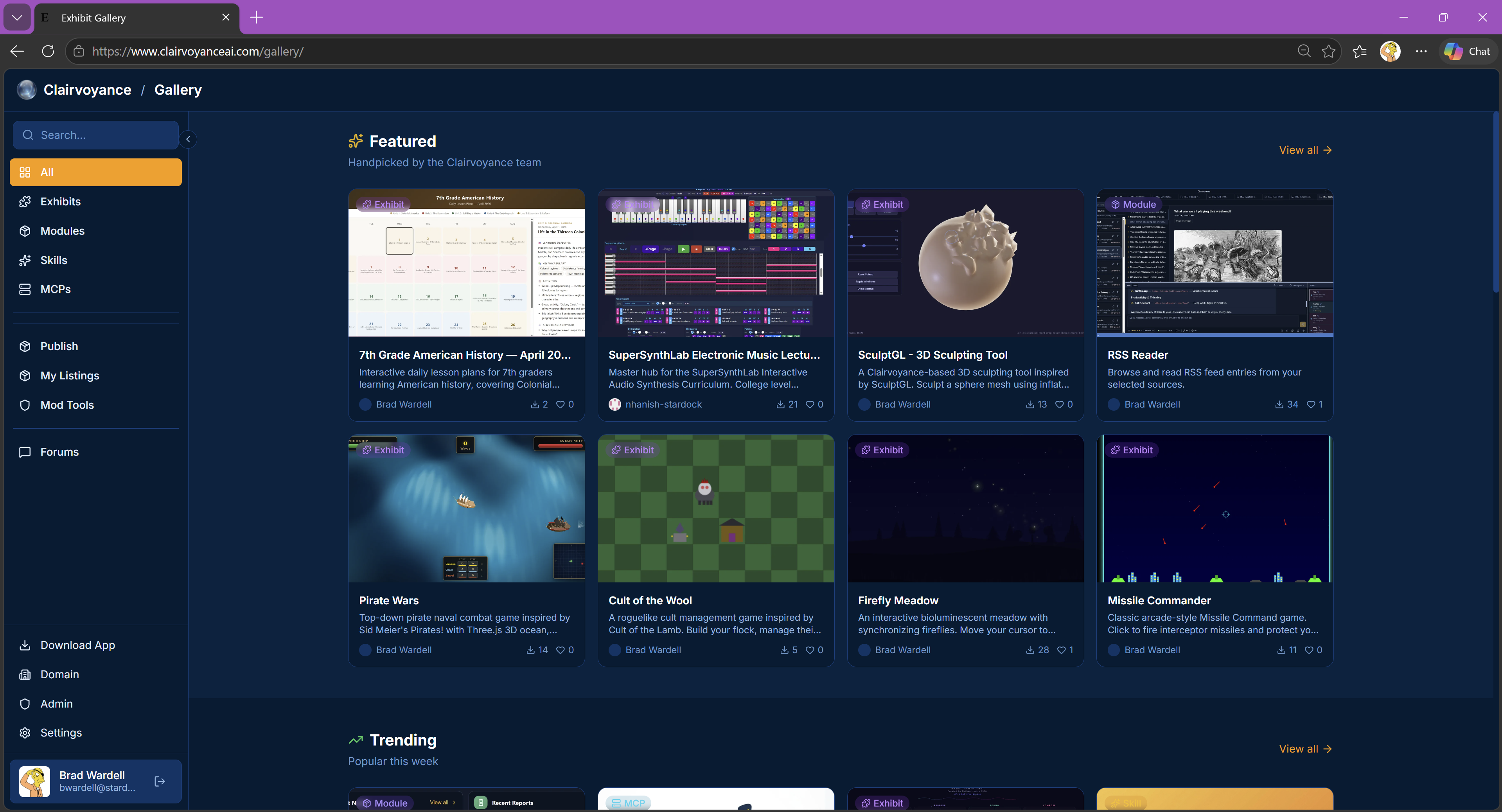
Clairvoyance on the web: A moderated, curated place for people to share their creations: Skills, MCPs, Games, Visualization, Apps, Modules, and more.