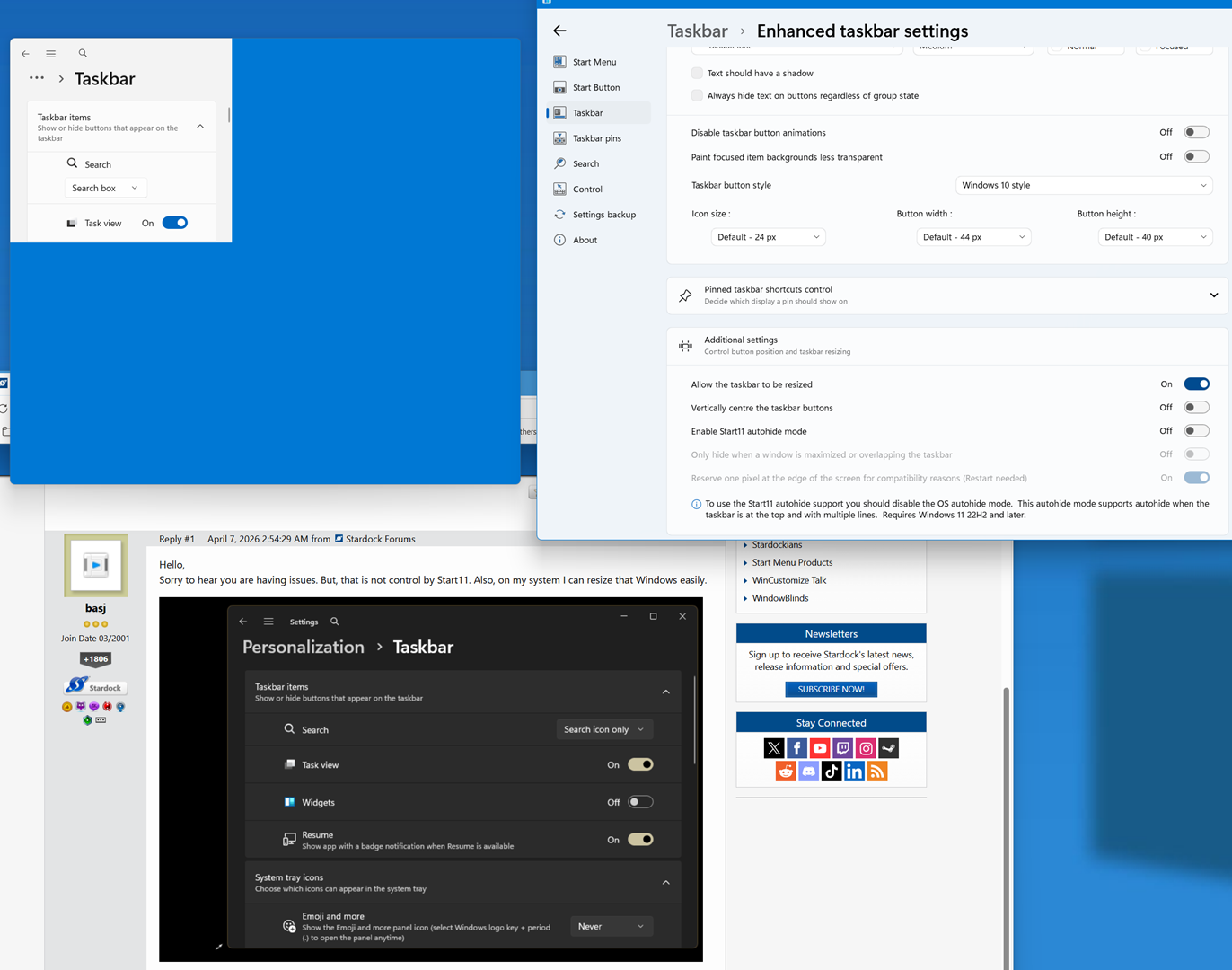
Right click taskbar settings - small pop-up - cannot be resized

As the title says: when right clicking on the taskbar, so as to access the settings, the taskbar settings window is showing up in a very small pop-up left hand top corner. The window can not be resized. Clicking on it will make it disappear again.
This happened a few times now. 

Like this.

.
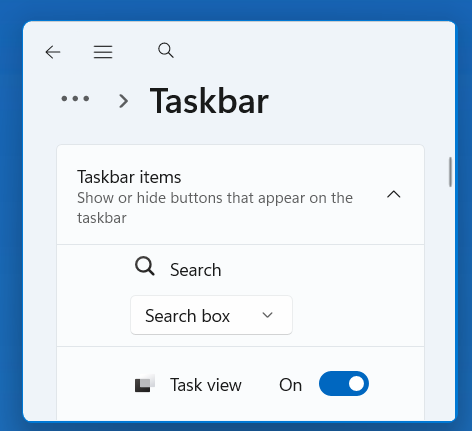

Could this have something to do with Start11 ? 
Using Start11 v2.6.

Thanks.
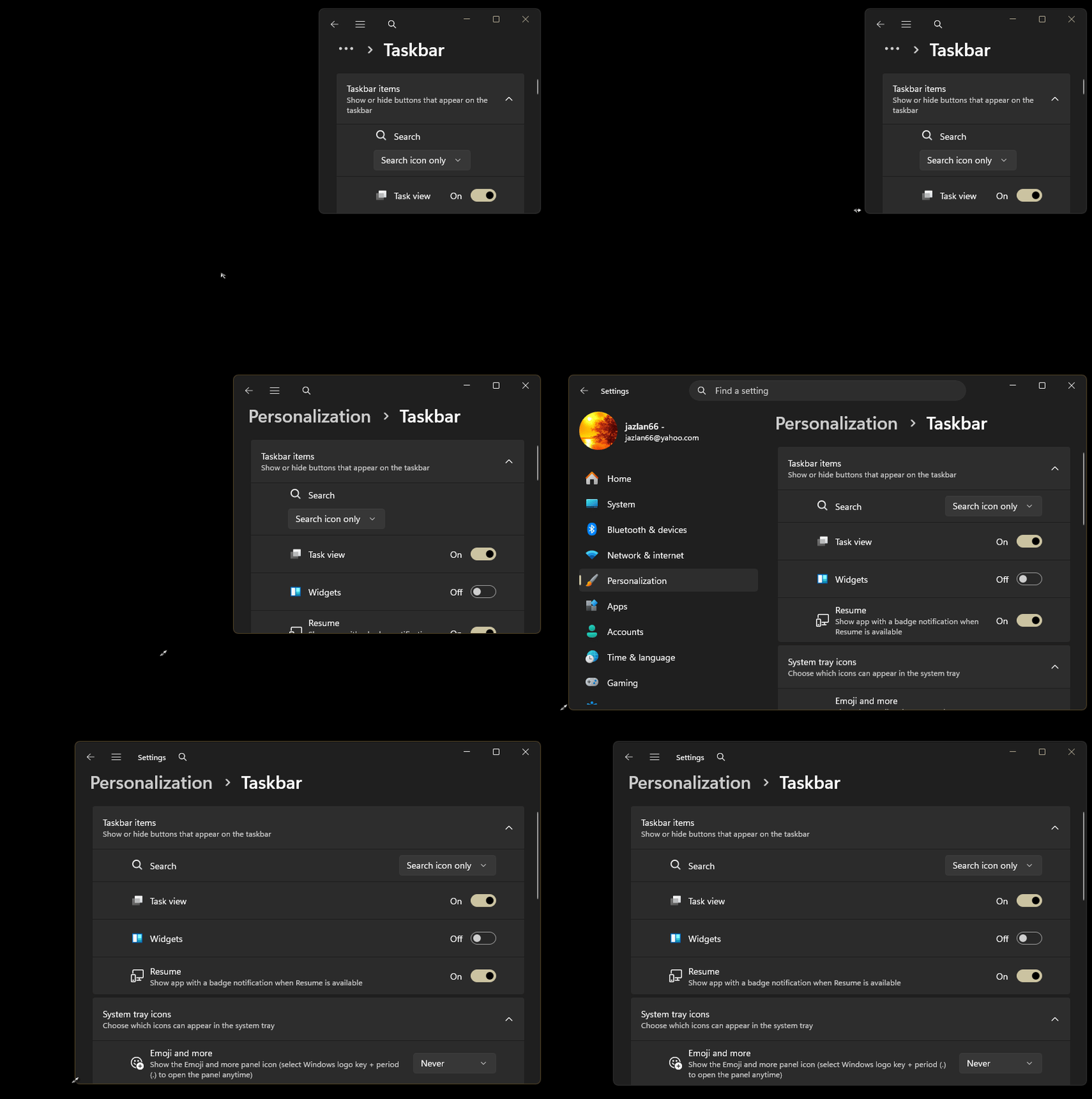
256 views 3 replies
Reply #1 Top

Hello,
Sorry to hear you are having issues. But, that is not control by Start11. Also, on my system I can resize that Windows easily.

Thank you,
Basj,
Stardock Community Assistant.

Reply #2 Top

Hello again,
Many thanks for your confirmation. Then I have to dig further... Funny, when, finally, I can resize the window, it will fill with just blue, the source remaining the same.

Anyway, again, thanks.

Have a nice day.

Reply #3 Top

I recommend doing a system check to fix any corrupted system files. Two built‑in Windows tools are very handy for this:

Run "sfc /scannow" first, and if it finds issues it can’t repair, follow up with the DISM commands. These usually sort out most system file problems.

Thank you,

Basj,
Stardock Community Assistant