Is it normal that so many apps aren't skinned now?
 Stardock Forums
Morning everyone happy St Patricks day.
I haven't used Windowblinds in an age because it was conflicting with DisplayFusion, which I find very useful now I have an ultrawide monitor. However I was told that the problem might be solved now (minimise/maximise buttons not working) and it seems it maybe is.
However, I am sure when I used to use Windowblinds most apps were compatible, this no longer seems to be the case? Is it normal that so many of my apps aren't getting skinned at all? Please don't take this as a criticism of Windowblinds these things are entirely out of control of the devs if apps aren't painting themselves in a standard way or something (like e.g Discord does) then that's entirely outside of Stardock's control but, I don't remember so many apps being incompatible. Here's the list of my regularly used apps that just ignore when WB is active and have the same look as a boring, standard window:-
Firefox
Thunderbird
Directory Opus (I use this as a complete Explorer replacement so this is particularly jarring)
Wire instant messenger
Signal instant messenger
Sticky Password (though KeePass works fine, I'm transitioning to that anyway)
Veracrypt
Microsoft To Do (opens with the skin then paints itself a boring regular windows skin over the top before fully opening)
Snipping Tool
The following apps have issues:-
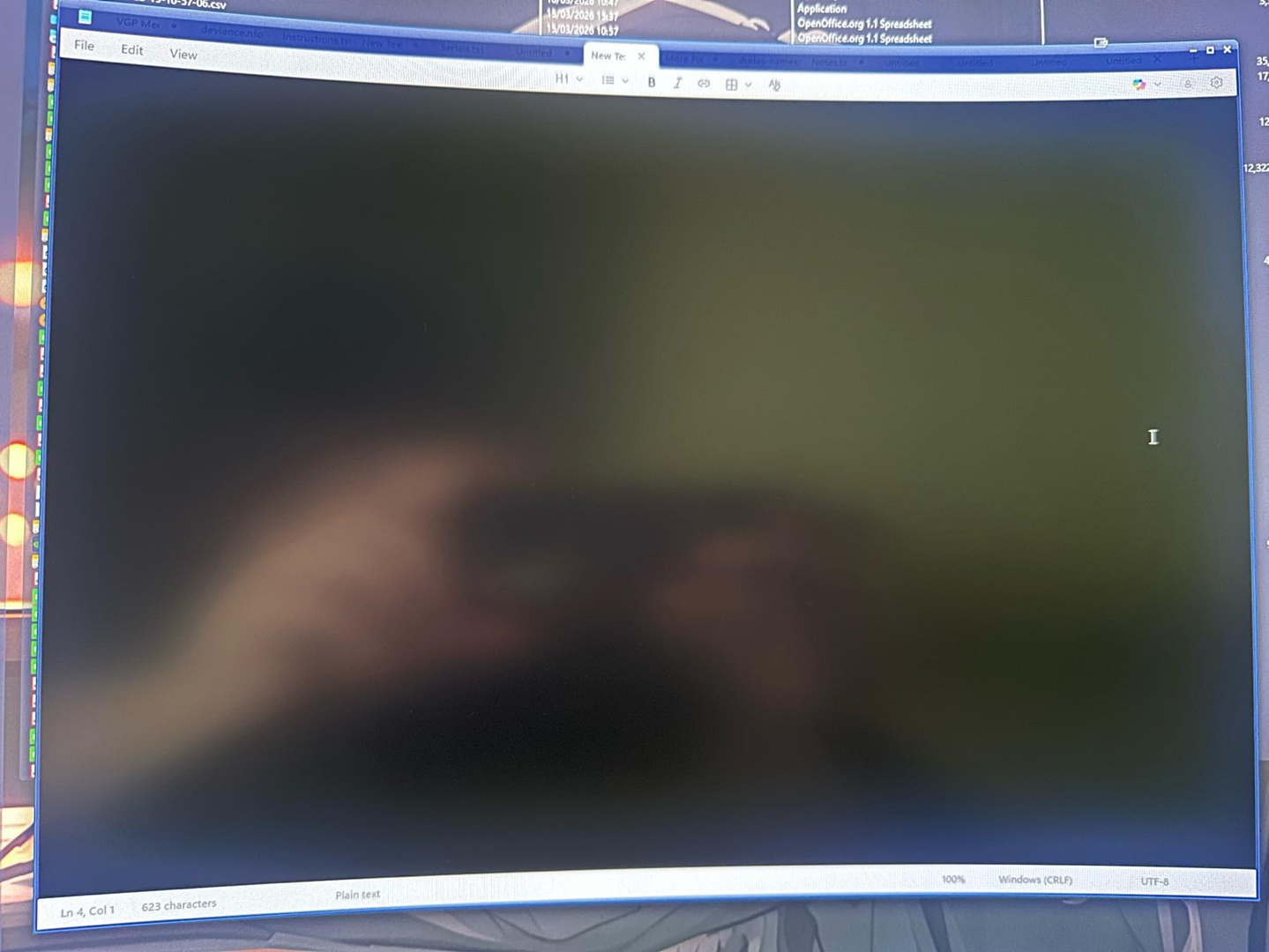
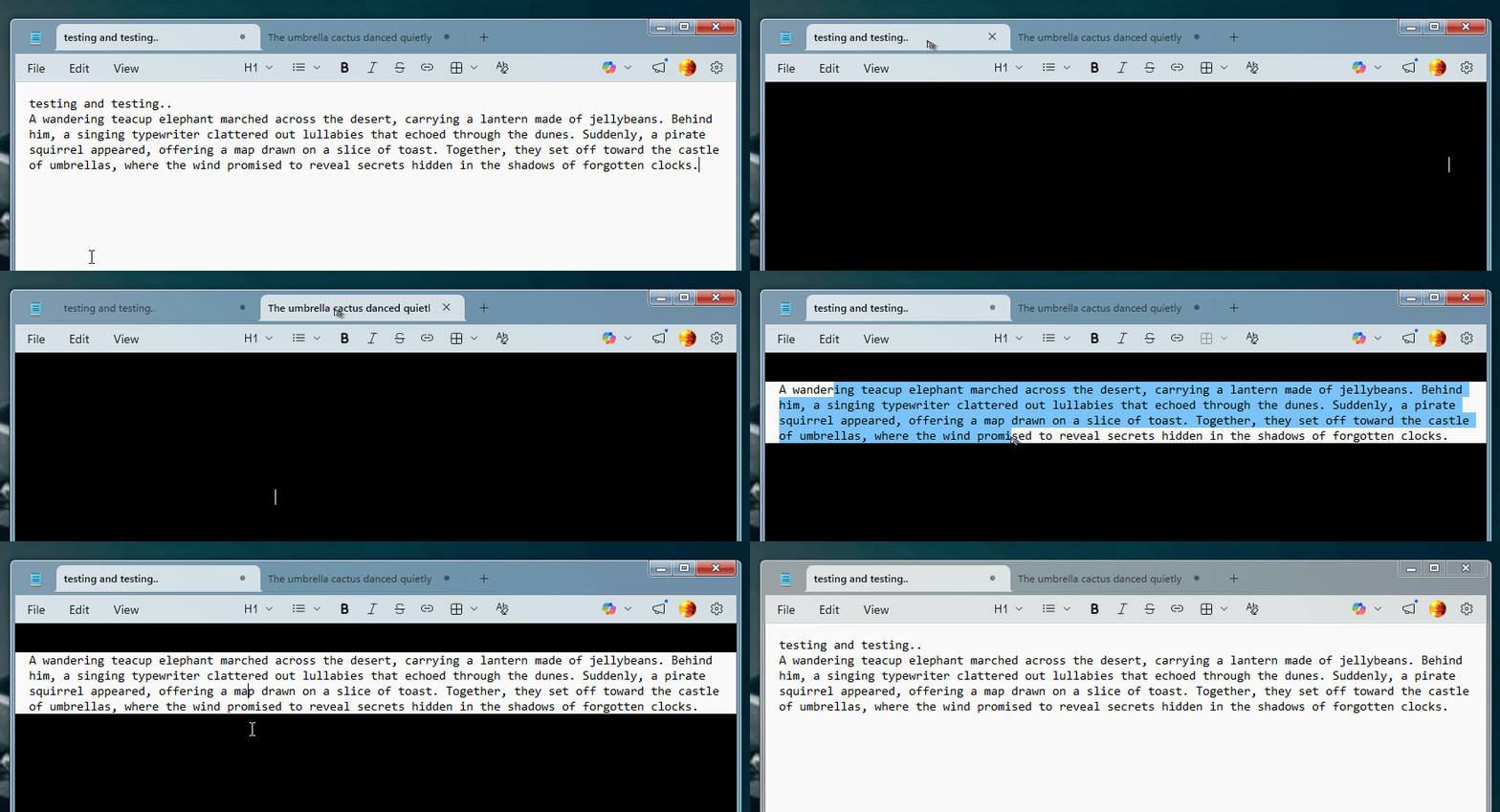
Notepad - This one skins but part of the text area appears black
So just want to know Is this normal or is there something conflicting on my system causing these problems?
System specs - Windows 11 Pro build 25H2. RTX 4090 GPU 24GB, 32GB RAM, AMD Ryzen 9 5900X CPU 12 core.
Windows 11 Professional 25H2 (26100.ge_release.240331-1435)
WindowBlinds 11.07 (024 x64 - Windows 11 Edition) - 64 bit OS
Window titlebar blur features are enabled on this operating system
Wblind.dll 2025/09/10 18:37:43
Wblind64.dll 2025/09/10 18:37:52
Wbsrv.dll 2025/09/10 18:37:32
WB11Config.exe 2025/09/10 18:37:10
Wbload.dll 2025/09/10 18:37:38
Screen10.exe 2025/09/10 18:37:45