Cannot enter product key on new install of start11
from  Stardock Forums
Stardock Forums
...when I click "Enter Product Key" on the startup dialog, nothing happens
 Stardock Forums
...when I click "Enter Product Key" on the startup dialog, nothing happens
Hello,
Sorry to hear you are having issues. First, please try, uninstall Start11, reboot immediately (important), download latest version available in your account product download page: https://store.stardock.com/myaccount/products. Install it, reboot immediately again. Retest it and report back.
If the issue still appear, report back with few more details.
Thank you,
Basj,
Stardock Community Assistant.
A reboot was done after install and the version of Start11 is the latest:


Just as a test, try activate it in Sandbox mode, does the activation work while in there? Refer here for Sandbox Test: https://support.stardock.com/space/SHC/1416855562/Testing+Start+in+Sandbox. Try it and report back.
Thank you,
Basj,
Stardock Community Assistant
The sandbox (on this same machine, same OS, etc.) works as expected: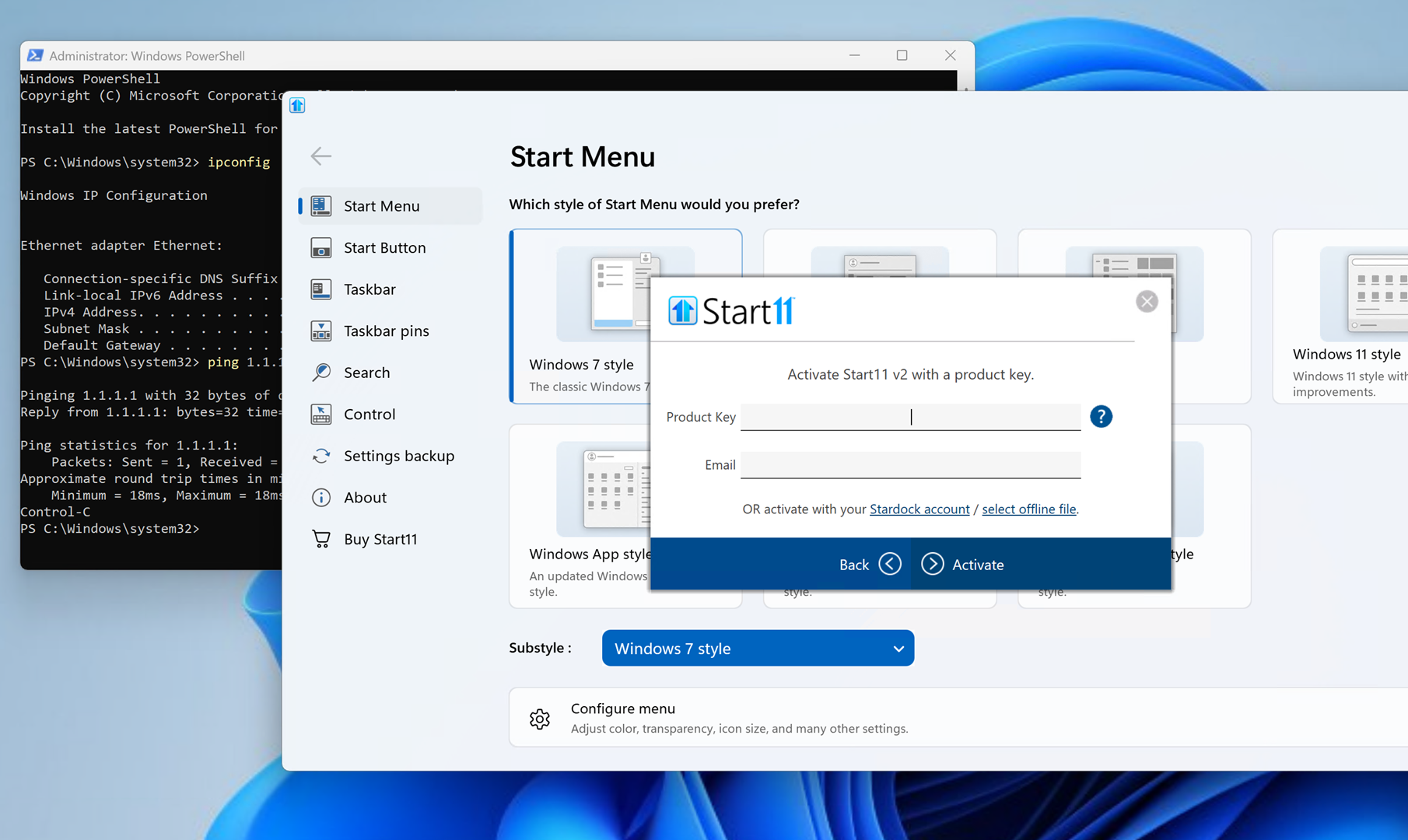
...but the original host still does not:
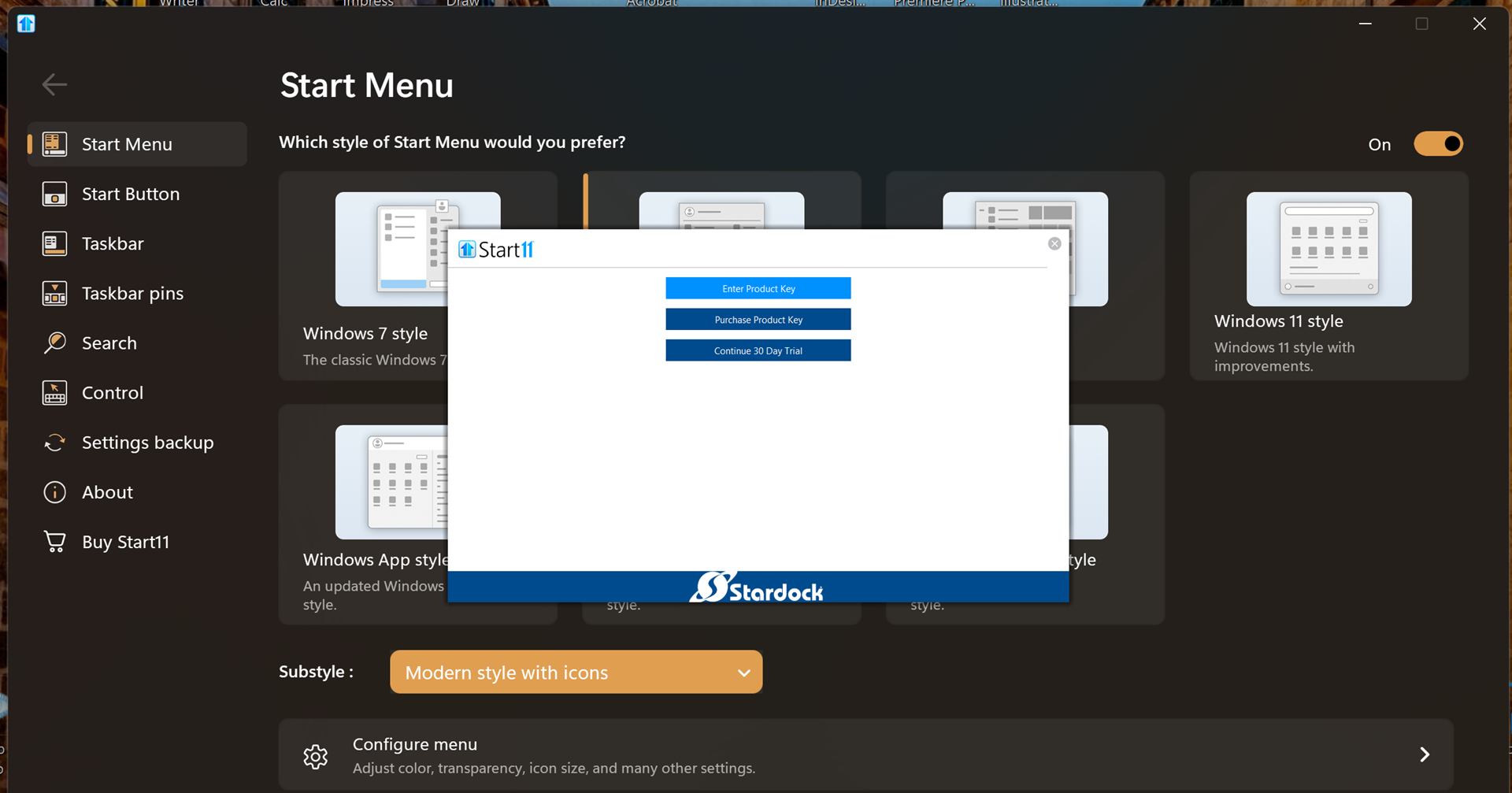
The issue is that no input fields are displayed in the GIU. Is there another way to get the license number into the app?
If the sandbox is working, that means something is interacting with that window to cause the issue...do you have any apps installed that augment the UI in any way?
Not that I can think of, but I will look into it. So I'm guessing there is no other way, such as a command line switch, a config file, registry, etc.?
Try installing while in a new admin account, something as mention in a Clean boot steps : https://support.stardock.com/space/SHC/1334935592/Start11+Clean+Boot. Try it and report back. If that work, log out and log in again into your original admin account, does Fences still activated and work as it should?
Thank you,
Basj,
Stardock Community Assistant
This issue was resolved by changing resolution on the main display which allowed the dialog to been seen, then reset to desired resolution.
Did this occur when you had the Start11 activation prompt occurring on a secondary display that had a different resolution than your primary?
I would love to be able to reproduce this so that we can isolate and fix the bug.
Just using the primary display, but reduced the resolution from ultra high to 1920x1080
Hello, just wondering, you was using what resolution when the issue appear? And your monitor is by default at what resolution?
Thank you,
Basj,
Stardock Community Assistant
Welcome Guest! Please take the time to register with us.
Select a reason for giving karma:
You're about to visit an external site:
Sign up here to get the latest news, updates, and special offers delivered directly to your inbox.