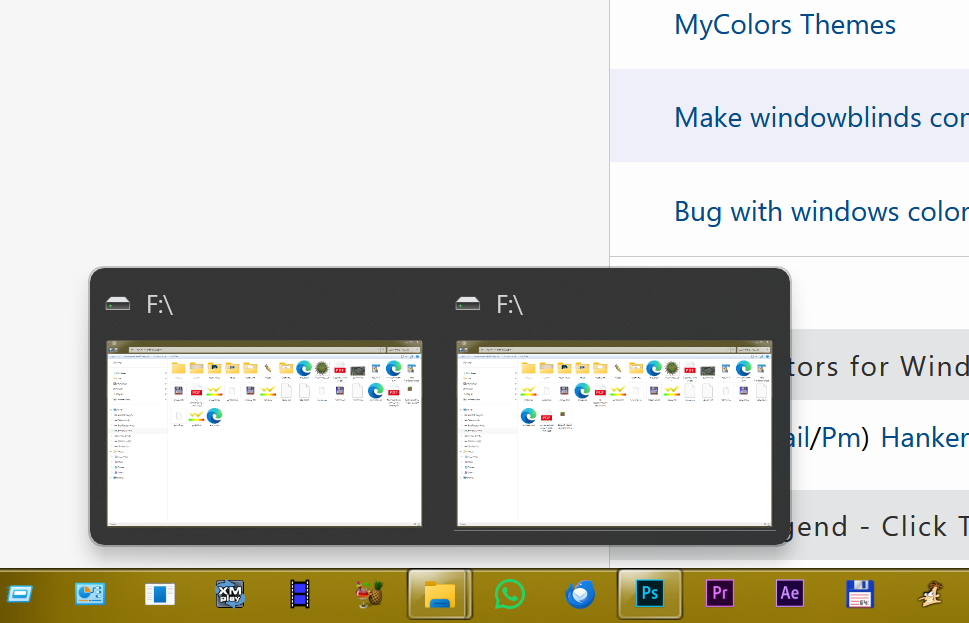
Clicking on the 2nd program icon on the taskbar results in a click on another icon in the taskbar
 Stardock Forums
System
- Windows 11 11 25H2 (26200.7840) Pro
- Start11 v2.6
- 2 Monitors
- Primary (1): 3840 x 1600 (On right)
- Secondary (2): 3840 x 2160 (On left)
- RTX 5080 GPU
- Enhanced Taskbar
- Taskbar on top
- Taskbar (Start11) Auto-hide
- Start Menu left aligned
- Custom Start Button
I believe this bug is new to v2.6, though there was some slight jankness with this icon slot in the past so it might be an evolved issue from earlier versions.
As shown in the following GIF, when clicking on the 2nd icon in the taskbar, upon release the click is actually registered on a different icon and that window comes into focus (or if multiple windows are open, it's window selection drop-down appears). The icon that gets "clicked" is generally the one two to the right, but I've seen it briefly select a different icon closer or further to the right as well (it seems to may be influenced by which window was the last one active).

This even goes as far as un-minimizing a hidden window. Also as can somewhat be seen, the multi-window selection dialog for the program in the 2nd slot will still appear after the "redirected click" occurs.
Note, that in this example, when clicking the Discord icon the Firefox icon alternates being selected. This is normal Windows behavior in which the last active window will become active if you minimize the currently active window; while that functionality may be related to this bug, that is not the same behavior I am seeing with the 2nd slot icon.