Disappearing mouse on apps with multiple instances, and problems with the thumbnails of multiple instances.

Hi,

I have a bug with Start11 where if any application has multiple windows, the mouse pointer disappears when i click it on its icon in the start bar.

It is also somewhat hit and miss as to whether it behaves properly. I have a video where Explorer has 2 windows/instances open, and the mouse pointer disappears. It does not disappear for the single instance of Firefox beneath it... But there's no option to attach files/vids in the forum that i can see :(

In the vid, the thumbnails are randomly not showing either. I also have related problems where selecting an app instance from a thumbnail does not immediately bring it to the foreground, so I end up doing this multiple times before I can actually use the application...

Has anyone else seen this before? I'm using Start 11 2.56 business edition.
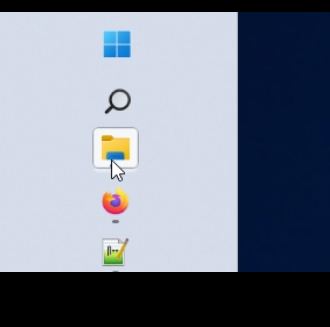

<click>
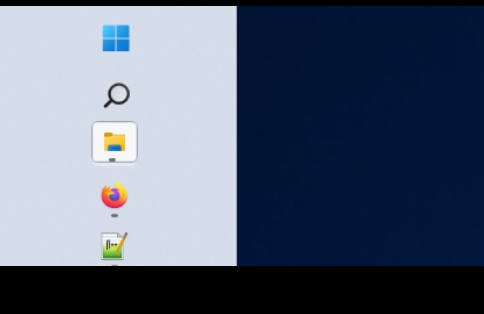


then no thumbnails when it comes back:
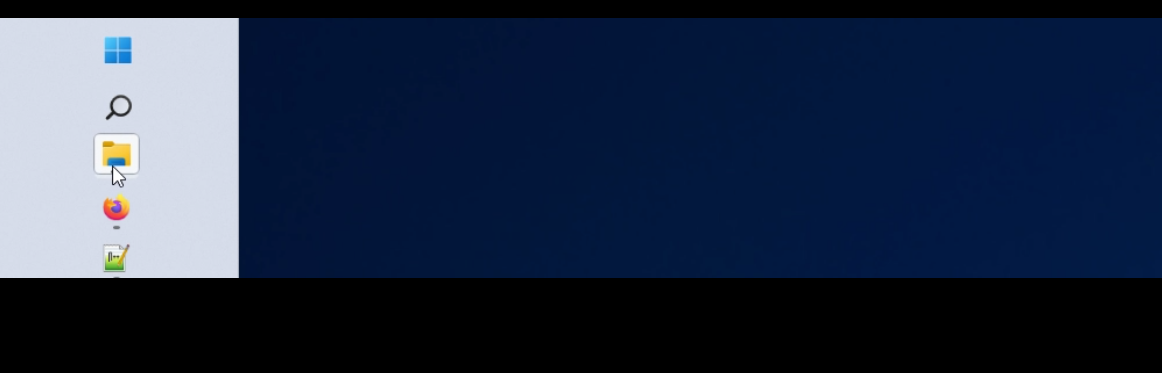
1,087 views 5 replies
Reply #1 Top

Hello,
Sorry to hear you are having issues. First, please try, uninstall Start11, reboot immediately (important), download latest version available in your account product download page: https://store.stardock.com/myaccount/products.  Install it, reboot immediately again. Retest it and report back.

If the issue still appear, we need more information.

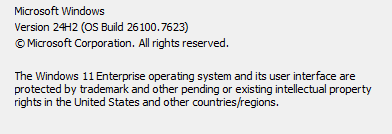
  1. Windows 11 full version and OS Build number. Please use Winver.exe to get these numbers.
  2. Start11 enhance taskbar turn on or off?
  3. Post video to any video sharing site such as youtube, set it public and post its link here.

Thank you,
Basj,
Stardock Community Assistant.

Reply #2 Top

winver:

The mouse pointer disappearing thing only happens when the enhanced taskbar is on. Presumably, the other odd behaviours are related to that as well, but I haven't tested long enough to know for a fact.

Reply #4 Top

I will try when I next get a chance. Are you able to confirm this does not occur on your end, please?

Reply #5 Top

Yes, it does not happen on my system.

Thank you,

Basj,
Stardock Community Assistant