Taskbar preview popup when hovering on taskbar items
How do I turn it off?
from  Stardock Forums
Stardock Forums
Hello everyone,
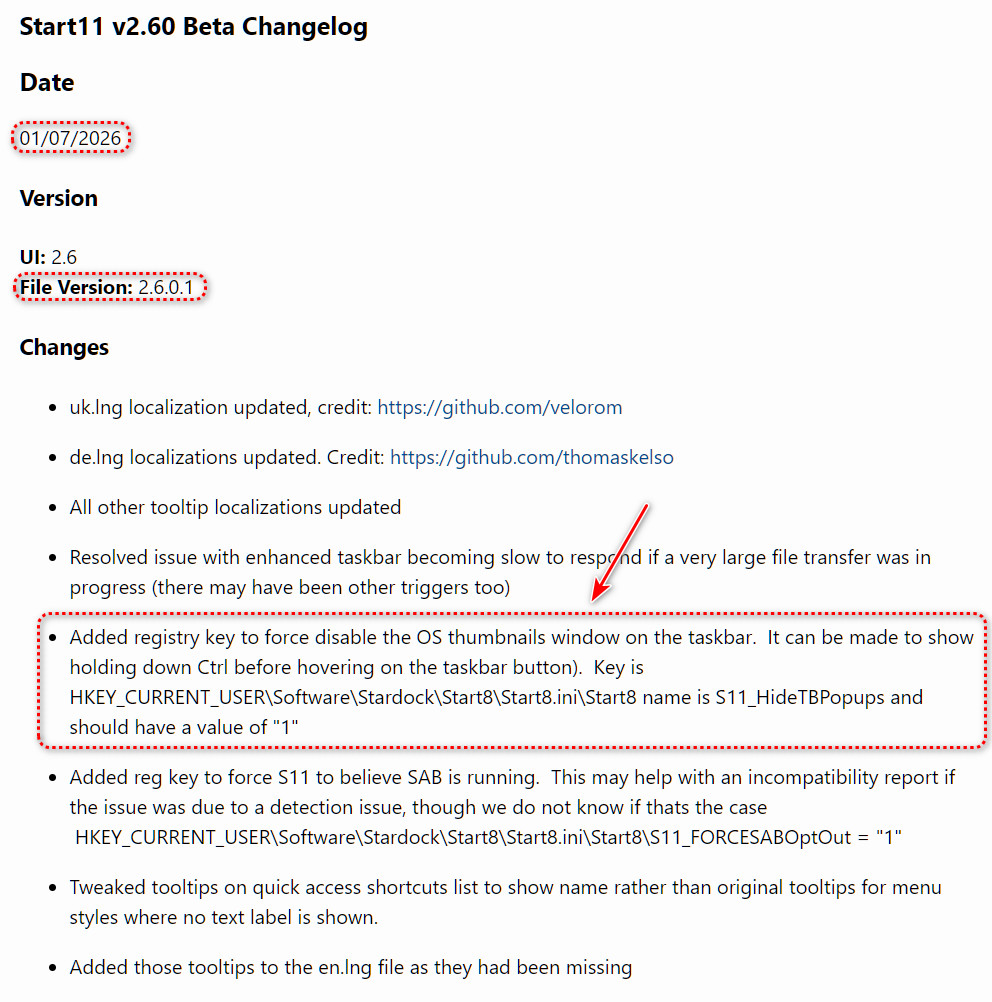
When I hover over a taskbar item a pop-up appears which shows a preview of a window. If you have multiple windows of the same type, it will show previews for all windows at the same time. How do I turn this feature off?
I assume it's intended for when you use grouping, as without this feature you would not be able to select which group window you want to open. But I have grouping disabled and still get the previews, which is super annoying. I frequently have a dozen of windows of the same type and get a huge set of previews across my whole screen. They also often get horizontally cut off for some reason which makes it even worse.
I am using vertical taskbar with grouping disabled.