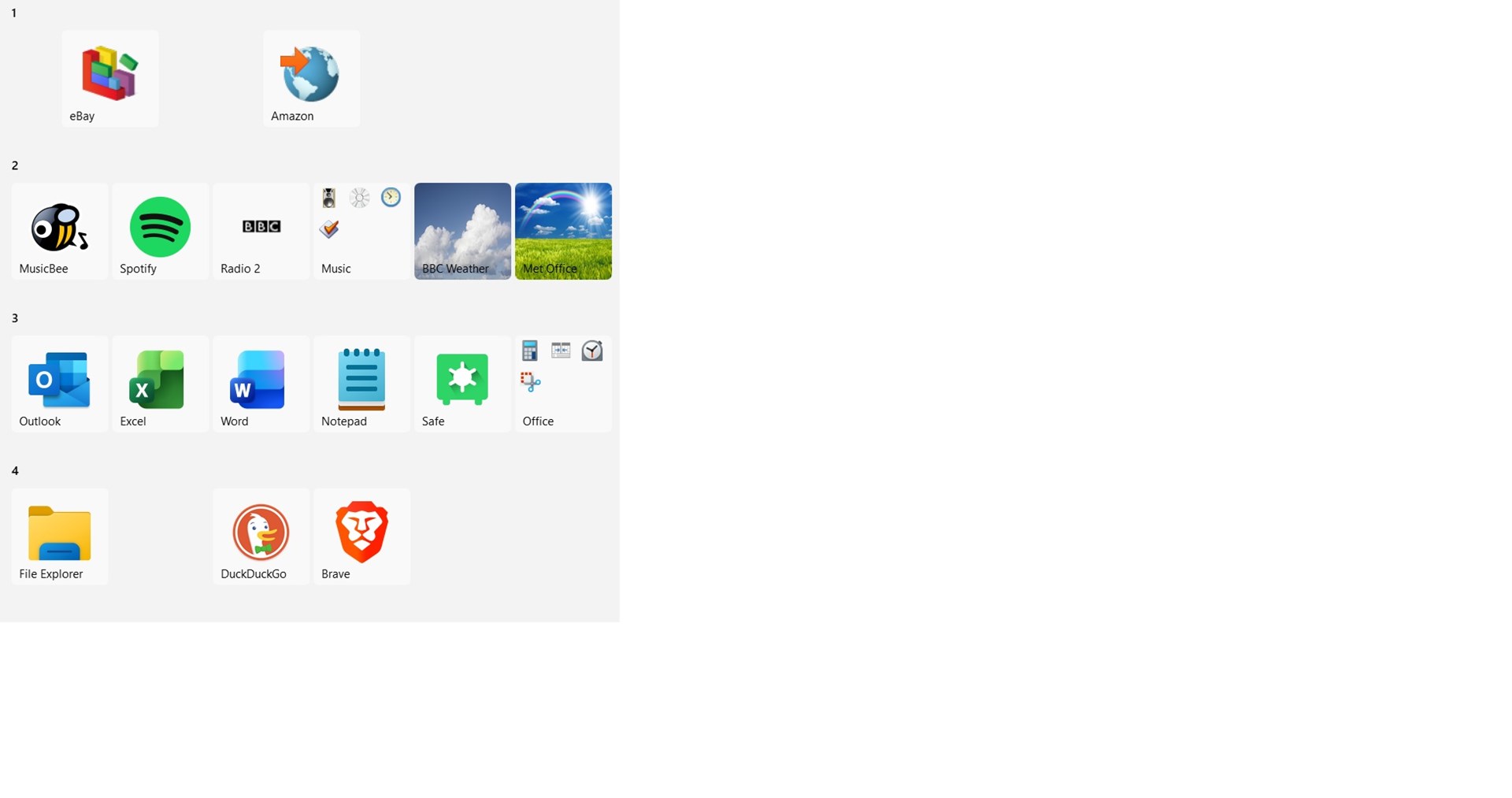
Display icon names in the start menu
 Stardock Forums
Hi,
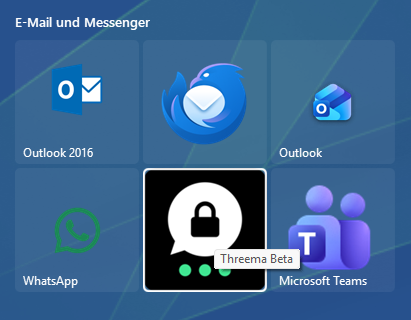
Is there a way to permanently display the icon names in the Start11 “Windows 10 style” start menu? I mean the name that shows when I hover the mouse pointer over the icon.
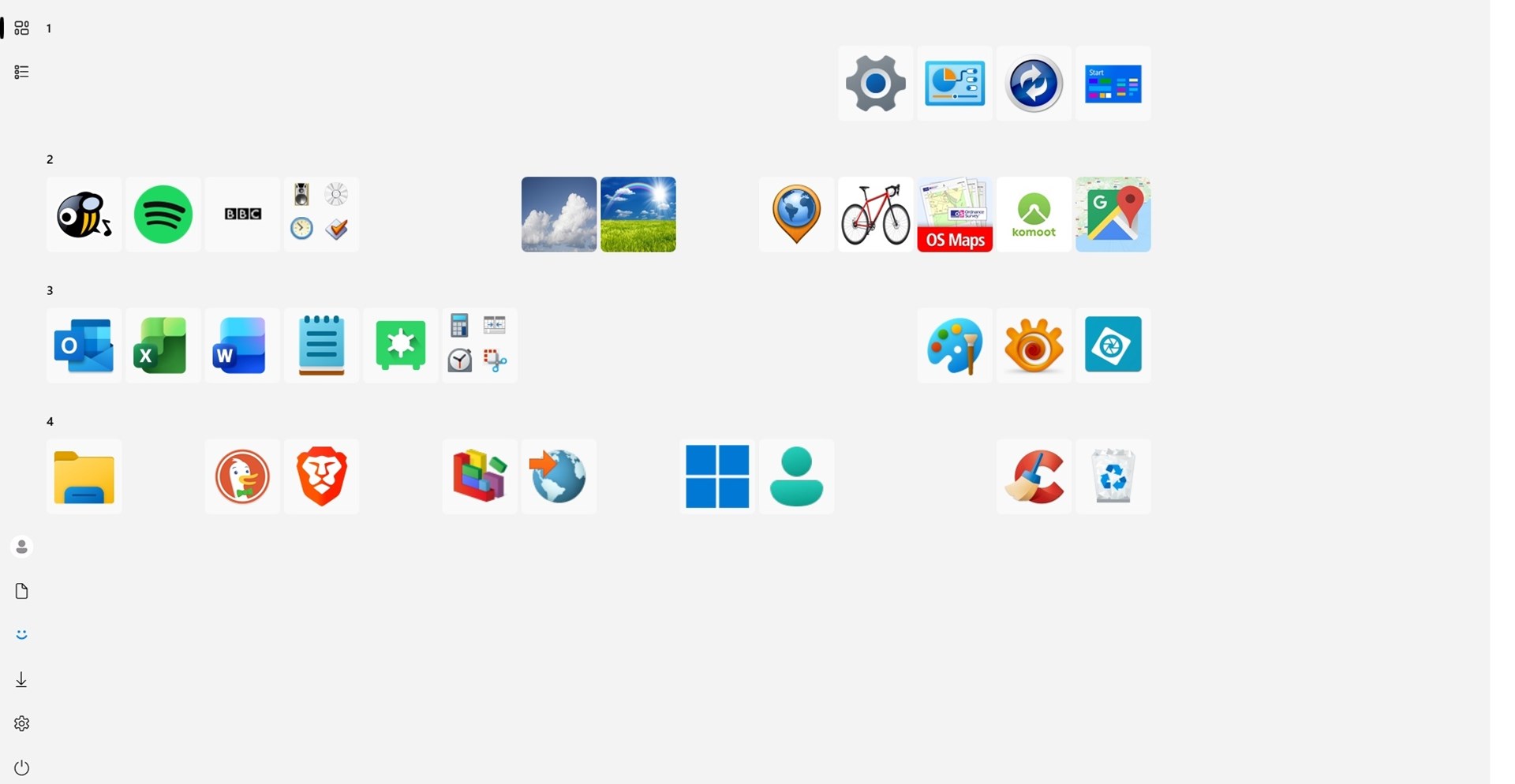
I have a lot of icons on my start menu where the icon is not specific to the shortcut destination (eg websites). Some of them have the same icon but do different things.
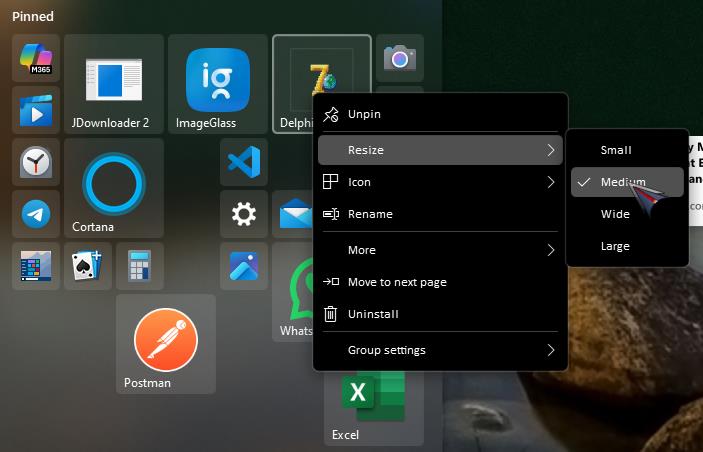
Although I can hover the mouse pointer over the icon to see the name, it would be so much more useful if they were just permanently labelled – like the Windows 10 and 11 standard start menus.
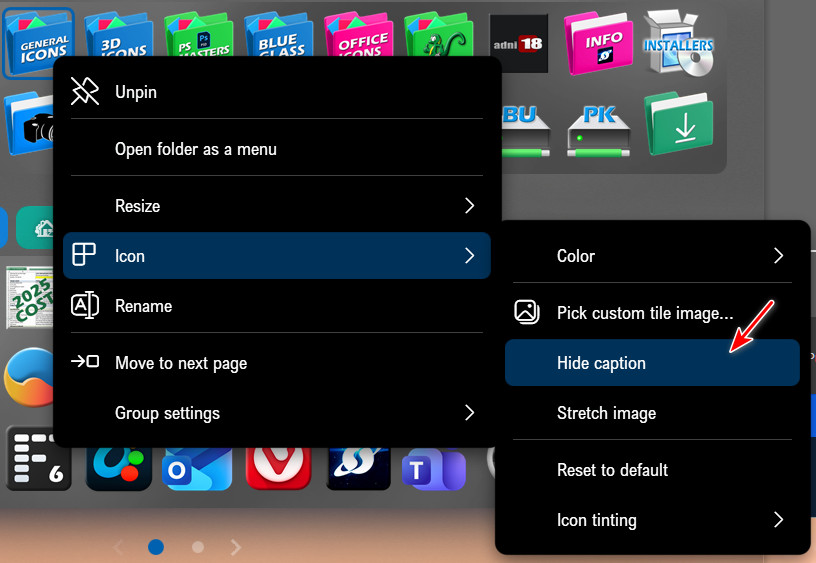
I notice in the right click sub menu for an icon, there is a setting to “Hide caption”. This is not selected for any of my start menu icons. It doesn’t seem to make any difference if I select this or not. Maybe this setting has some other function and has nothing to do with displaying the icon names?
Thanks