Multiplicity seamless connection, error "Connection failed due to unknown protocol error. (3)"

Hi,

When I tried to seamlessly connect to the secondary device from the primary device, an error message popped up:
Could not connect to YISUOYANYU
Connection failed due to unknown protocol error. (3)
Attempting to connect to YISUOYANYU IP(s): 192.168.1.114,

Strangely, the settings page of my secondary device shows the IP as 192.168.1.115
But when connecting seamlessly, it shows 192.168.1.114

In KVM mode, I can normally drag the mouse pointer to the secondary device.


1,634 views 4 replies
Reply #3 Top

Hello,
I have forwarded your problem/question to Stardock Support Team for their assistance. Please keep an eye on this thread for any updates. We appreciate your feedback and patience. Thank you.

Basj,
Stardock Community Assistant

Reply #4 Top

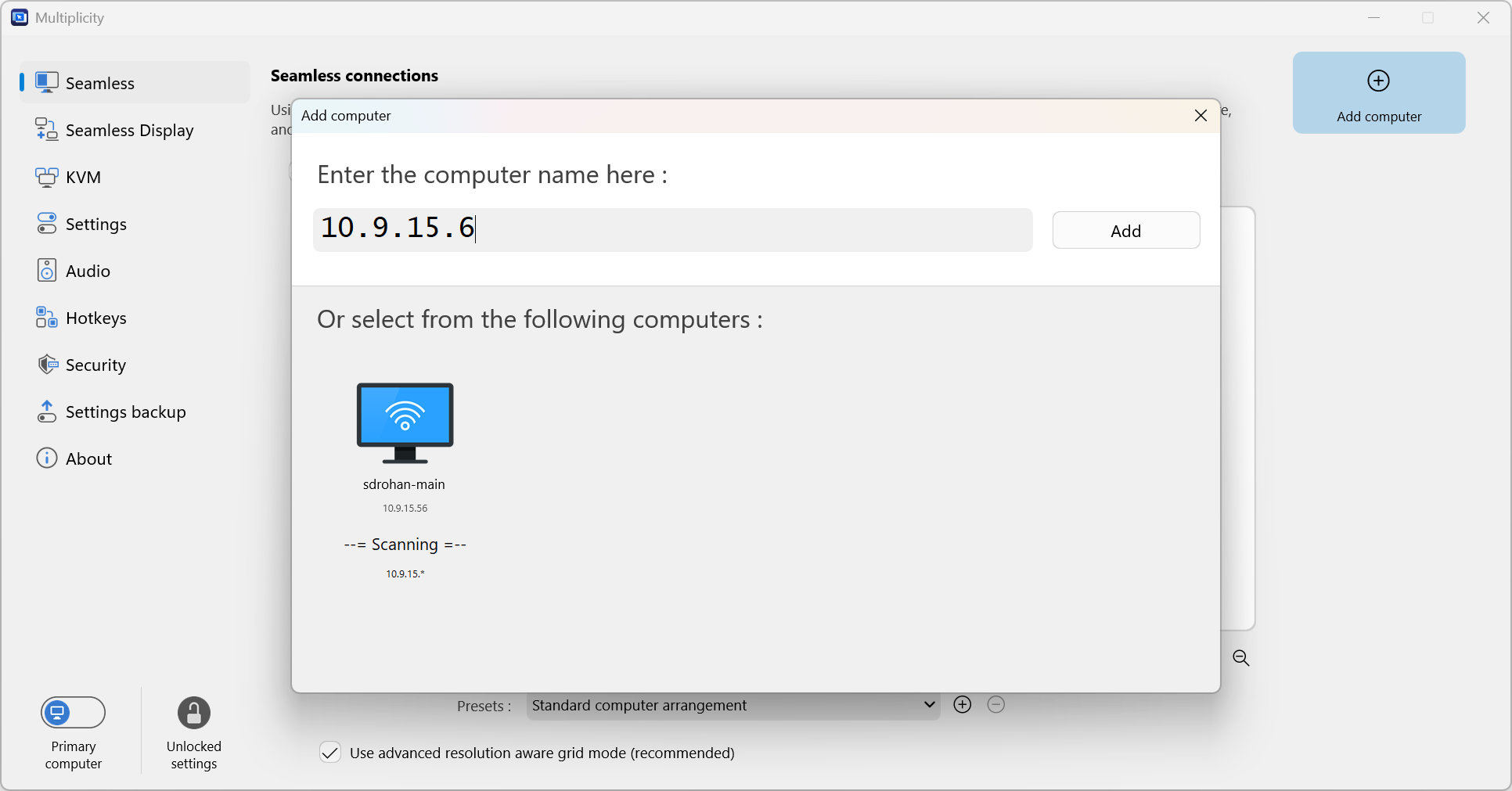
Are you using (either of the) IP addresses to connect or the hostname (from the search)?  If from the search, try entering in (either of the) IP addresses

You may also want to fire up a command window, then ipconfig, to see what is showing the extra IP address.

Lastly, this is still the best resourse for troubleshooting MP connection issues:

https://support.stardock.com/space/SHC/1287946260/Multiplicity+Connection+issues+101

Sean Drohan
Stardock Product Lifecycle Manager