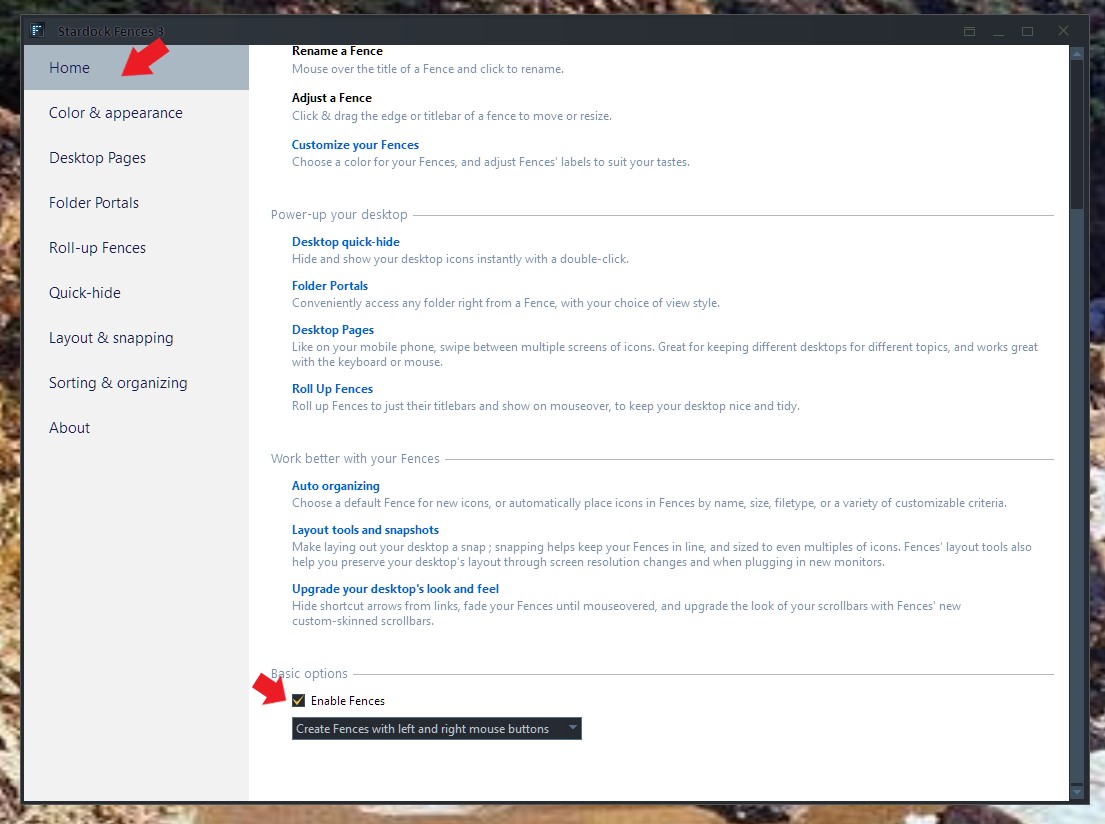
Create New Fences pop-up will not go away
from  Stardock Forums
Stardock Forums
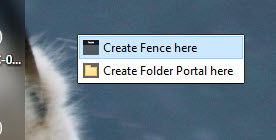
All of a sudden, when my cursor moves over a specific spot on my main display, there is a pop-up from Fences. I haven't done anything to cause this to open. Even with another app, such as Word or Excel the active window, if I move the mouse over that position in the screen, the Fence pop-up appears. Makes using Word or Excell more difficult.
I can't get it to go away.
How do I completely close Fences with Task Manager?