WindowsBlinds 10 Desktop Icon Fonts

Dear team,

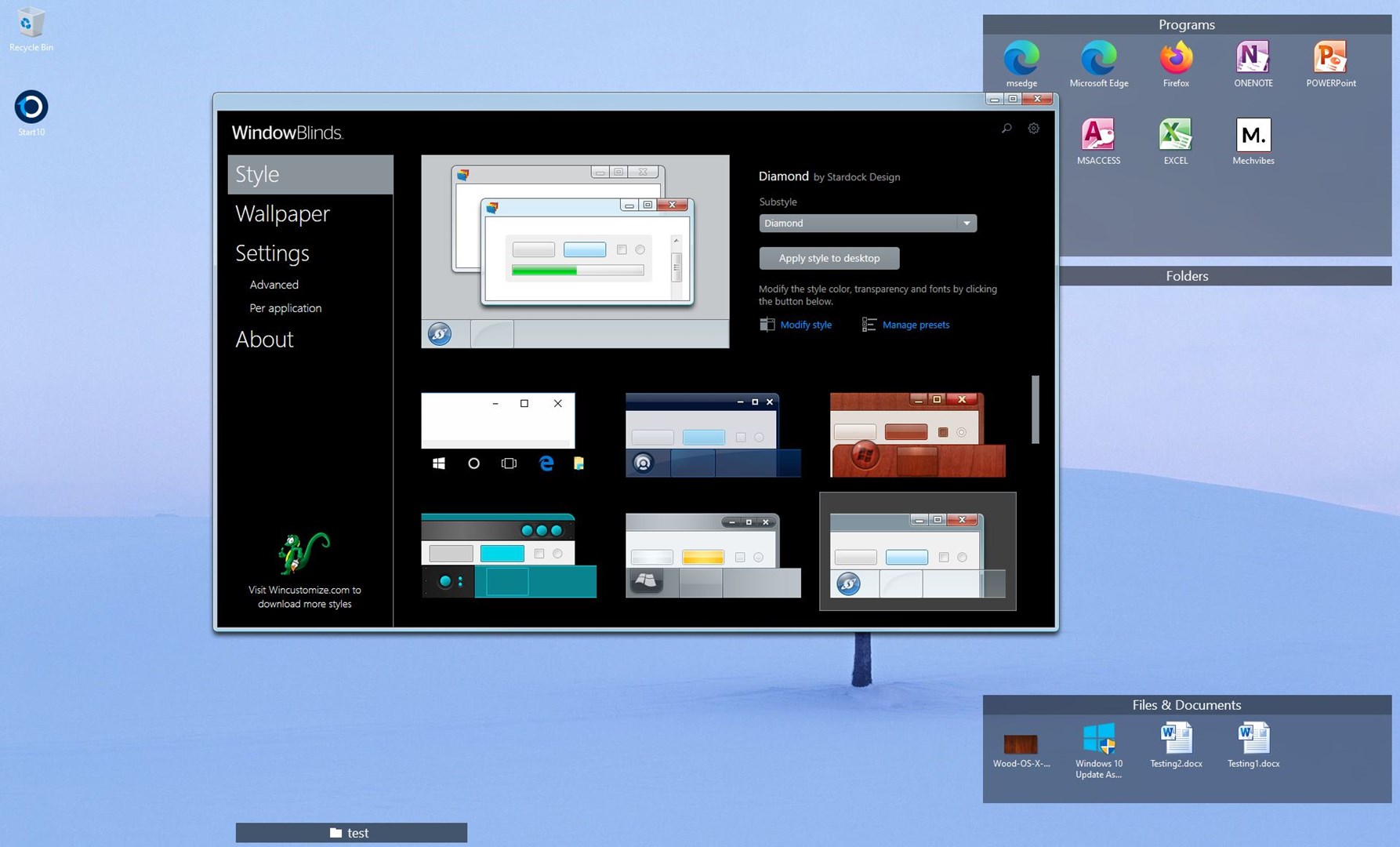
After applying WindowsBlinds style (Precision Windows 7) I've got shadows on desktop icon fonts, like:

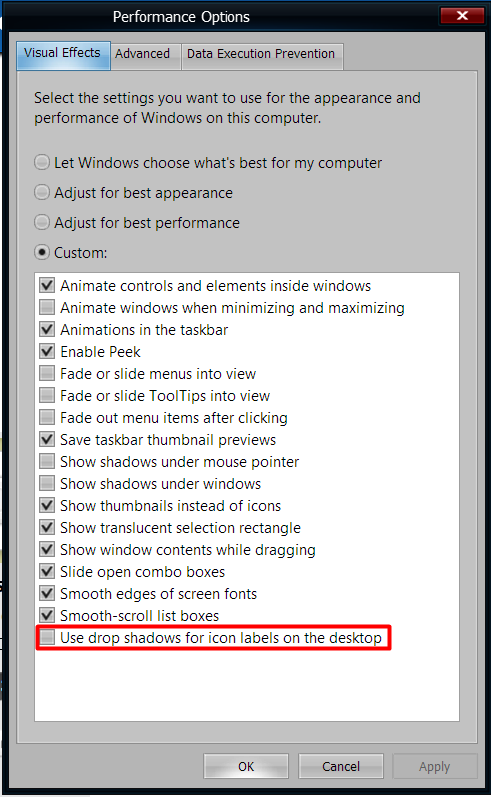
These shadows are disabled in Windows settings and I can not find any way to customize that in WindowsBlinds. Please advice.

Windows 10 Pro 21H2 (19041.vb_release.191206-1406)

WindowBlinds 10.89 (064 - Windows 10 Edition) - 64 bit OS

Thanks in advance,

Vadim
 

2,798 views 4 replies
Reply #1 Top

Hello,
Sorry to hear you are having issues. First, need to know how you manage to remove the shadows on your system? Could you share the steps. I tried steps as mentioned here but still fail on my system: https://www.top-password.com/blog/remove-shadow-under-icon-text-on-windows-10-desktop/ . I notice this guide was back in 2017 and might not be valid for current Windows 10 version. So can you confirm that you can actually remove the shadow on your system.

Thanks
Basj,
Stardock Community Assistant.

Reply #2 Top

I used that as described in your link. It works for me if I switch off WindowsBlinds.

Reply #3 Top

Understood. I can't reproduce your issue on my system. However, I have forwarded your problem/question to Stardock Support Team for their assistance. Please keep an eye on this thread for any updates. We appreciate your feedback and patience.

Thanks

Basj,
Stardock Community Assistant

Reply #4 Top

Anyway, after several try. I can remove the shadows by restarting explorer or reboot the system.

Thank you,

Basj,
Stardock Community Assistant