Balloon tips

A minor annoyance. I've tried turning off balloon tips in windows but it doesn't seem to change anything with start 11. When I attempt to use my toolbars on the bottom I get balloon pop ups the block me from using the toolbar. I have to shake the mouse in order to make them disappear. I have a photo of the problem but for some reason I can not upload a photo from my android phone no matter what browser I use. Is there any way to turn off balloon tips in start 11? If anyone knows how I can upload a photo using my Android phone I will. 

17,159 views 17 replies
Reply #1 Top

Hello,
Sorry to hear you are having issues. Can't seem to recreate the issue on my system. The tool tips do pop up but they are gone as soon as I move away from that icon area. Can you post a video of this issue and post it on video sharing site. Share it link here. I usually use youtube for easy video sharing.

Thanks
Basj,
Stardock Community Assistant.

Reply #2 Top

Reply #4 Top


Reply #5 Top

Quoting JCurie, reply 3

I don't know if this photo will show
It won't.

+1 Loading…
Reply #6 Top

Thanks. I can't figure out why I can't upload a file from my phone. I've tried for different browsers and it just will not search for file when I press on brows for a image. 

Reply #10 Top

Have you tried this? Link

+1 Loading…
Reply #11 Top

Thanks

I remember that from Windows XP or maybe even 98 or 95 and have been using it since then. I did try it as well as turning off notifications in the Windows settings itself and neither one worked. The only thing I could think of is it must be part of start 11. I even looked into the ini files of start 11.

Reply #12 Top

That is also dated for Windows 10. Is there confirmation that also works for Windows 11? I does not for me.

JCurie, one thing that may make your life easier is the screenshot shortcut key. If you hold the windows key and press (prt sc) you can take a screen shot. Then you can just bypass using a phone altogether.

Reply #13 Top

I don't have my computer connected to the internet. Call me cheap but I see it's senseless to have internet on my phone and on the computer. I do occasionally hook my computer up to my phone but only to register programs that need internet access or occasionally Windows updates. 

Reply #14 Top

JCurie,

You on Windows 10 or 11? And if you uninstall Start11, does the balloon tip appear? From your Photo, the tool appear while your mouse pointer is away from your taskbar. So, not sure if Start11 is causing it.

Thank you,

Basj,
Stardock Community Assistant

+1 Loading…
Reply #15 Top

I'm on 11 I haven't tried uninstalling start 11.. maybe I'll try uninstalling start at 11 to see if it's still there in a week or so right now I if too many time constraints. 

Reply #16 Top

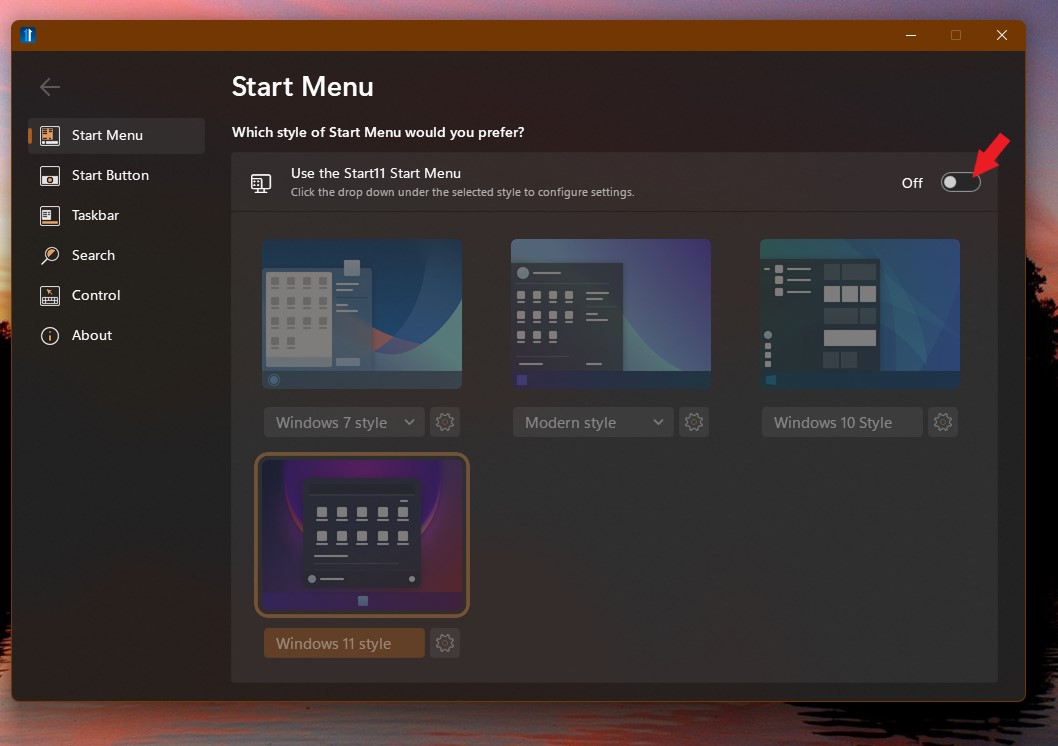
Without uninstall just turn off Start11. It might work.

Thank you,

Basj,
Stardock Community Assistant

+1 Loading…
Reply #17 Top

Just for the sake of looking into it. I too have tried to get the balloon tips turned off. On Windows 11, using past reg edits that do work on Windows 10 don't seem to work on Windows 11. There seems to be a lot of registry changes in regards to how the taskbar works. It is possible a Windows update knocked out this feature is it was working for you at one time? The notification settings will only turnoff pop ups at the very end of the taskbar not the actual balloon tips. So far, unfortunately, I have not found anything that dates beyond windows 10 in regards to turning this off

+1 Loading…