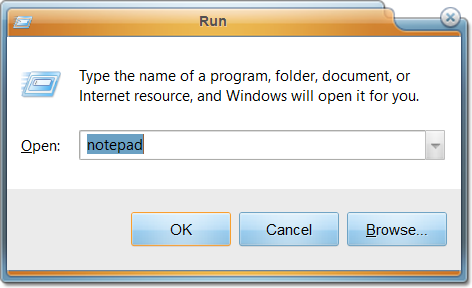
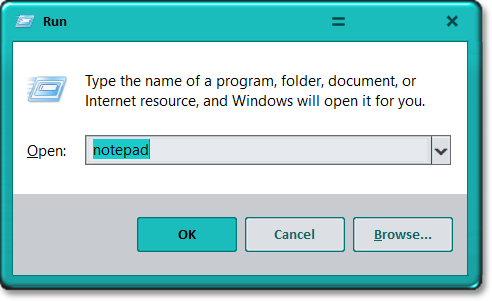
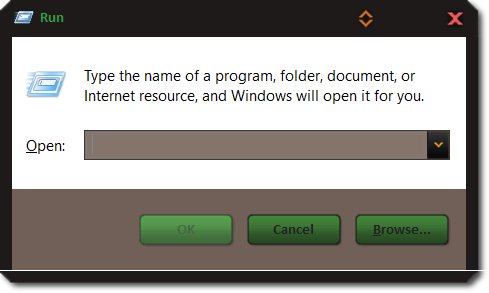
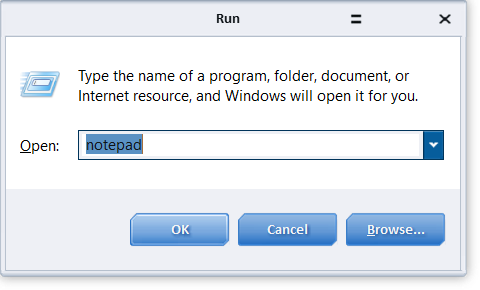
Can The Run Dialog Be Skinned?

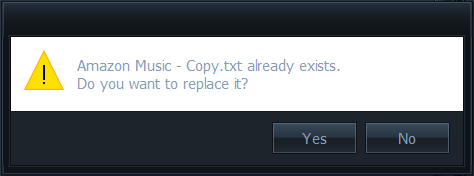
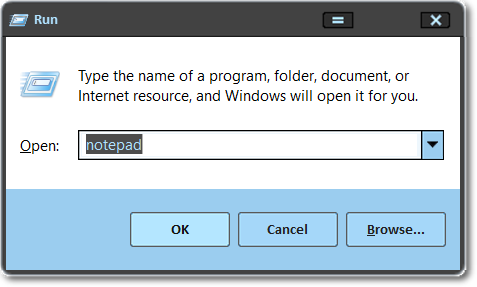
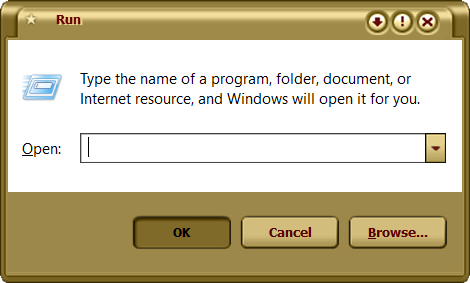
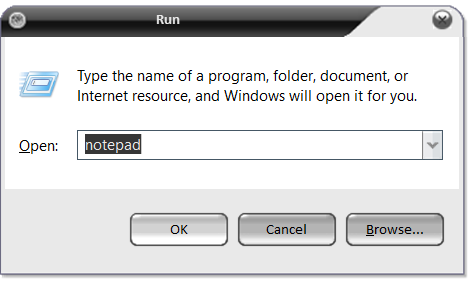
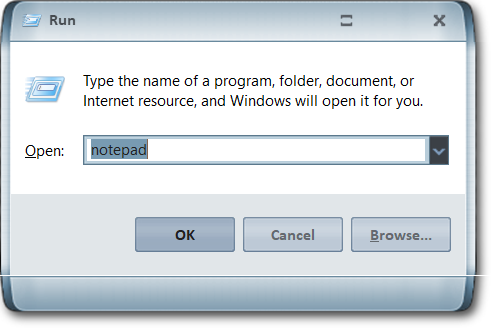
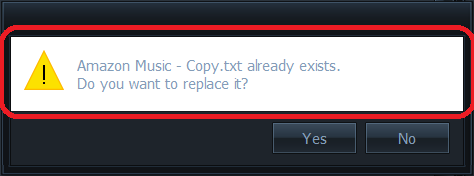
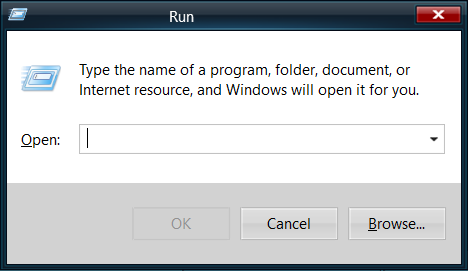
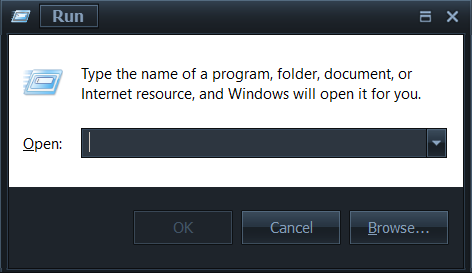
I am a newcomer to WindowBlinds 10. I have been looking at some Dark themes for Windows 10 (like Dark Mode) and notice that the Run dialog is consistently left untouched by the theme creator. The Delete/Replace File dialog is untouched as well. I am curious if there is something special about certain system dialogs that prevents colorization?
 

4,494 views 6 replies
Reply #1 Top

I don't know why you are having those issues, but the Run and Copy Dialogs in Windows 10 are always skinned. Do your issues occur in any other skins besides those dark ones?

Reply #2 Top

I will try a few more out here. I don't know what a theme looks like when it is displaying properly or if I have a dialog display issue. So I will just list another five as examples. If you need any more or if I misinterpreted what you were asking me for, please let me know.


Avant


Cadera


Christmas Holidays v.2


DiamondStar


Lantana


RetroX


Trill


VX1


White Beauty


Windows Zero


Reply #3 Top

Those are all skinned correctly, so it must be an issue with that Dark Mode skin.

Reply #4 Top

That is good news. Can the portion outlined in the images below be skinned so it appears as a color other than white/light?

Reply #5 Top

Yes, it could be changed from within Windowblinds itself, but it would mess up the background color of many applications such as NotePad, Microsoft Office and many others. It is best to leave that color as white. It is not recommended.

Reply #6 Top

I see. Well, at least now I know why. Thank you very much Lightstar :D