Taskbar buttons Margin Move
I have looked everywhere I could think these margins are, but can not seem to locate the right area and need some help please. thank you
Here it is without the buttons

It looks like you'd want to add about 50 pixels of transparency to the right side of each of the 5 frames of the start button image. It looks like the light brown area on the left side is actually part of the taskbar, not the start button. and the start button itself is maybe just the round graphic. Making the startbutton wider by adding transparency will cause the other buttons to land further right.
@nofx1994...what theme are you using? It looks fascinating.
Uvah it is actually my first windowblind theme I am working on, but it is a huge learning curve for me with how the program is setup.
Thank you I will try this and hopefully it moves them to where I need them to be, and yes the brown is the taskbar and the start button is just a round start button.
What is the actual size of your start button. in px. Length/width. Also the size of your taskbar buttons. Also the SB should have 5 btns on it and Taskbar button should have 6 buttons on it.
It shouldn't look like it shows on your image.
I am using 3 because that is how I have always done it but guess with blinds it needs to be more?

The taskbar buttons I have not gotten to yet so they are still what is used on the starter theme, but wanted to get all the bugs worked out as I go along (sorry that is force of habit in building for me).
Keep in mind though, if you add transparent pixels to the right side of the start button to increase the distance to the first taskbar button, you will affect the position of the start button on the vertical taskbars too.
Fantastic looking skin too! ![]()
Don't know if it actually needs to be 5, but ya that's the normal. If you click on the SKS "Help" tab in the lower right of your screenshot there, it'll tell you what each of the 5 state are (normal, pressed, disabled, mouseover, focus/default).
Thank you LightStar but it has quite a bit more to go before I would call it a skin right now it is just an ideal and if i can pull it off or not.
thank you all for the input but I went another way about it and made a background for the start button that got me where I wanted to be and got it to move like it is opening when clicked. 
A little movement can be fun.
I'm looking forward to seeing the finished product. Looks damn good so far.
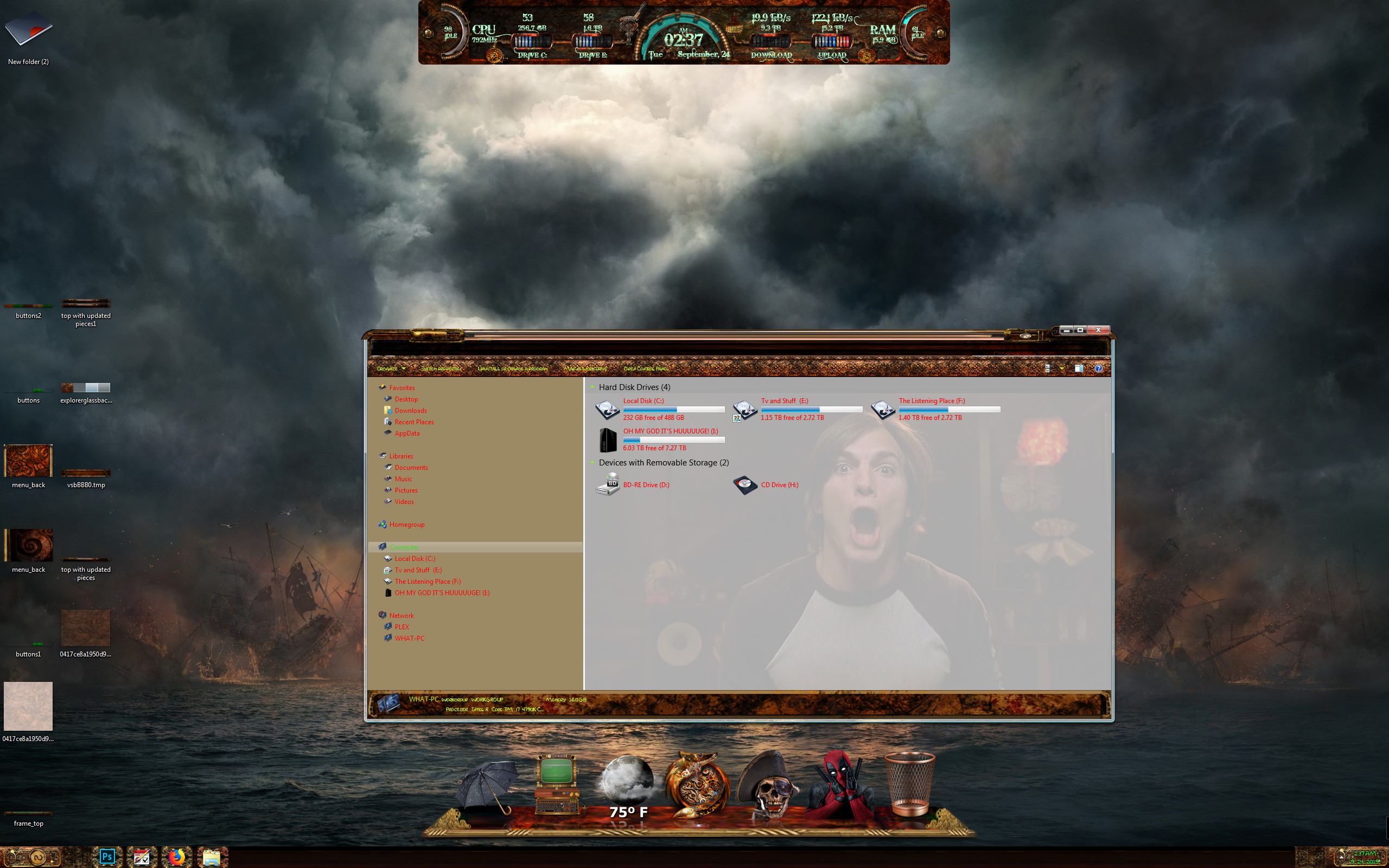
I figured instead of starting a new thread I would just continue with this one. Here is my newest set of issues. I have started on my frames but seems to be an issue with size maybe not really sure, but you will see in the two screens one has the address bar and one does not. I have tried resizing several times but not sure if there is a size restriction that I am unaware of. 

here is from photoshop
well got most of it mocked up but still needs quite a bit of work with the margins and such but still that damn top haha 
Any of you older builders have any suggestions?
Not sure exactly what would cause that, but:
Do you have an image defined in Edit Explorer parts \ Explorer and IE \ Explorer windows \ Glassy Areas \ Top glass area?
and
What do you have the OS Caption Height set at? (Titlebars and Window Frames \ Edit per pixel frames \ Borders \ Caption [Extra Settings]tab / OS Caption Height) I've never understood exactly how the "correct" number is determined, but it tends to run from 25-30. Your captions are a little tall, you might need to bump it to to something a little higher, like maybe 30-35.
Thank you so much for your help. The caption height was too high so that fixed my address bar issues, but I am still learning the building program for window blinds and seems for each part of the frames there is actually two sections for caption and normal frames. Still a very long way to go and working 12 hours a day week it has been taking quite a long time to get to the point I am now. 
Welcome Guest! Please take the time to register with us.