Requests / suggestions

Hi guys,

Nice tool, thanks. A few suggestions.

Currently missing features (imo):

  • CTRL + <NUM> e.g. CTRL+3 to goto Tab 3
  • SHIFT + WIN + ~ to goto previous Tab. I've seen a comment that it's hard to press but at least have the option if people want it?
  • Shortcut key to quickly switch between current/last active tab (like ALT-Tab)
  • One window instance with multiple Tabs, specially for File Explorer. So, instead of every folder opening a window there is 1 window with all Explorer tabs. This saves space on Taskbar (in 1.01b)

Nice to have:

  • Custom shortcut keys
  • Save open tabs
  • Option to exclude e.g. "This PC > Properties" and "Network and Sharing Center" so those open as window instead of as Tab
  • Lock tabs (can't close until unlocked)

I'm testing Groupy mainly with File Explorer. I was using QTTabBar before and that worked very nicely (http://qttabbar.wikidot.com). Problem is bugs and no more updates so I'm getting ready to switch to Groupy :)

17,583 views 7 replies
Reply #1 Top

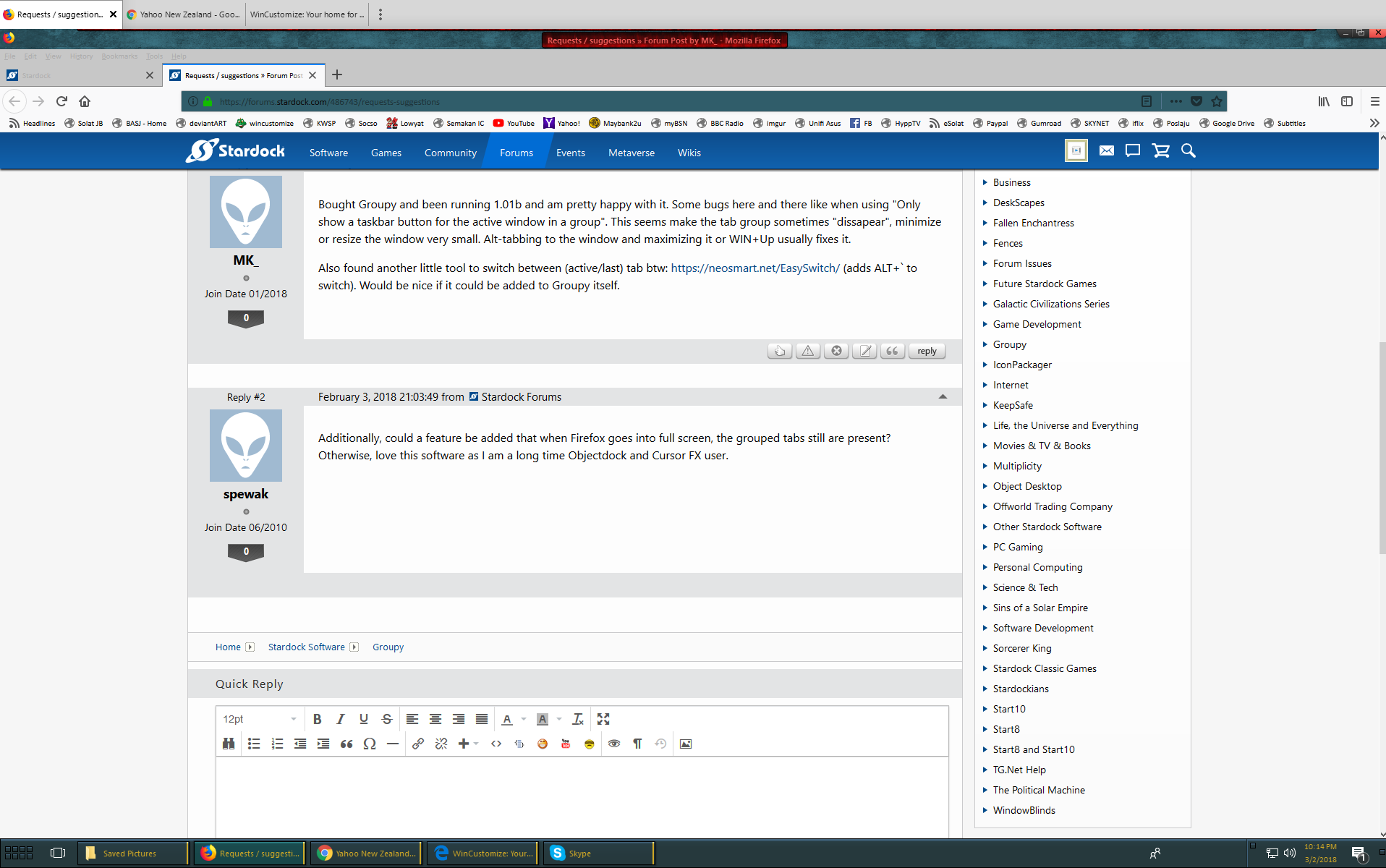
Bought Groupy and been running 1.01b and am pretty happy with it. Some bugs here and there like when using "Only show a taskbar button for the active window in a group". This seems make the tab group sometimes "dissapear", minimize or resize the window very small. Alt-tabbing to the window and maximizing it or WIN+Up usually fixes it.

Also found another little tool to switch between (active/last) tab btw: https://neosmart.net/EasySwitch/ (adds ALT+` to switch). Would be nice if it could be added to Groupy itself.

Reply #2 Top

Additionally, could a feature be added that when Firefox goes into full screen, the grouped tabs still are present? Otherwise, love this software as I am a long time Objectdock and Cursor FX user.

Reply #3 Top

Hello,

Well on mine the groupy tabs does present.

Reply #5 Top

Okay I see it... But I am not sure why you can't just press F11 again and choose..

Anyway, I will forwarded your request to our Development Team for their review and recommendations.

I cannot, however, provide a timeline for a response or resolution. You will be notified when one is available.

We really do appreciate your feedback, thanks.

+1 Loading…
Reply #6 Top

1. I suggest that you pin this forum to the top, so that its obvious that we need to add new suggestions here.

2. Regarding the Groupy title bar and each application window's title bar: I think you have the distribution of 2 of the 3 operators wrong ... dunno how hard it is to change it:

  • Minimise (=a bar): wrong, should be in the Groupy title bar, because it applies to the whole group
  • Maximise (=a square): wrong, should be in the Groupy title bar, because it applies to the whole group
  • Close (=an X): correct, because it applies to that window only

Thanks for listening.  This is a beautiful product.

Reply #7 Top

An off-the-wall suggestion.

I'm using Groupy to bring order to the chaos of windows on the desktop, so that I put nearly all windows into one group, then I can simply and quickly tab between the apps by mousing along the top of the screen.

However, please take a look at Microsoft Onenote.  There they took the revolutionary step of distributing tabs along the left and top edges of the screen.  Thus they acknowledged that the notes exist in a 2-dimensional space (actually 3-dimensional but I'm simplifying).  By putting the first dimension tabs along the left edge, and the 2nd dimension tabs along the top edge, they made it so much easier to see what is going on.

You can see where I'm going with this.  I'd like the option to put the Groupy tabs along the left edge, well actually, any edge.  Like many things in IT, I don't know how nice this will be till I try it, but I think its got a good chance of really helping.

Of course that raises new questions for the choice of having tabs along the left edge, like:

  • should the text be horizontal or vertical? I prefer vertical (to save space) but configurable is best
  • If horizontal, how wide should the tab be? should it truncate? or should it wrap over multiple lines?

OK, now that you've assimilated that idea, I will push it one step further.

What if Groupy offers you tab bars on the Left, Bottom and Right edges at the same time? Then you could leave the top edge for where your brain automatically finds the in-app tabs, like those your browsers like Chrome and Firefox will give you.  You can then use the other 3 edges for grouping your apps. 

  1. Say, the Left edge is for selecting from your personal data and admin apps, so Calendar, Contacts, Whatsapp and Thunderbird would live there.
  2. The bottom edge could be for your main office work, like Adobe Acrobat Reader, MS Word, Excel, etc.
  3. Maybe the right edge, if present, could hold some system monitoring and admin tools, plus your password manager.

Obviously if you are going to use all 3 edges, you really need to maximise the Groupy window to fill the whole screen.  Then Groupy has effectively become the Windows Screen manager, because even after 20 years MS are too dumb to do the job properly, LOL, 

And it raises another question: e.g. for your PDF reader, do you want each pdf to appear in Adobe Reader as a tab (and Adobe Reader only occurs once in the Groupy tab bar), or do  you want to see multiple occurrences of the Adobe app in your Groupy bar? Once again, I've no idea, so a configurable option is best.

From what I know of Microsoft, they will screw up their Sets idea on first release.  However, if you do this right, you could use the opportunity to gain a bigger uptake of Groupy, once people start talking about the tabs-for-apps idea that Sets will raise with all Windows 10 users.