
NEED HELP - two elements of my windowblinds skin i cannot figure out how to change
i need help changing an element of the progress bar, and an element of my button controls
 WinCustomize Forums
hi everybody. i've recently started skinning windows as i couldn't find any clean, glassy, minimalistic skins for windowblinds (if you want something done, do it yourself).
i've got pretty far into the skinning process, but there are two elements of my skin i just can't get my head round. i should also note i've been using 'echo' as the base for this skin as a few of the elements matched what i'm going for, and as a first-time skinner it helps to be able to reverse engineer a skin as i go.
the first element is the animated flash segment of the progress bars (the stripey part of the picture):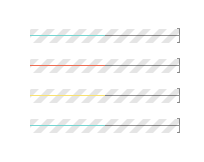
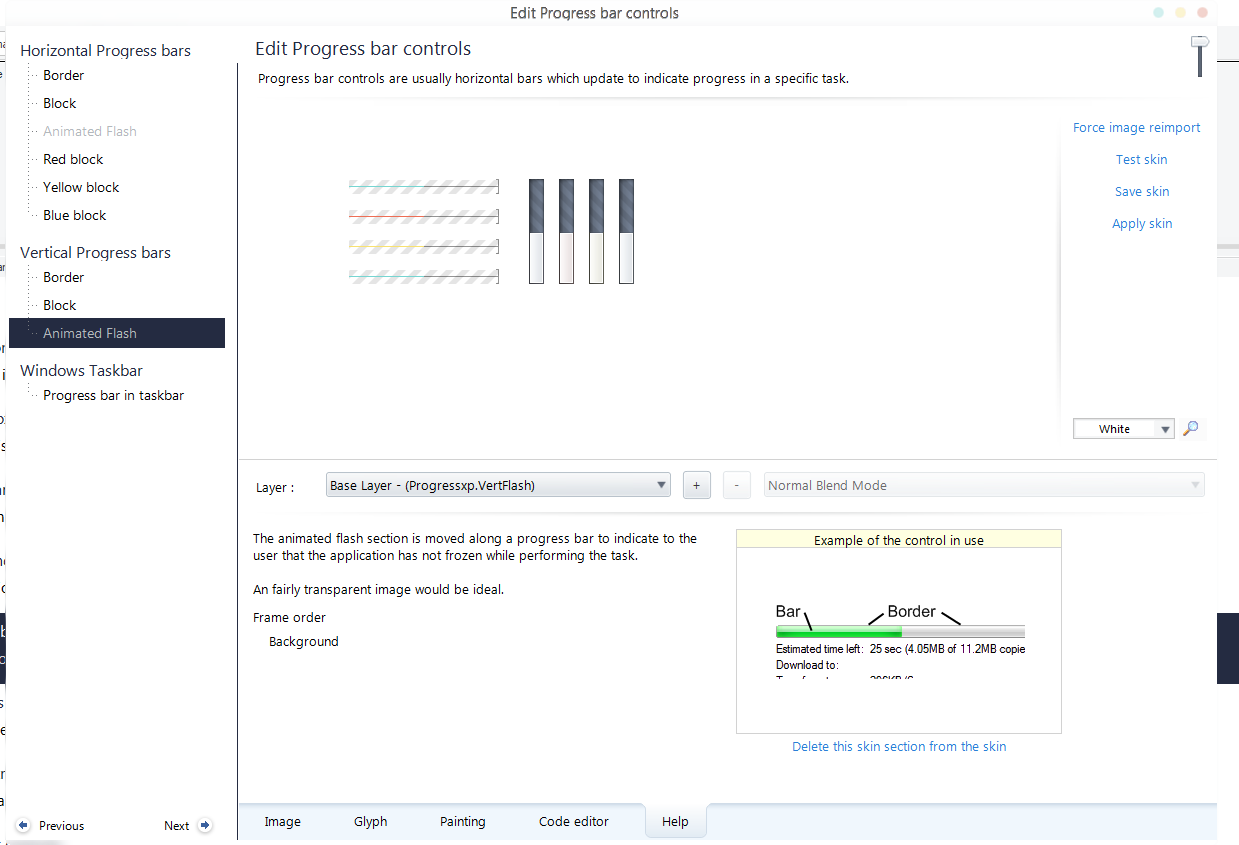
as you can see from my screenshots i've deleted everything i could find relating to this image, and yet it still remains. is there something i'm missing here?
the next thing is the generic windows button.
this is what the my skin's buttons look like
and yet in some areas like certain popup windows etc etc they're still the default echo buttons, see here in photoshop: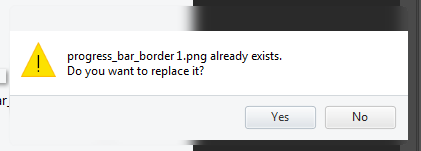
and again in the 'test' window of skinstudio: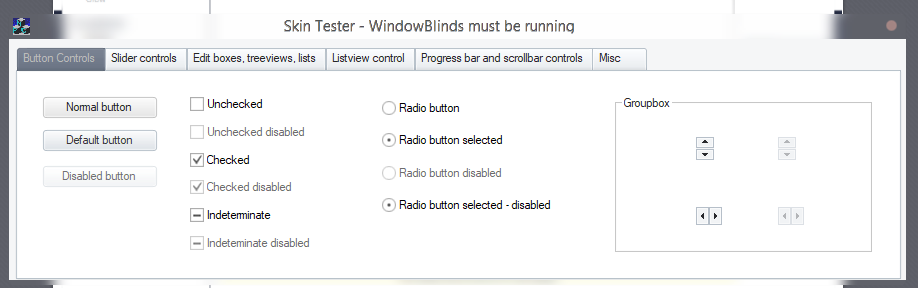
i'm incredibly confused. i've looked everywhere to try to find another element that resembles the echo button but i can't.
everything shows up fine in the edit button controls window. so i'm just incredibly confused.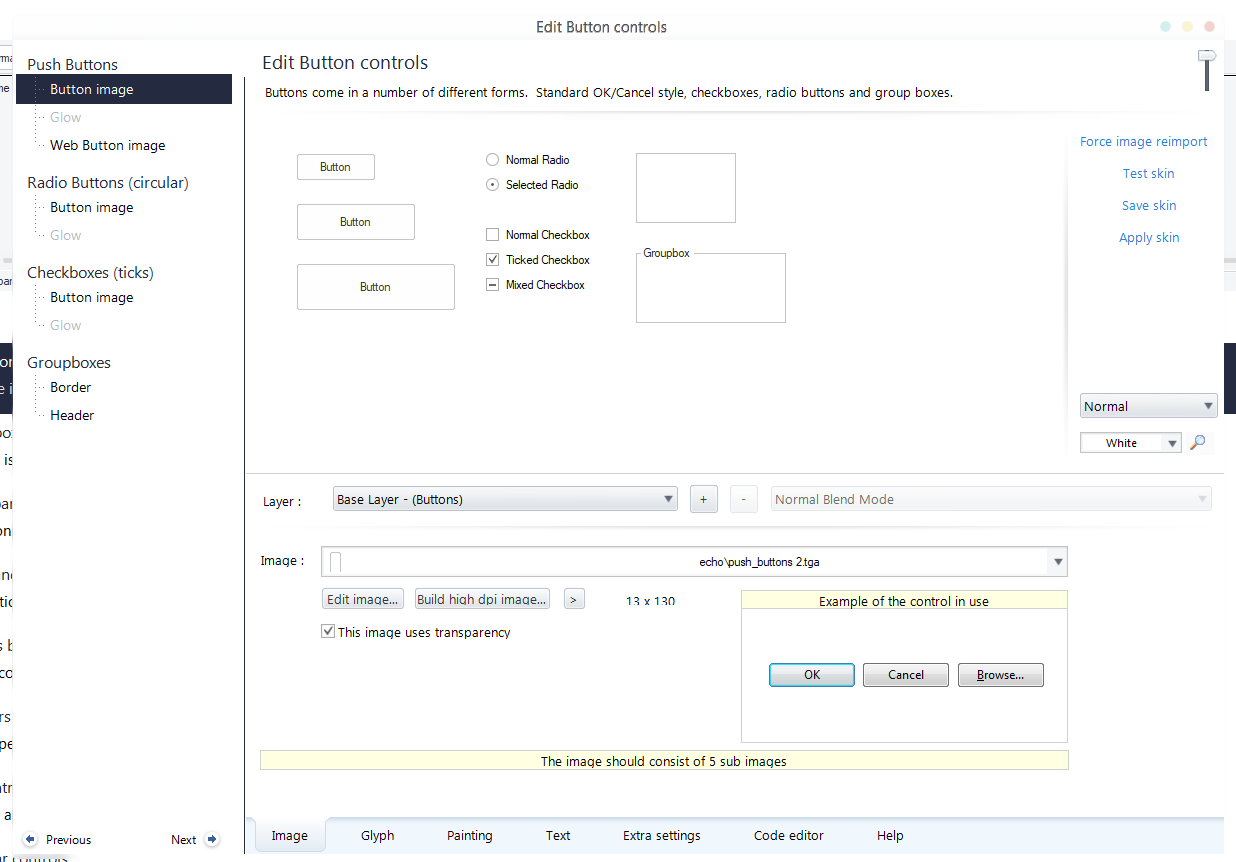
if somebody can show me how to get rid of those stripes from the progress bar, and change that button to match the rest of my skin, that would be incredible.
thanks,
- r'enbe