
PC crashing after uninstalling?
 Stardock Forums
My laptop has been running fine until today. When I got home and logged into my pc, I found that my 30 day trial with DeskScape had expired and was prompted with a window saying whether I would like to uninstall or not. Since I no longer used the program, I decided to uninstall. Within minutes I was greeted with the blue error screen with a sad face with "WHEA_UNCORRECTABLE_ERROR".
Visual Below:
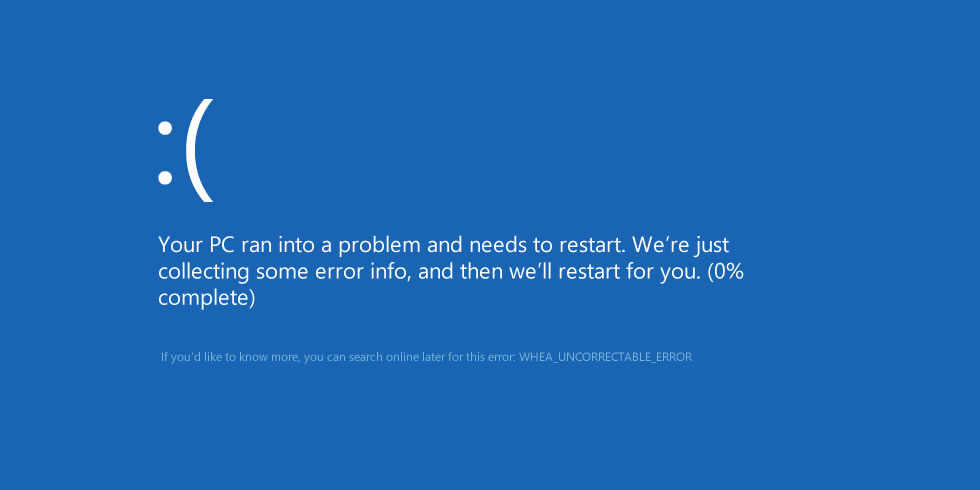
Now this error usually means there is a hardware/drivers issues of some sorts but I have done zero tinkering. My laptop would not restart after collecting 100% of the error info; there have been only 2 instances of it actually restarting on its own in a 7 hour period. This blue screen of death now comes up within seconds to minutes every single time I log into my PC and it is frustrating.
I've gone into safe mode and have found that I won't crash here so it's not hardware; well so far.
I'm not techy and may sound stupid but, dos DeskScape do anything with drivers or something else that could cause this issue?
I'm not sure whether the program at all has any correlation, but this was the only change I've made to my PC after coming back from school.
Please help, I'm just trying to get this fixed.
 WinCustomize Forums