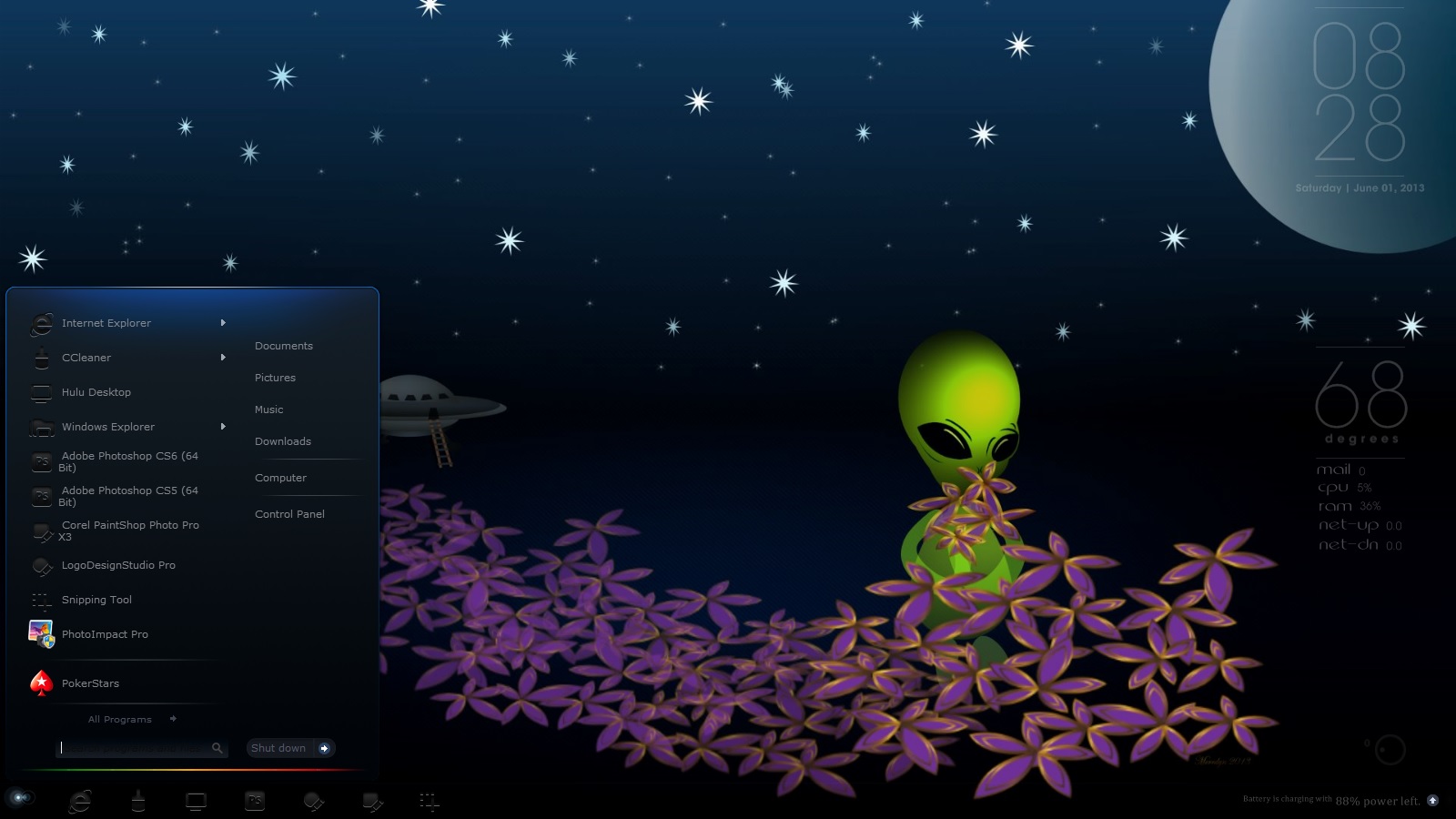
June 2013 Desktop Screenshots

time to hit that printscreen button...

First day of Winter in Oz, so firing up the 'Reaktor'... v's soon to be released Masterskin... B)

Lovely cool blues to grace the screens of those lucky enough to be on their first day of Summer....  not jealous...          well.... a bit...   

Enjoy whatever your part of the world is throwing at you this June...  :)


and recoloured...

333,165 views 162 replies
Reply #1 Top

Nice looking desktops sydneysiders, can always cound on you to give a different look to John's theme.  :thumbsup:

Oh and it's sunny and hot here in New Mexico, USA.  :sun:

Reply #2 Top

Quoting Philly0381, reply 1
Oh and it's sunny and hot here in New Mexico, USA.

X-(

thanks Philly...   :)

Reply #3 Top

No fair cheating!!!  Syd, how are we supposed to compete with that?  o_O       :P

Reply #4 Top

Alpha Nebula with a bit of Prestige and a Atom clock

+1 Loading…
Reply #5 Top

Heres mine with windowsblinds 8. I waited a long time for windowsblind for windows 8 and could not be happier. It has a few bugs to be ironed out. but all in all it's very useable. :grin:


Reply #6 Top

Reply #7 Top

DP cloud cheated too! Him got there 'fore we did!

Reply #8 Top

All of your guys desktops look great!!!  :grin: B) :thumbsup:

+1 Loading…
Reply #9 Top

Quoting Uvah, reply 7

DP cloud cheated too! Him got there 'fore we did!

And I got a compliment from the artist herself, thanks Barb. :grin:

Reply #10 Top

Lovely! :beer: :thumbsup:

Reply #13 Top

Quoting RedneckDude, reply 3
No fair cheating!!! Syd, how are we supposed to compete with that?

well... everyone's doing just fine with that... some lovely desktops sprouting up....   :)

keep 'em comin'....   :thumbsup:

Reply #18 Top

1 - Go to photobucket.com and sign up for a fee account.

2 - click on the upload button. A window will open.

3 - click on browse files, it should go to your pictures folder.

4 - Click on the screenshot you took and it will upload to photo bucket.

5 - Click on view album. The screenshot will show up there.

6 - On the upper right corner of the picture click on the gear icon, a menu will open. Click on get links.

7 - Click once on direct link. This will copy the link to your clipboard.

8 - Come back to this thread and click on the green tree. When the window opens right click on the url box then click insert. Your screenshot should show up here. If you don't know how to take a screenshot there's a button, usually the upper right of your keyboard, PRTSC, print screen. That will take a snapshot of your desktop. It will also go to your clipboard. Use an image editor, for example photoshop. Go to file>new. When it opens go to edit>paste. Then save it as a .jpg file. Hope this helps.

Reply #19 Top

ohh thanks Uvah , haaaaaa for ""so much detailed step by step tutorial,, dude i was lookin more of a forums based image uploading thing...well i have picasa and flicker pages,even my own webpage, i was lookin more of a embeded thing in these forums, like i have updated my desktop image in profile section,,,anyways thanks dude for EDUCATING me haaa:)...instead of image url there should have been image upload option, in these forums,, like we upload in fb or anyother side, thanks anyways


Reply #22 Top

Quoting 3dsardarshailendra, reply 14

hi guys need help , how to add images in posts

A bit late, but:

https://forums.wincustomize.com/404889/page/1/#2985260

To post a youtube vid, get the "share" code of the video, and click on the little YouTube icon in the banner above the reply box.

:)


*thanks, Hankers. ;)

Reply #23 Top

WB : Zing by JJ-Ying no start8
LacDesign walls 

Reply #24 Top

Quoting DrJBHL, reply 22


Quoting 3dsardarshailendra, reply 14
hi guys need help , how to add images in posts

A bit ate, but:

https://forums.wincustomize.com/404889/page/1/#2985260

To post a youtube vid, get the "share" code of the video, and click on the little YouTube icon in the banner above the reply box.

thanks buddy:).. haaa ya actually i was looking for a more direct approach ,,like we upload pics in Fb   i thought there might be a different way

alongwith URL option there should be direct "browse n upload" thing as well :) haaa but finally uploaded heeelol :)


Reply #25 Top

Quoting 3dsardarshailendra, reply 20

i am a newbie heee just postin my 1st desktop screenshot ..Reduced 58%Original 1024 x 287

We shall "avenge" that screen shot. ;)

Congrats! Good work on the screen shot.  :thumbsup: