Customize spacer size?

Hi there,

I've done customizing ObjectDock the way I want, but I've ran into an issue I can't seem to fix.

I'm using the animated quick launch dock. I've set the display to be on the left of the screen (vertical). I added a bunch of programs, and I want to separate them, so I'm using spacers. But the issue I have, is that they are too big. I want them to take up less space. Is it possible?

THanks

11,740 views 5 replies
Reply #1 Top

Basically...no.

Reply #2 Top

as WG said,

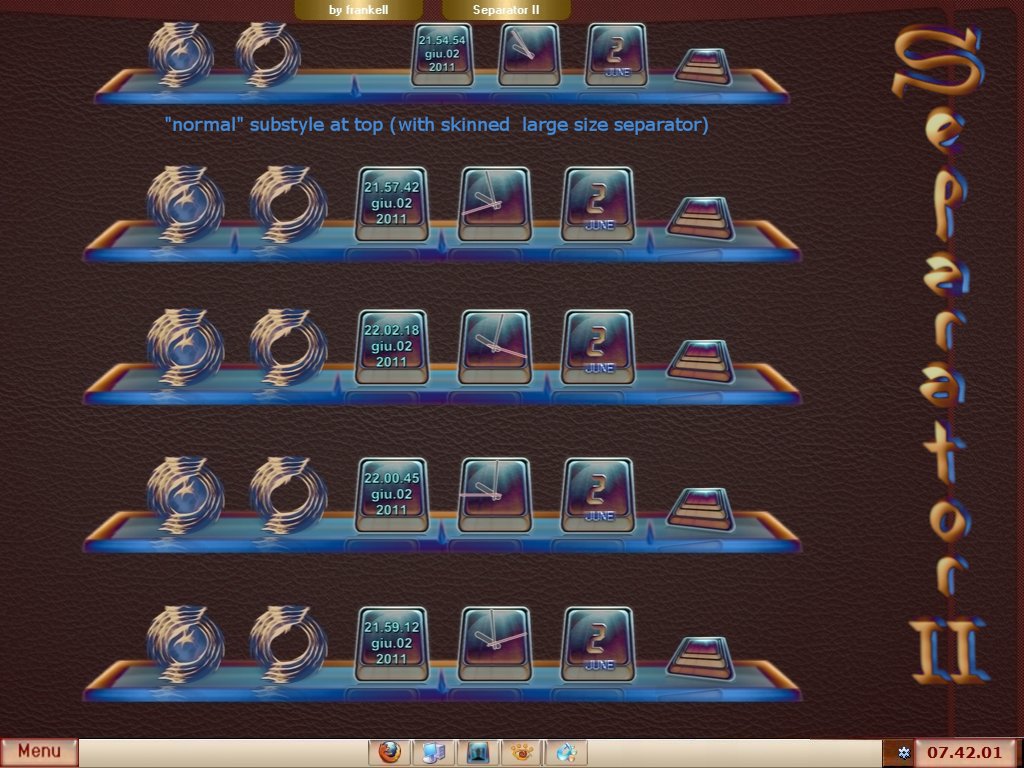
anyway I tried this solution with one limitation: you can apply it only using my Separator II docks ;)

Reply #3 Top

On second thought...Frankell proved me wrong. ;)

Reply #4 Top

Using some graphics software , can't you increase the transparency level on the seperators to make them invisible if you wish ?       


 -- Ace --

Reply #5 Top

Quoting WebGizmos, reply 3

On second thought...Frankell proved me wrong.

not really as that is really a big limitation ! x_x

actually you could decrease the spacer\separator size (all together wth the space between the icons) only if the dockbackground in use is featuring the blank\trasparent image as tile, check the inside the folder and in the .ini file set: ResizeIconByPercent = 100;

[Tile]
Image = Docktile.png
ResizeIconByPercent = 100;
OffsetIconByPercentX = 50;
OffsetIconByPercentY = 50;

also check here for more informations https://forums.wincustomize.com/401707

hope this helps ! ;)

+1 Loading…