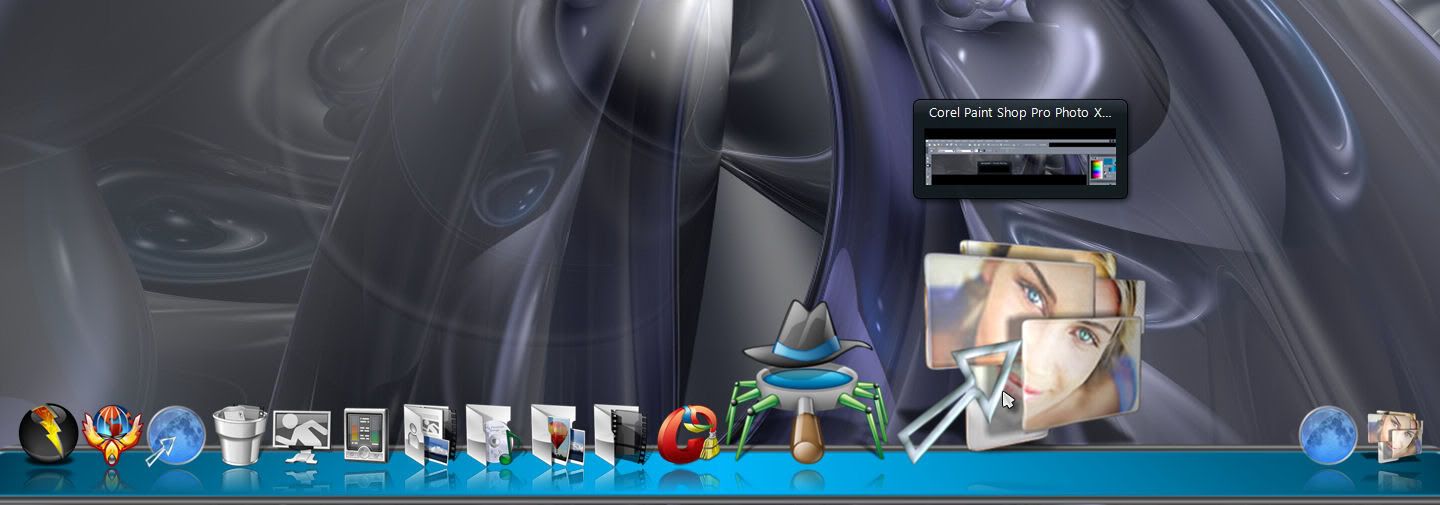
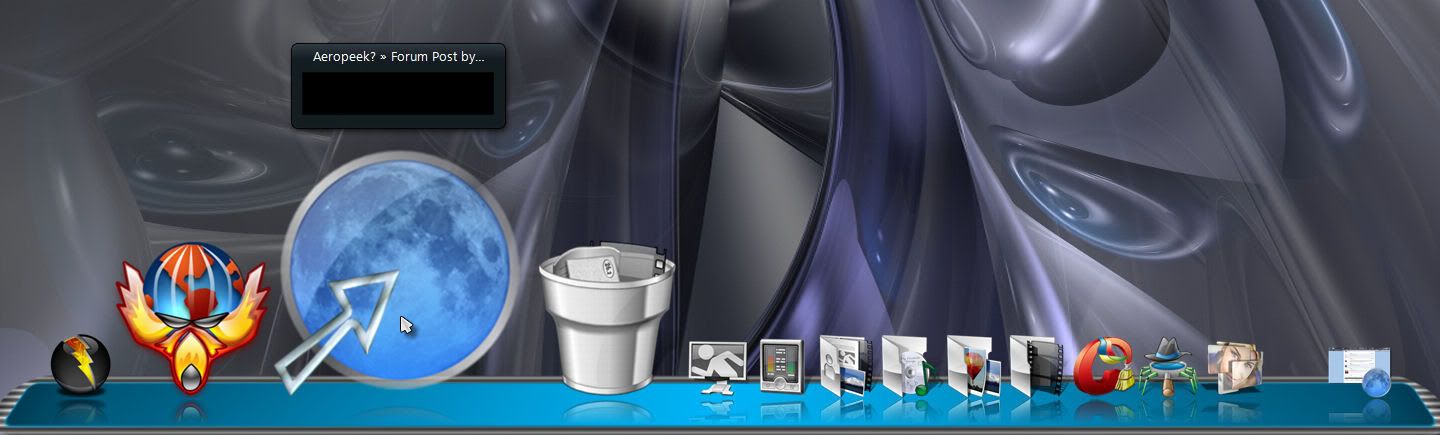
Aeropeek?

downloaded the new beta with aeropeek feature but I cant get it to work?

I have the tasks running on my dock, hover over them with the mouse, but no aeropeek. Am I doing something wrong?

72,520 views 26 replies
Reply #1 Top

Just read the features listed on the OD home page. I don't see aero peek listed there.

I'll tell you for sure I've never had it all the time I've been using 2.0, but I think it may be coming in a future beta.

Reply #3 Top

I think it may be coming in a future beta.

It looks like the future has arrived.;)

Reply #4 Top

Here is a video preview.

http://screencast.com/t/MmVjMTFi


Reply #5 Top

Okay I see the options for Aeropeek in setting, I click that but nothing happens.  Is there something else I must do?

Reply #6 Top

the same for me, how do you get it to work?

Reply #7 Top

On XP here, Aero Peek is working when mouse over shortcut not running task icon. But if windows is minimized get no snapshot of it. ( OD is set to show snapshot when running tasks are minimized, so it should have a snap.) even when have running task showing Aero Peek has no snap of a minimized window while the running icon for it does.

For Palemoon just black, no image for CCleaner just had a snap of it's titlebar.

Reply #8 Top

same here. Win 7 x64. Aero peek is not working at all.

Reply #9 Top

It looks like the future has arrived.

Shoot. If I had just waited a minute before opening my big mouth. X|

Reply #10 Top

Quoting Mirsguy, reply 9

It looks like the future has arrived.


Shoot. If I had just waited a minute before opening my big mouth.

If I had 25 cents for every time I've said that......I'd have a LOT of quarters.:erk:

Reply #11 Top

Window open

Window minimized


Reply #12 Top

I get a thumbnail with text on m/o when minimized and an application icon with text on m/o when the window is running. No peek, so to speak.:annoyed:

Reply #13 Top

i have the aero peek but it have a long delay for the preview for me 

Reply #14 Top

i have the aero peek but it have a long delay for the preview for me

Yep, on my 2.4 gig celeron with 1 gig 333 ram that only runs at 266 due to the celeron; about 8 to 10 seconds for peek to show.

Reply #15 Top

Okay so let me give everyone an update of Aeropeek on my system.

I'm on Win 7 64 bit and it in fact does work on a Zoomer Dock where I have a shortuct to Internet Explorer.  In see the same peek as if I mouse over on the Windows Taskbar.

I don't know if Aeropeek is supposed to work on the Tabbed Dock.

Reply #17 Top

7 Home Premium x64 works just fine.

Reply #18 Top

It turns out it's just the way I have my dock set up.:blush:   All my application shortcuts are in stacks docklets...doh!  If I put a shortcut on the dock, everything is working. It looks like I need to reconfigure things to take advantage of the new feature, easy enough now that the fly-out menus are back.:thumbsup:

Go ahead,have a laugh at my expense.;P

Reply #19 Top

ok, it's clearly working for some but not all. No matter what I try I cant get the aeropeek to work when I hover over a running task in the dock...

Win7 ult X64

Reply #20 Top

ok, it's clearly working for some but not all. No matter what I try I cant get the aeropeek to work when I hover over a running task in the dock...

Win7 ult X64

Here's a dumb question to throw your way, but did you reboot after installing the update?

Reply #21 Top

I have the tasks running on my dock, hover over them with the mouse, but no aeropeek.

ok, it's clearly working for some but not all. No matter what I try I cant get the aeropeek to work when I hover over a running task in the dock...

Hover over the shortcut for it not the running icon that displays when it is running.

Reply #22 Top

Hover over the shortcut for it not the running icon that displays when it is running.

Oh sure, now you tell me!;)

Reply #23 Top

Quoting Cavan1, reply 21

I have the tasks running on my dock, hover over them with the mouse, but no aeropeek.

ok, it's clearly working for some but not all. No matter what I try I cant get the aeropeek to work when I hover over a running task in the dock...
Hover over the shortcut for it not the running icon that displays when it is running.


LOL that works, wouldnt it make more sense to hover over the running shortcut? Or have the ability to aeropeek on both?

+1 Loading…
Reply #24 Top

Hover over the shortcut for it not the running icon that displays when it is running.

Oh sure, now you tell me

Wait.. you mean you don't hover over the OD created taskbar icon. What kind of sense is that? Suppose I have the windows taskbar hidden and use the OD Start Menu button to launch the (broken) Start Menu and then launch my app. I have no Aeropeek then? Sorry, thats a big fail for the use of that feature.

Reply #25 Top

wouldnt it make more sense to ... have the ability to aeropeek on both?

Yes, it would. I hope they make it so.