
Icon-A-Day 2.0, Supplemental, One Last Hurrah for LaST.
from  JoeUser Forums
JoeUser Forums
 I will be out of the country for the next week, so I will be putting the Icon-A-Day tutorials on hold until next Thursday. Luckily I had found something good to post that should be able to give everyone something to play with while I am MIA. I will be out of the country for the next week, so I will be putting the Icon-A-Day tutorials on hold until next Thursday. Luckily I had found something good to post that should be able to give everyone something to play with while I am MIA. | ||
| ||
| Bringing LaST up to date | ||
| Vista User Folders: One of the biggest charges in Vista is the addition of several new User folders, as well as the new User folder structure. Several of the existing folders still worked; My Pictures, My Music, etc. However, I had to go through and create several new icons that are only used in Vista, such as Downloads, and Contacts. 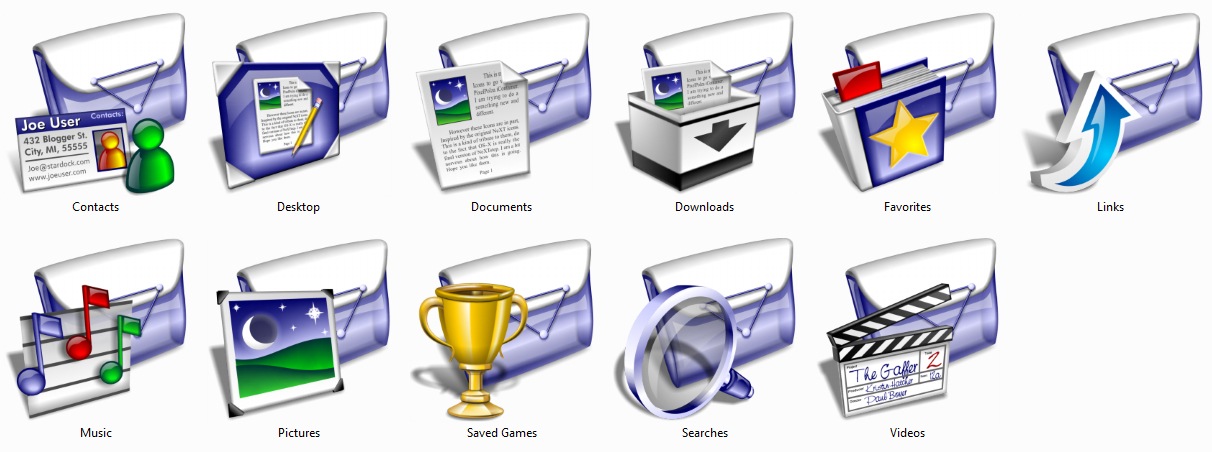 | ||
| Live Folders: The Live folders were the biggest obstacle in updated this iconpack, since the folder form factor is so non-traditional. So I had to do some tweaks, and I ended up simply creating a version of the Last folder on its side. With a few more tweaks I was able to make the Live folders work, though they obscure a bit more of the thumbnails than I like, but because the folder is translucent it still worked out ok. 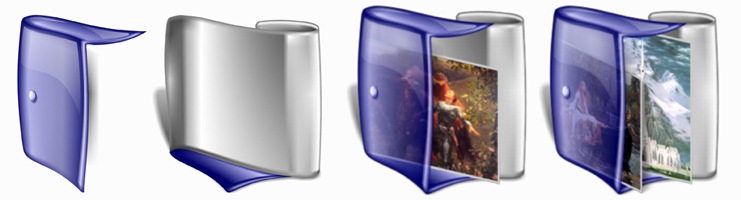 | ||
 Bringing along the rest of our friends: Bringing along the rest of our friends: The original LaST icons we designed for a Mac icon contest, and then brought over to 9x, and XP, so it contains many icons that are not used by default in Windows Vista. But since I have all the original icons saved in nice, clean 384x384 PNGs. I was able to create new Vista style icons of even the most obscure Windows 98 icon. I can say that this new pack includes every LaST icon I was able to fit in it. Even though I stuffed this iconpack with all the LaST icons I could, I there are still many more miscellaneous icons, that I currently have posted over in the Object Dock Library. I will be updating them to the new Vista standard soon. | ||
| Wrap Up: Since I created these icons I have learned a great deal, including ways to automate many of the steps required to create sub-packs. I have always wanted to create some other color versions of these icons; Black, Ruby, and such. I am considering putting these together, but I am going to wait to see if people use these. I know they are a bit dated in style. Let me know weather you would like to see a few more LaST Iconpacks, and if so what colors you would like. About Me: You can find all my skins, tutorials, and articles, on my Wincustomize Homepage, at http:\\mormegil.Wincustomize.com. Questions on icon use and techniques, can be emailed to [email protected]. Twitter users can find me with the user name: Mormegil. | ||
| Download the LaST 2.0 Iconpack: |  |


 WinCustomize Forums
 Thanks for this update, Paul.