
Icon-A-Day 2.0, Day 5. How to bring life to your Live Folders.
 JoeUser Forums
 On Day 3 we created the new Closed Folder icon, and then on Day 4 we took that folder and created our Open Folder. Today we will take it even further and use our Open Folder to create our Windows Vista Live Folder. On Day 3 we created the new Closed Folder icon, and then on Day 4 we took that folder and created our Open Folder. Today we will take it even further and use our Open Folder to create our Windows Vista Live Folder. | ||||||
| ||||||
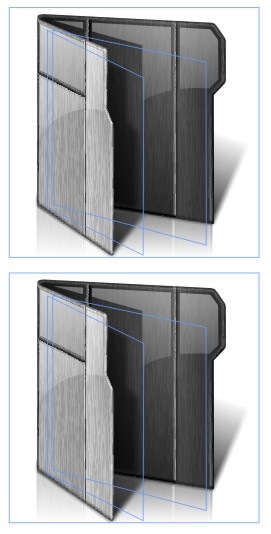
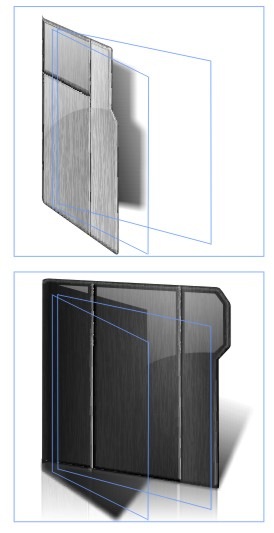
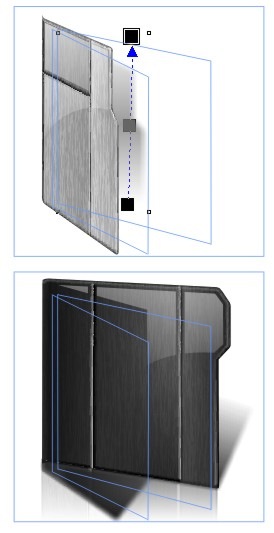
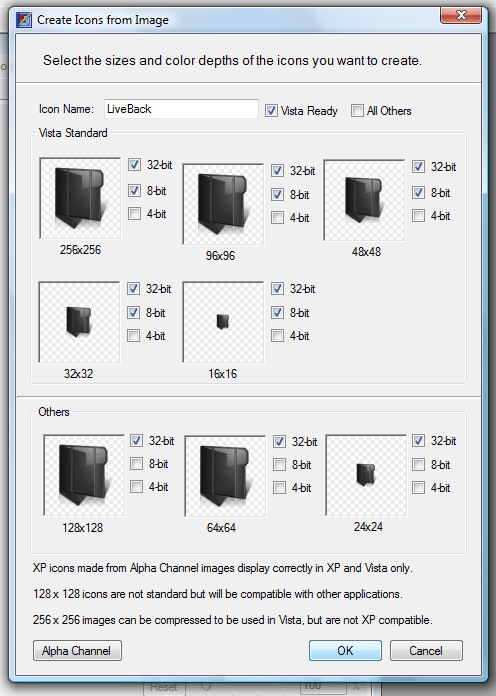
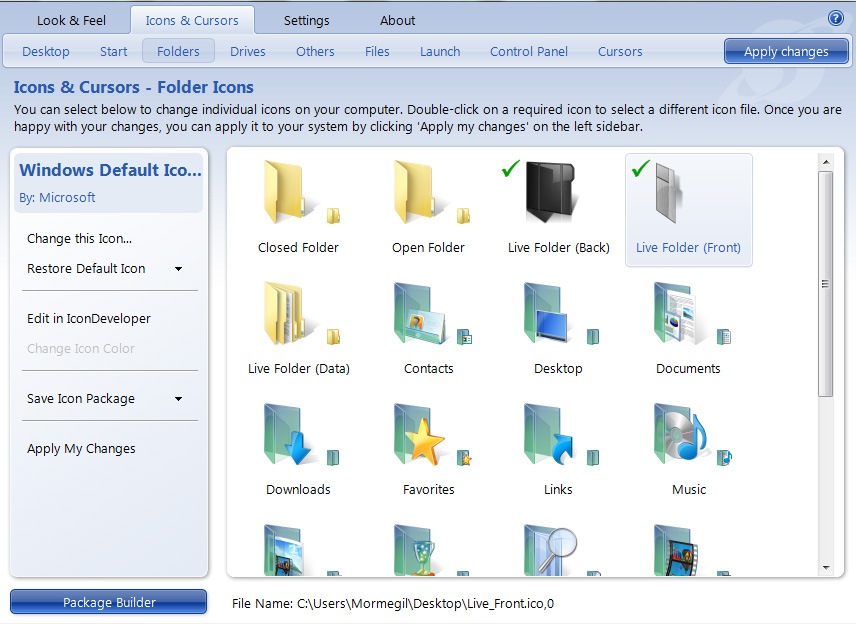
| In Windows Vista, if you have your folders displaying at any size above 48x48, just about any folder you see is a Live Folder. These folders are one of the more useful and visually appealing new features in the Vista UI, however they have created a few problems for those of us who dabble in OS customization. What makes a Live Folder? First, you will notice that both the front and back images have built-in shadows. The back is the most strange, in that it has a shadow of nothing shooting off the side. This is because Windows does not use the Live Folder unless there is something in it that can be thumbnailed. If it is empty it will use the Closed Folder icon. If the folder only has one item in it, it will generate the rear thumbnail first. This makes sure that there is always something casting that shadow. It will also right-justify it to make sure that even if it is thin and tall it will cast the shadow correctly. You will also note that the shadow on the front is very feathered and ends before it would hit the first thumbnail. This is to make sure that the shadow does not have to fit correctly on the thumbnails. The next thing you have to account for is the fact that the foremost thumbnail generates its own shadow. This is one of the reasons you pretty much always have your shadows falling to the right in Live Folder icons. Though you can not tell in the images above, Windows will distort the thumbnails if they are to small, tall or thin to make sure that it's shadows still fit. | ||||||
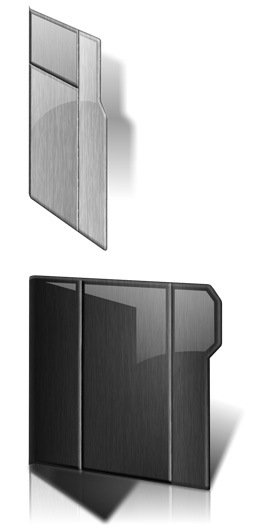
Finished Icon: | ||||||
| Wrap Up: I would like to thank everyone for the welcoming back the Icon-A-Day project so warmly. With your support, we should be able make the Icon-A-Day 2.0 icon package a must-have. | ||||||
| Download the Live Folder Icons: |  |



 Stardock Forums
 WinCustomize Forums

